---
title: "Publishing to WordPress From a Script: The Complete, Correct Way"
url: https://adityaarsharma.com/publish-to-wordpress-from-a-script/
date: 2026-09-14
modified: 2026-09-03
author: "Aditya Sharma"
description: "Application Passwords, the posts and media endpoints, and the four things that return HTTP 201 while being wrong."
categories:
- "Automation"
- "WordPress"
image: https://adityaarsharma.com/wp-content/uploads/2026/09/08ecaf15-7b7b-4531-90b1-91d59db4f3a1_2912x1632-1024x574.webp
word_count: 2617
---
# Publishing to WordPress From a Script: The Complete, Correct Way
Send this to `/wp-json/wp/v2/posts` and read what comes back:
The body is four keys: `"title": "Test"`, `"content": "hello"`, `"status": "publish"` and `"date": "2026-09-10T08:00:00"`.
The response says `"status": "future"`. You asked to publish and WordPress scheduled instead.
Move the date thirty seconds out rather than days and ask for `"status": "future"`, and the response says `"status": "publish"` with the post already live.
Neither behaviour is in the REST API reference. It lives in `wp_insert_post()`:
`if ( 'attachment' !== $post_type ) {
$now = gmdate( 'Y-m-d H:i:s' );
if ( 'publish' === $post_status ) {
if ( strtotime( $post_date_gmt ) - strtotime( $now ) >= MINUTE_IN_SECONDS ) {
$post_status = 'future';
}
} elseif ( 'future' === $post_status ) {
if ( strtotime( $post_date_gmt ) - strtotime( $now ) < MINUTE_IN_SECONDS ) {
$post_status = 'publish';
}
}
}`Sixty seconds, decided from `post_date_gmt`, applied whatever you asked for.
Which is fine once you know, and produces very confusing bug reports until you do.
So the whole practice here is: send precise input, then read the response and check that it says what you expected. That is the entire method, and everything below is the specifics.
On this page
- यह नक्षत्र और पद असल में क्या दर्शाते हैं- यह प्लेसमेंट कैसे दिखता है- वह बात जो कम बताई जाती है- यह मंगल कब मजबूत या कमज़ोर होता है- लोग अक्सर गलत समझते हैं- महादशा में यह कब जागता है- तीन परतें एक साथ रखिए- नीचभंग की शर्तें क्या होती हैं- नक्षत्र से दशा-क्रम कैसे तय होता है- अक्सर पूछे जाने वाले सवाल
## Authentication
Application Passwords have been in core since WordPress 5.6. Users, your profile, Application Passwords at the bottom of the page, name it after the script so you can revoke it later.
You get one 24-character string with spaces in it, shown once. The spaces are part of the password.
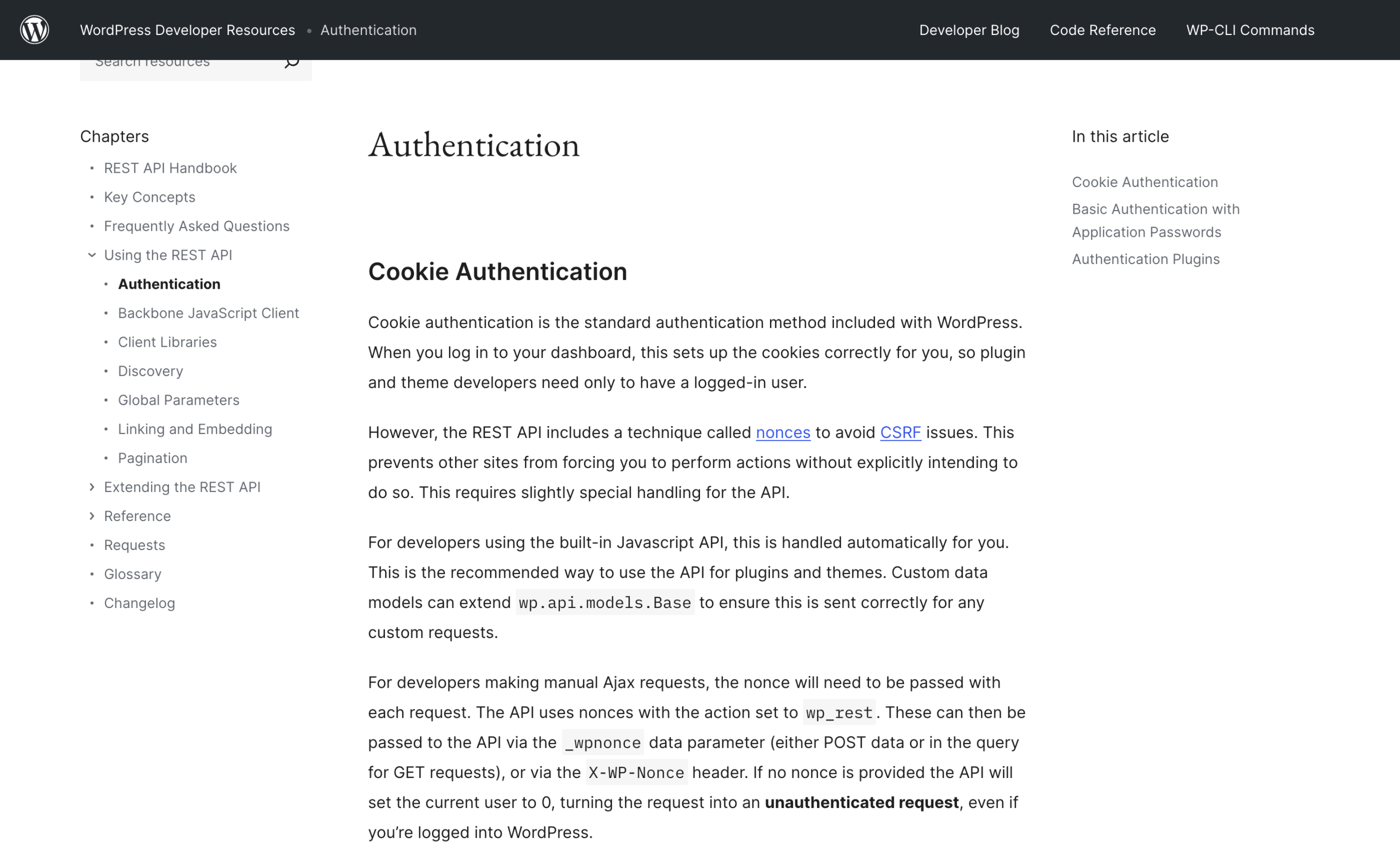developer.wordpress.org, REST API Authentication. Screenshot taken 3 September 2026.
### Checking that it works
It is HTTP Basic over TLS. Nothing more:
Run `curl -s -u "aditya:abcd EFGH ijkl MNOP qrst UVWX" "https://example.com/wp-json/wp/v2/users/me?context=edit"` and pipe it through `jq` for the id, name, roles and the length of the capabilities object.
### Two failures that look like a wrong password
If that returns your user with a `capabilities` object, you are done. Two ways it fails that look like a wrong password and are not:
- **The Authorization header never reaches PHP.** Common on Apache with CGI or FastCGI, where the header is dropped before PHP sees it. The symptom is a 200 response containing the public view of a user rather than a 401. Fix it in `.htaccess` with `SetEnvIf Authorization "(.*)" HTTP_AUTHORIZATION=$1`, or on nginx by passing `HTTP_AUTHORIZATION` through to PHP.- **The site is not on HTTPS.** Core refuses to offer Application Passwords over plain HTTP outside a local environment, so there is nothing to generate in the first place.
### Capabilities, not just credentials
Capabilities matter more than people expect.
`WP_REST_Posts_Controller::handle_status_param()` returns `rest_cannot_publish` with a 403 for both `publish` and `future` unless the user can `publish_posts`, and silently downgrades an unrecognised status to `draft` rather than erroring. Media upload needs `upload_files` separately.
An Editor has both. A Contributor has neither, and will quietly produce drafts forever.
## Timezones, which is where most of the real bugs are
Three date fields, and they do not mean the same thing.
From the posts schema: `date` is "the date the post was published, in the site's timezone", `date_gmt` is the same moment as GMT. Both are writable.
What decides which one you are actually setting is a regular expression in `rest_get_date_with_gmt()`:
`function rest_get_date_with_gmt( $date, $is_utc = false ) {
$has_timezone = preg_match( '#(Z|[+-]\d{2}(:\d{2})?)$#', $date );
$date = rest_parse_date( $date );
if ( false === $date ) {
return null;
}
if ( ! $is_utc && ! $has_timezone ) {
$local = gmdate( 'Y-m-d H:i:s', $date );
$utc = get_gmt_from_date( $local );
} else {
$utc = gmdate( 'Y-m-d H:i:s', $date );
$local = get_date_from_gmt( $utc );
}
return array( $local, $utc );
}`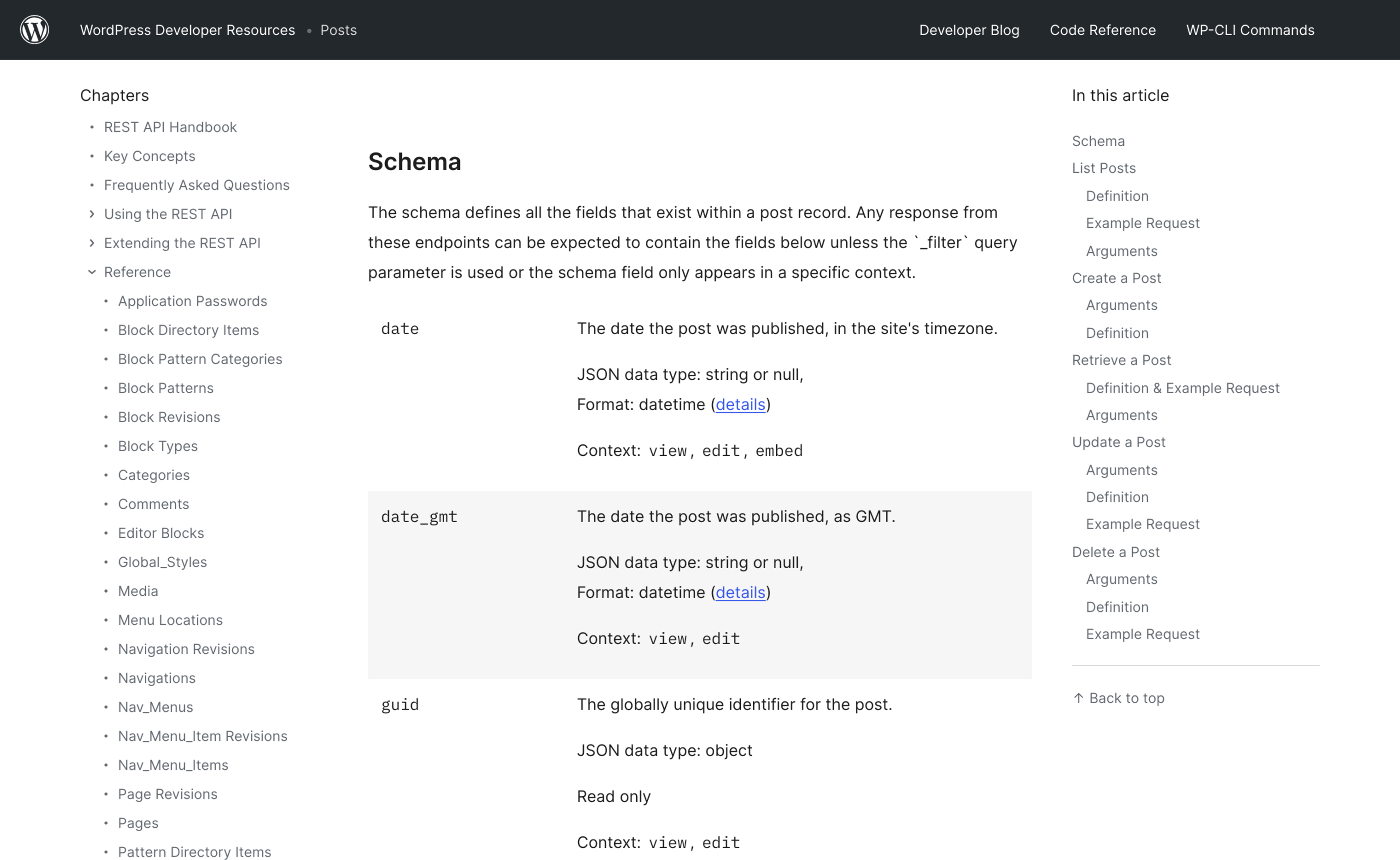developer.wordpress.org, the REST API Posts reference showing date and date_gmt. Screenshot taken 3 September 2026.
### Three requests, three stored times
Read the branch. A `date` value with no trailing `Z` and no offset is treated as site-local.
The same value with a `Z` on the end is treated as UTC and converted.
So on a site running on Asia/Kolkata, which is UTC plus 5 hours 30, these three requests produce three different publish times:
| What you send | Stored local | Stored UTC |
| ------------- | ------------ | ---------- |
| `"date": "2026-09-10T08:00:00"` | 08:00 | 02:30 |
| `"date": "2026-09-10T08:00:00Z"` | 13:30 | 08:00 |
| `"date_gmt": "2026-09-10T08:00:00"` | 13:30 | 08:00 |
### Pick one convention and keep it
Pick one convention and never mix them in the same script.
I send `date` with no suffix, because the schedule I care about is the one a reader sees, and because it survives a change to the site's timezone setting without me recalculating anything.
Whichever you choose, read `date` and `date_gmt` back off the response and confirm the gap between them is the offset you expect. That one check catches the entire class of bug.
### Sending null does not mean leave it alone
One more: sending `null` for `date` or `date_gmt` does not mean "leave it alone". The controller resets both to `0000-00-00 00:00:00`. To leave a date alone, omit the key.
## Scheduling
Ask for the status you want and give it a date more than a minute away:
- `"title"` and `"slug"`, for example `how-wp-cron-actually-works`.- `"content"`, holding block markup such as `
...
`.- `"status": "future"`.- `"date": "2026-09-10T08:00:00"`, more than a minute away.
### Confirm it landed
Then confirm it landed, because a scheduled post is a promise the site has to keep later:
Read it back with `curl -s -u "$WP_USER:$WP_APP_PASS" "$WP_SITE/wp-json/wp/v2/posts/1234?context=edit&_fields=id,status,date,date_gmt,slug,link"`.
Status `future` and the right pair of dates means WordPress has scheduled a `publish_future_post` cron event for that ID.
Whether that event ever fires is a different question, and one worth settling before you schedule anything you care about: [posts miss their schedule for a specific and fixable reason](https://adityaarsharma.com/wordpress-missed-schedule-wp-cron/), and a script that schedules confidently onto a broken WP-Cron just fills a queue nobody drains.
## Categories and tags take IDs, not names
`categories` and `tags` are arrays of term IDs. There is no name field and no create-on-write. There is also no append: the array you send becomes the complete set of terms for that taxonomy on that post.
- GET `/wp/v2/categories` or `/wp/v2/tags` with `search` set to the name, `per_page=100`, `context=edit` and `_fields=id,name,slug`.- Walk the results and return the id only where `item["name"].strip().lower()` equals the name you asked for, lowercased and stripped the same way.- Only if nothing matches exactly, POST to the same route with `{"name": name}` and use the id that comes back.
### Why the exact match matters
The exact-match loop is not decoration.
`search` is a partial match, so asking for Automation happily returns Marketing Automation first, and a script that takes `items[0]["id"]` files posts under the wrong category for months before anyone notices.
Creating terms needs `manage_categories`, which an Author does not have, so decide deliberately whether your script is allowed to invent taxonomy at all.
Mine is not: it fails loudly on an unknown category name, because a typo should not silently create a new one.
Newsletter
## Automating the boring half
I publish one researched piece a week on putting agents to work on real sites. What I built, what broke, and the commands to check it yourself.
Email address
Get it weekly
Free. One email a week. Unsubscribe in one click, and I do not send anything else.
## Media, and the two headers that are mandatory
Uploading is a raw POST of the file bytes to `/wp/v2/media`. `WP_REST_Attachments_Controller::upload_from_data()` rejects the request before touching the disk if either header is missing, with `rest_upload_no_content_type` or `rest_upload_no_content_disposition`. The filename comes from the disposition header and nowhere else.
- Read the file bytes, and take the MIME type from `mimetypes.guess_type(name)`, falling back to `application/octet-stream`.- POST the raw bytes to `/wp-json/wp/v2/media` with four headers: `Authorization`, `Content-Type` set to that MIME type, `Content-Disposition: attachment; filename="..."`, and `Content-MD5` from `hashlib.md5(data).hexdigest()`.- Give the upload a generous timeout. I use 180 seconds.- Then, if you have alt text, POST `{"alt_text": ...}` to `/wp/v2/media/` and return the media id.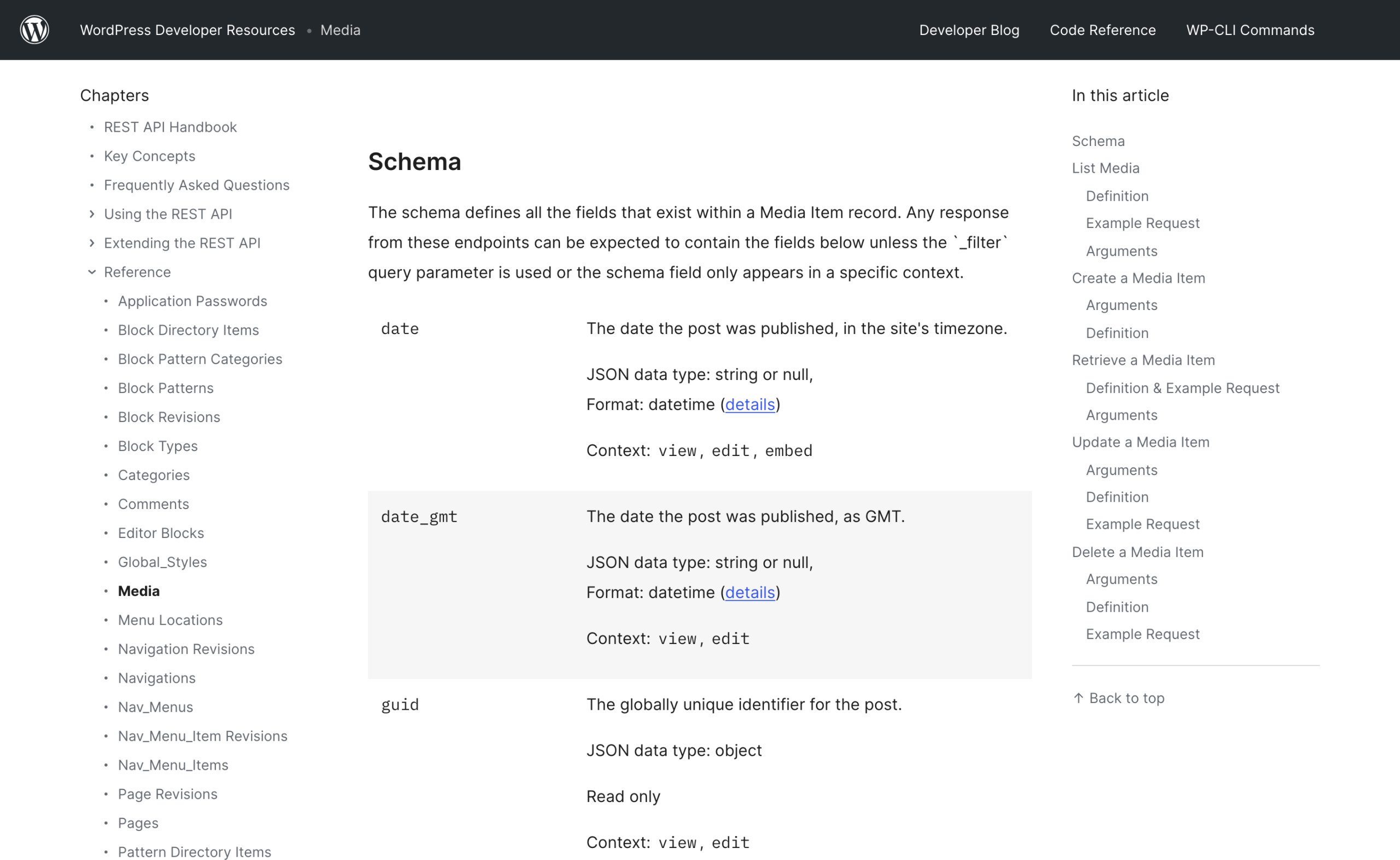developer.wordpress.org, the REST API Media reference. Screenshot taken 3 September 2026.
### What Content-MD5 buys you
`Content-MD5` is optional and worth sending.
The controller compares it against `md5( $data )` and returns a 412 with `rest_upload_hash_mismatch` if the body arrived truncated, which is how you find out that a proxy is cutting large uploads instead of finding out from a broken image on a live page.
Then attach it. `featured_media` takes the attachment ID, and the controller calls `set_post_thumbnail()`, so a bad ID is refused rather than stored:
POST `{"featured_media": media_id}` to `/wp/v2/posts/1234` and the controller does the rest.
### Two operational notes
Two operational notes.
Uploading generates every registered image size on the server during your request, so a 6 MB photograph on a small box can take longer than a default 30 second client timeout; set the timeout generously and resize before upload rather than after.
And if the library is already full of unoptimised files, that is a separate job to do at the filesystem level, not through this endpoint: [compressing a WordPress image library in bulk](https://adityaarsharma.com/how-to-compress-wordpress-images-in-bulk/) is the faster route.
### A sideload parameter arriving in 7.1
WordPress trunk adds a `url` parameter to the media endpoint, marked `@since 7.1.0`, which sideloads a remote image on the server instead of you sending the bytes.
It only accepts URLs whose extension maps to an image MIME type. Useful when it reaches your sites; until then, upload the bytes.
## Slug collisions
Send a slug that already exists and the request succeeds. `wp_unique_post_slug()` appends `-2`, then `-3`, and keeps counting.
You get a 201, your script logs a success, and the URL is not the one you put in your links or your sitemap.
### Check before, and check after
So check first, and check again after:
- GET `/wp/v2/posts` with `slug` set to the one you want.- Set `status` explicitly to `publish,draft,pending,private,future`.- Add `context=edit`, `per_page=1` and `_fields=id,slug,status,link`.- Return the first item if there is one, otherwise nothing.
### The default status list misses your own draft
Note the explicit `status` list.
The default is `publish`, so a check that omits it will not see the draft that is already holding your slug, and you will collide with your own earlier run.
That is also the cheapest form of idempotency: if `slug_owner()` returns a post, update it instead of creating a second one.
A script that crashes halfway and gets rerun should not produce duplicates.
After the create, compare what you asked for against what you got:
Compare `created["slug"]` against the slug you asked for and stop the run if they differ, naming both and the link you actually got.
## Block markup versus raw HTML
`post_content` is a string either way, and both work. The difference is what the editor does with it afterwards.
Send plain HTML and WordPress stores plain HTML.
Open that post in the block editor and everything outside a block delimiter becomes one Classic block, because the parser has no `` markers to work with.
The post renders correctly on the front end and is unpleasant to edit: no block toolbar, no reusable structure, and converting it later reflows things you did not want reflowed.
### What block markup looks like
Block markup is HTML comments wrapped around ordinary HTML:
- `
A paragraph.
`- `
A heading
`- `
One
Two
`- `` wrapped around a `pre` carrying the block class, closed by ``- ``Two rules that are easy to break from a generator.
The class names in the inner HTML are part of the block's saved output, so `wp-block-list` on the `ul` and `wp-image-42` on the `img` are not optional decoration; drop them and the editor reports invalid content.
And the attribute object is JSON, so `{"level":2}` with double quotes, never single.
If you are generating code blocks, escape `&`, `<` and `>` inside them before you send, or the first angle bracket in your sample code becomes a tag.
The same escaping question turns up on the display side when you [add a copy button to Gutenberg code blocks](https://adityaarsharma.com/how-to-add-copy-code-button-to-wordpress-code-blocks/).
### The one-request way to confirm it stored
There is a one-request way to confirm the markup survived, and almost nobody uses it. The posts controller exposes `content.block_version`, computed by `block_version( $post->post_content )`, which is `has_blocks()`, which is `str_contains( $post, '