Ithemes Sync vs WPMU Dev Hub: 40+ Feature Comparisons
On this page, 4 sections
As a WordPress user, I always look for the best site management tool to keep my website up to date and secure. Recently, I came across two popular options – iThemes Sync and WPMU Dev Hub. After comparing each feature of these tools, I have found that they both offer great benefits for managing WordPress sites, but there are some differences that make them unique.
In this article, I will share my experience and compare the 40 features of iThemes Sync and WPMU Dev Hub to help you decide which tool is the best fit for your needs. So, let’s dive in and explore the differences between these two WordPress site management tools.
What is Ithemes Sync ?
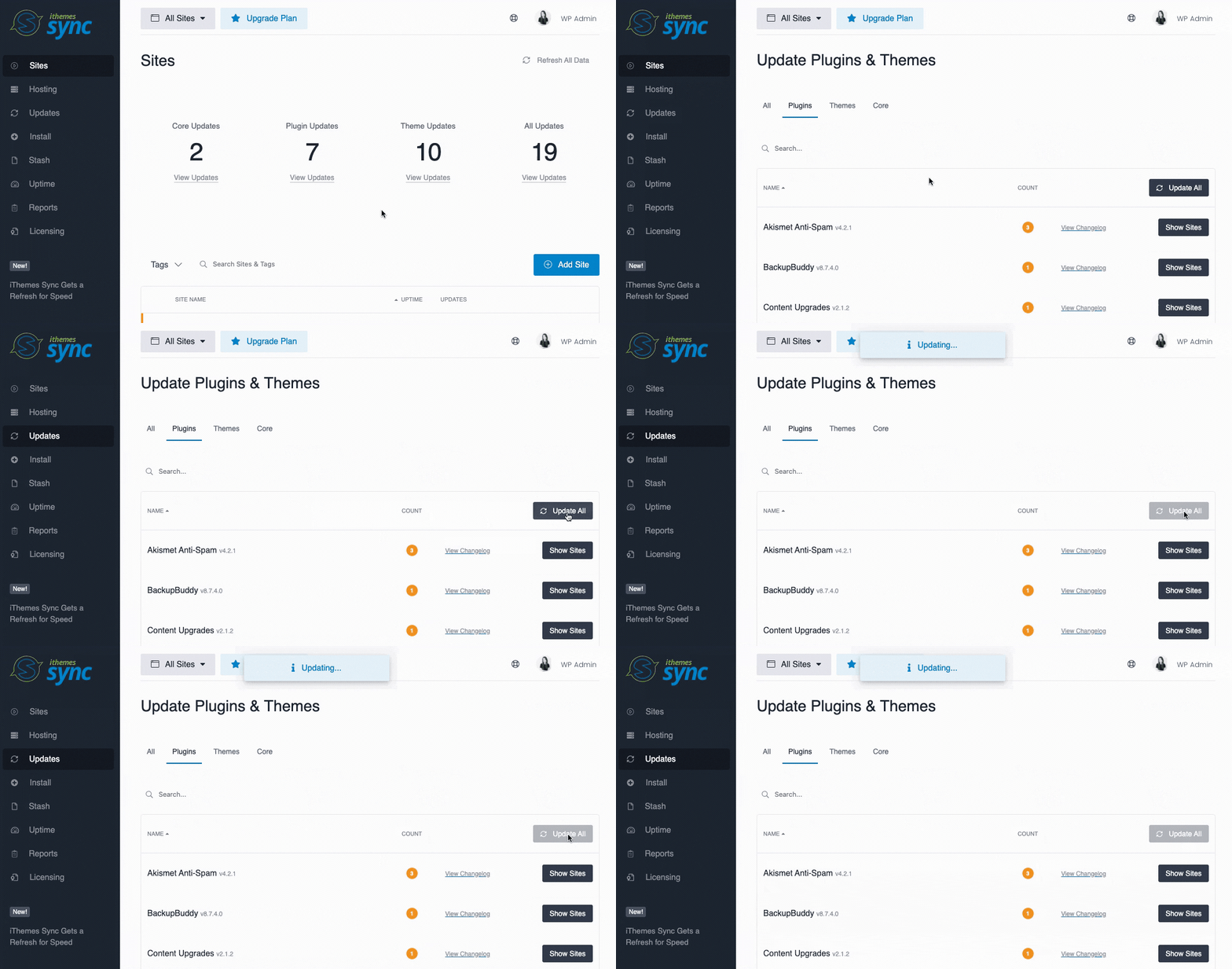
If you’re looking for an efficient way to manage multiple WordPress sites, then iThemes Sync might just be the tool for you. This powerful WordPress management tool allows you to easily manage all of your WordPress sites from a single dashboard, saving you time and hassle.
With iThemes Sync, you can update themes and plugins across multiple sites with just a few clicks, and even schedule backups and security scans to keep your sites safe and secure. Whether you’re a blogger, developer, or business owner, iThemes Sync is a must-have tool for anyone who wants to simplify their WordPress management tasks and focus on what really matters – creating great content and growing their online presence.
What is WPMU Dev Hub ?
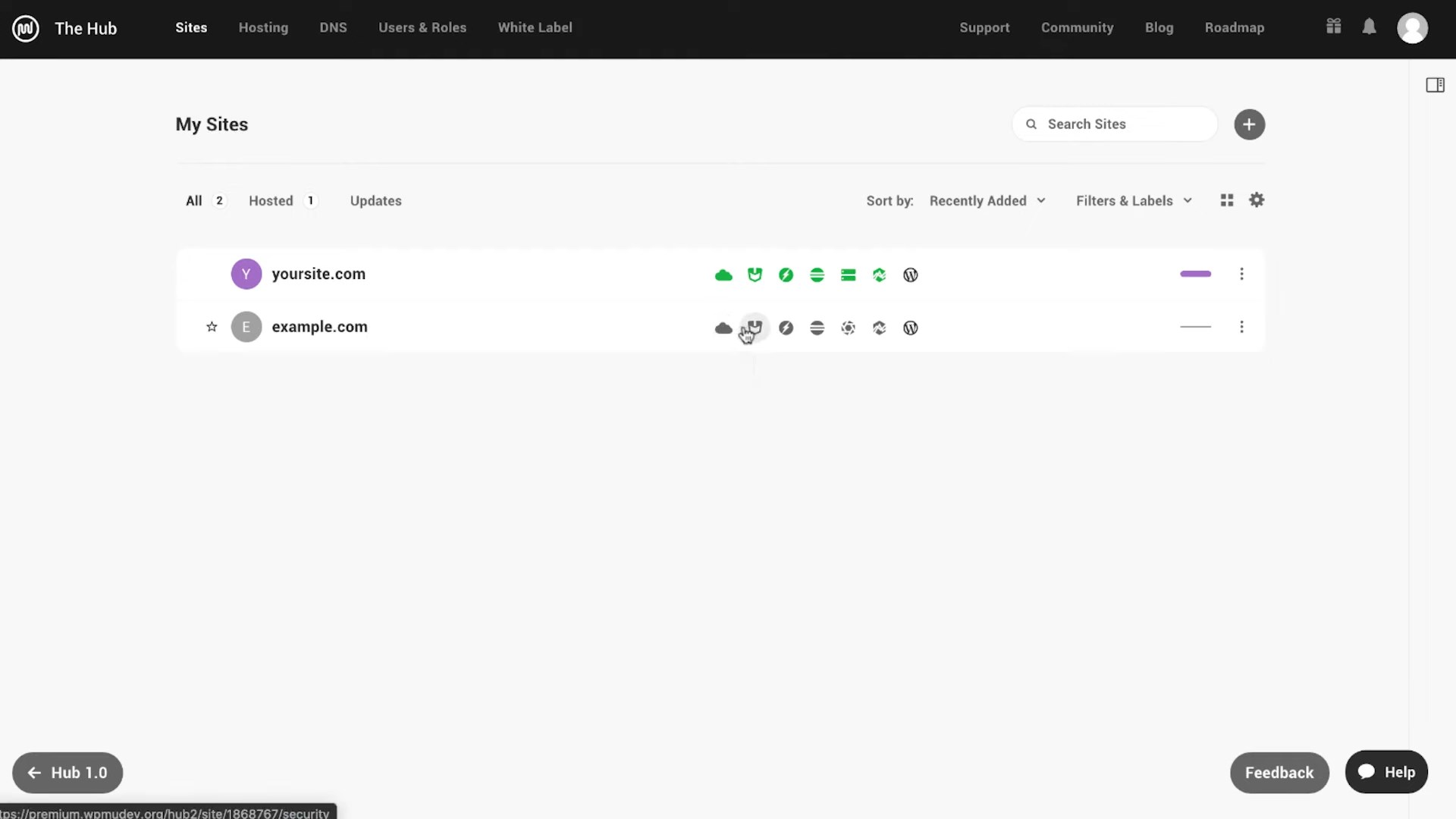
WPMU Dev Hub is a powerful WordPress management tool that can help you streamline your website management tasks. With WPMU Dev Hub, you can easily manage multiple WordPress sites from a single dashboard, saving you time and effort. This tool offers a range of features including site backups, security scans, performance optimization, and more.
Whether you’re a blogger, marketer, or website owner, WPMU Dev Hub can help you keep your WordPress sites running smoothly and efficiently. So, if you’re looking for a comprehensive WordPress management solution, WPMU Dev Hub is definitely worth checking out.
Comparison Table Between Ithemes Sync vs WPMU Dev Hub: 40+ Feature Comparisons
| Ithemes Syncs | WPMUDev Hub | |
|---|---|---|
| Website Management: | ||
| WordPress Updates | Yes | Yes |
| Bulk Plugin & Theme Updates | Yes | Yes |
| Manage Comments | Yes | - |
| Staging Website | Yes | Yes |
| Self-Hosted | - | - |
| Website Backups | Yes | Yes |
| Bulk Posting | Yes | - |
| Code Snippets | - | - |
| Bulk Edit Pages & Posts | Yes | - |
| Bulk Plugin & Theme Installation | Yes | - |
| Maintenance Mode | - | - |
| Client Reporting | Yes | Yes |
| Team Collaboration | Yes | Yes |
| Theme & Plugin Template | Yes | - |
| Integration with Popular WordPress Plugins | Yes | - |
| 1-Click Admin Login | Yes | Yes |
| Client Dashboard | Yes | Yes |
| Whitelabel | Yes | Yes |
| Safe Updates | - | Yes |
| Local Sync | - | - |
| Security: | ||
| Activity Logging | - | Yes |
| 2 Factor Authentication | Yes | Yes |
| Malware Scanning | - | - |
| Vulnerability Checker | - | Yes |
| Google Safe Browsing | - | - |
| PHP Error Monitoring | - | - |
| GDPR Compliance | Yes | Yes |
| SEO: | ||
| Google Analytics Integration | Yes | - |
| Google Search Console Integration | Yes | - |
| Link Monitoring | - | - |
| SEO Ranking | - | - |
| Performance: | ||
| Uptime Monitoring | Yes | Yes |
| Database Optimizations | Yes | - |
| Web Vitals Monitoring | - | Yes |
| USPs (Misc): | ||
| Domain Monitoring | - | - |
| Premium Support | Yes | Yes |
| Plugin Database Updater | - | - |
| Client billing management | - | Yes |
| Live Chat Support to Clients | - | Yes |
| Slack integration | - | Yes |
| Pricing: | ||
| Free Version | - | Yes |
| Lowest Plan | $69/year 5 websites | $19/mo 15 websites |
| Highest Plan | $699/year 100 websites | $250/mo Unlimited websites |
| Get Ithems Sync | Get WPMUDev Hub |
I have compared all the popular Best 8 WordPress Management Tools and created a comprehensive comparison table which includes – ManageWP vs MainWP vs WP Umbrella vs Infinite WP vs WPMU Dev HUB vs iThemes Sync vs Updraft Central vs WP Remote to help you make an informed decision.
Buyer’s Guide: Which WordPress Management Tool Should you Choose between Ithemes Sync and WPMU Dev Hub?
Ultimately, choosing between iThemes Sync and WPMU Dev Hub will depend on your specific needs and preferences. If you’re looking for a more affordable option with a focus on security and backup features, iThemes Sync may be the way to go. On the other hand, if you’re interested in a more comprehensive suite of tools that includes performance optimization and uptime monitoring, WPMU Dev Hub could be the better choice.
Regardless of which tool you choose, both iThemes Sync and WPMU Dev Hub offer valuable features for managing multiple WordPress sites from a single dashboard. By streamlining your workflow and providing centralized access to important site data, these tools can help you save time and improve your overall site management experience.