Theme.json: the parts that actually control your output
On this page, 9 sections
Two theme.json files, identical except that one has a version key. Here is what WordPress 7.1 does with each, run through WP_Theme_JSON_Schema::migrate() on a live install:
WITH version:    {"version":3,"settings":{"color":{"palette":[{"slug":"brand","color":"#ee6719","name":"Brand"}]}}}
WITHOUT version: {"version":3}
Not a warning. Not a partial merge. The entire file is replaced by a stub. Here is the code that does it, in wp-includes/class-wp-theme-json-schema.php:
public static function migrate( $theme_json, $origin = 'theme' ) {
	if ( ! isset( $theme_json['version'] ) ) {
		$theme_json = array(
			'version' => WP_Theme_JSON::LATEST_SCHEMA,
		);
	}
	...
}
That is called from the WP_Theme_JSON constructor, so it runs on every layer, every request. If your theme.json is being ignored and you cannot see why, check that key first.
It is the cheapest possible explanation and it is a one-line fix.
This post is about the parts of theme.json that decide what actually reaches the browser: the four layers and their order, what settings and styles each do, the specificity of the CSS core generates, and the three ways your changes get silently dropped.
Everything is read from WordPress 7.1 source and checked on a live install, on 2 September 2026.
Four layers, merged in a fixed order
There is no ambiguity here and it is worth memorising, because most theme.json confusion is a layer confusion. WP_Theme_JSON_Resolver::get_merged_data() is short enough to read whole: The resolver builds it in one function.
It constructs an empty WP_Theme_JSON, merges get_core_data(), and returns early if the requested origin is default. Then it merges get_block_data(), then get_theme_data(), then get_user_data(), returning early at each named origin.
| Layer | Origin key | Where it comes from | Beats |
|---|---|---|---|
| Core | default | wp-includes/theme.json | nothing |
| Blocks | blocks | each block type’s __experimentalStyle support | core |
| Theme | theme | your theme’s theme.json, plus the parent theme’s | core and blocks |
| User | custom | a wp_global_styles post, written by the Site Editor | everything |
The constant that defines the order
The constant is WP_Theme_JSON::VALID_ORIGINS and the order in it is the merge order. LATEST_SCHEMA is 3. Note that the user layer is called custom in the class and user in the resolver’s cache array, which is a small trap when you are grepping.
One filter per layer
Each layer has a filter: wp_theme_json_data_default, wp_theme_json_data_blocks, wp_theme_json_data_theme and wp_theme_json_data_user. A plugin can rewrite any of them. If a value in your output does not appear in any theme.json on disk, one of those four filters is where it came from.
settings generate variables and gate UI. styles generate rules.
What settings does, and what styles does
The split is real and people mix it up constantly. Anything under settings does two things: it emits CSS custom properties, and it turns editor controls on or off. Anything under styles emits actual declarations.
On a real Twenty Twenty-Five page in WordPress 7.1 the settings half is a :root block of custom properties: --wp--preset--color--base: #FFFFFF, --wp--preset--color--contrast: #111111, --wp--preset--color--accent-1: #FFEE58, --wp--preset--aspect-ratio--16-9: 16/9, and so on for every preset the theme declares.
And the styles half emits one bare body rule that consumes them: background-color, color, font-family, font-size, font-weight, letter-spacing and line-height, plus the root padding variables.
How big the inline block actually is
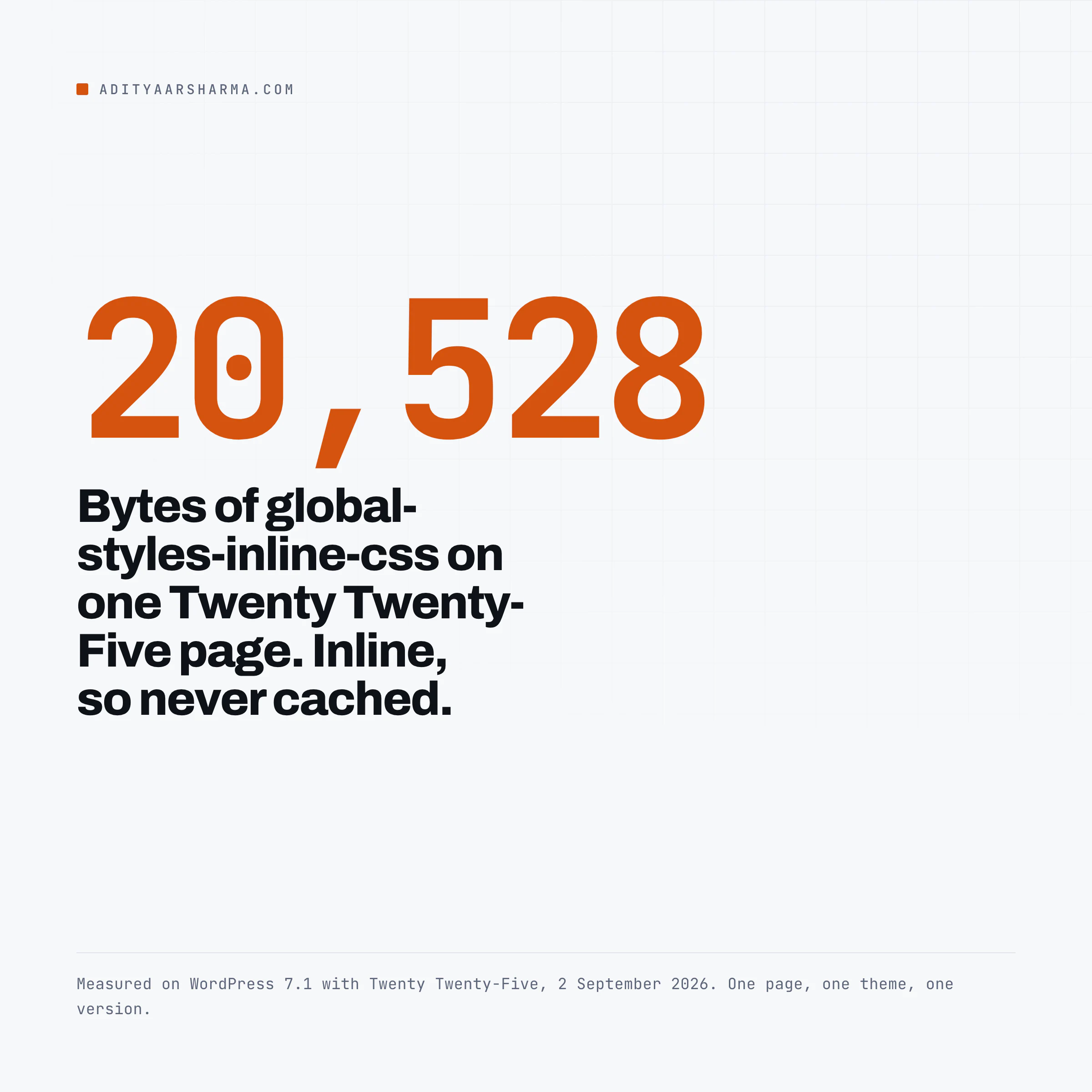
The whole global-styles-inline-css block on that page is 20,528 bytes, and it is inline rather than a file, so it is on every page and it is not cacheable independently of the HTML.
Inside it: 49 rules using the :root :where( prefix, 87 !important declarations, exactly one bare body{ rule and one :root{ rule. Those counts came off that one page with that one theme.
The shape is what generalises, and the shape is what the rest of this section is about.
The gating half nobody expects
The gating half of settings is the part people discover by accident. Set settings.color.custom to false and the custom colour picker disappears from the editor. Set settings.typography.customFontSize to false and the numeric font size input goes.
That is the same class of problem as missing colour and underline options in the WordPress editor, which usually turns out to be a theme.json setting rather than a bug.
The specificity rules core actually uses
This is the piece that explains why your stylesheet sometimes wins and sometimes does not.
Core does not emit one selector shape, it emits three, and the choice is made in WP_Theme_JSON::get_styles_for_block(): The branch is one assignment: $general_selector = $element_only_selector ? $selector : ":root :where($selector)". An element-only selector stays bare. Everything else gets wrapped in :root :where(...).
| What core is styling | Selector emitted | Specificity |
|---|---|---|
The root (ROOT_BLOCK_SELECTOR is body) | body | 0-0-1 |
An element with an element-only selector, such as h1 | h1 | 0-0-1 |
| Everything else: blocks, pseudo states, variations | :root :where(.wp-block-x) | 0-1-0 |
Preset classes such as .has-accent-1-color | class plus !important | 0-1-0 plus important |
Why the root selector is left bare
The comment above that code says why the root is left bare: to keep specificity at 0-0-1 for backwards compatibility.
:where() contributes nothing, so :root :where(...) is exactly the specificity of :root alone, which is one class.
That is the design goal, stated in the source: cap everything block-related at a single class so a theme’s own stylesheet can override it without an arms race.
It also means your override needs one class and later source order, or two classes. A bare element selector will lose to :root :where(). This is the mechanism behind most of the stubborn spacing you cannot remove on block themes.
The preset classes carry !important
The preset classes are the exception and they are brutal. compute_preset_classes() appends a ruleset whose value is 'var(' . $css_var . ') !important'. The !important is written into the generated CSS by core, not by your theme.
So .has-accent-1-color { color: var(--wp--preset--color--accent-1) !important; }. If a user has picked a palette colour on a block, you are not overriding it from a stylesheet without your own !important. That is deliberate: the user’s explicit choice is meant to win.
What changed in 7.1
One thing changed in 7.1 that is worth knowing if you support older versions.
The docblock on compute_preset_classes() now reads @since 7.1.0 Wraps block-level preset classes in :where() to match root-level specificity, and the code comment explains that without it, block-level palette rules such as p.has-x-color outranked equally important rules targeting the same property at 0-1-0.
If a palette colour started behaving differently after a 7.1 update, that is the change.
The user layer, and how it silently disappears
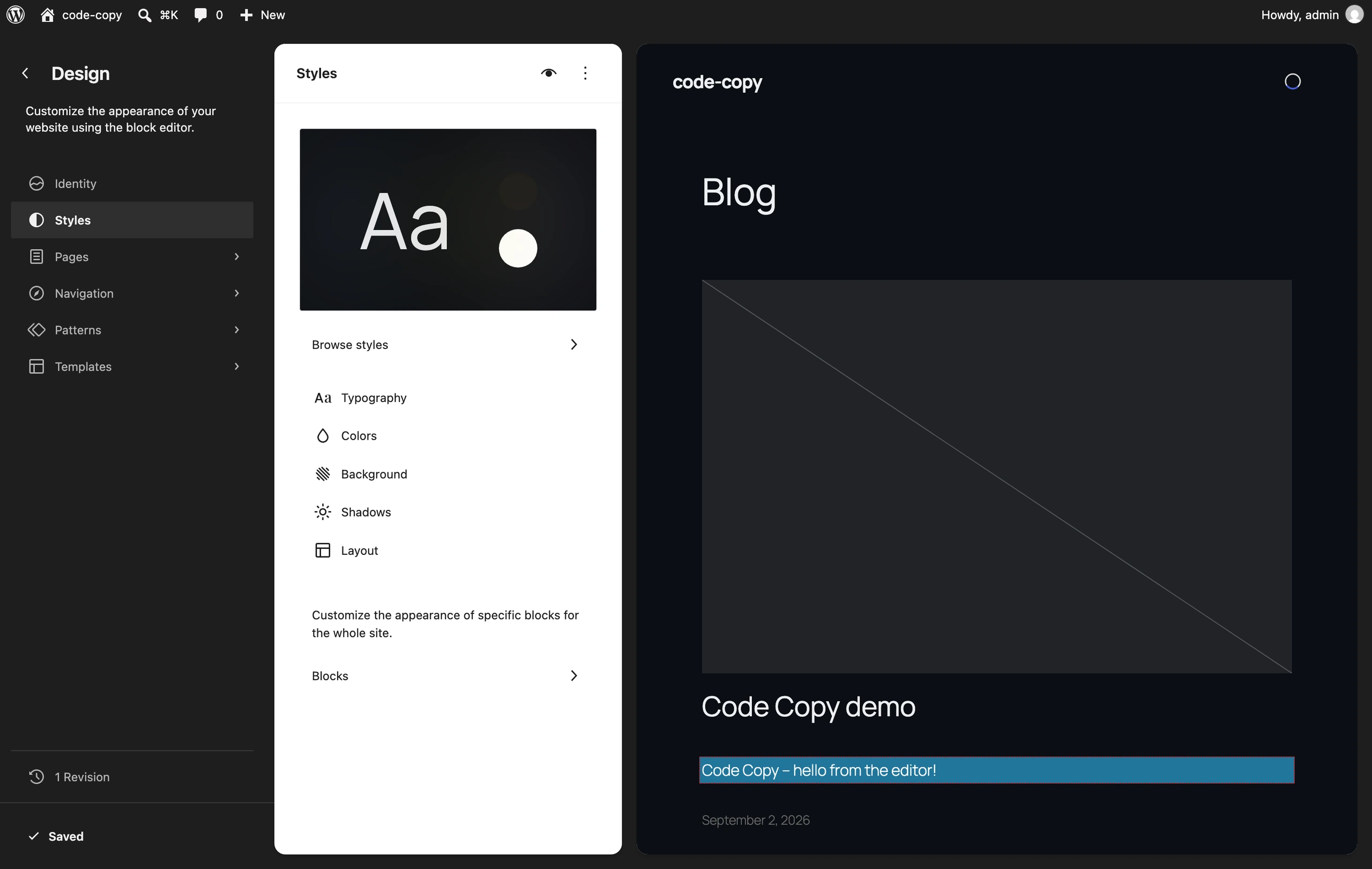
The Site Editor writes user global styles into a post of type wp_global_styles. That post is tied to a theme by a term in the wp_theme taxonomy, and if the term is missing the post is orphaned and its styles never apply.
The term that was never set
I hit this while testing. I wrote a background and text colour into the global styles post, confirmed the content was saved, flushed the object cache, and the front end still showed the theme’s colours.
The Site Editor writes through /wp-json/wp/v2/global-styles/<id> and behaves the same way: The probe printed post id 6, status publish, type wp_global_styles, content carrying my #0b0e13 background and #edeff3 text, stylesheet twentytwentyfive, and then the two fields that mattered: terms= empty, and user raw={"version":3}.
terms= empty. The post existed with the right content, and WP_Theme_JSON_Resolver::get_user_data() returned nothing but a version number, because get_user_data_from_wp_global_styles() looks the post up through the wp_theme term for the current stylesheet.
Setting the term fixed it immediately. wp eval 'wp_set_post_terms( 6, array( "twentytwentyfive" ), "wp_theme" );' followed by wp cache flush, and the body rule went from background-color: var(--wp--preset--color--base) to the literal #0b0e13 I had saved.
Why a theme switch appears to reset your styles
That is also why switching themes appears to reset your Site Editor customisations and switching back restores them. Each theme has its own wp_global_styles post, keyed by that term. Nothing is lost, it is scoped.
The same scoping is why a child theme gets its own user styles rather than inheriting the parent’s, which is a different answer from the one you get for template files and a common source of confusion when deciding whether a child theme is the right tool.
Version migration, and what v3 changed
migrate() falls through deliberately, so a v1 file goes to v2 and then straight on to v3 in the same call. The v1 to v2 step renames four settings paths: border.customRadius to border.radius, spacing.customMargin to spacing.margin, spacing.customPadding to spacing.padding, typography.customLineHeight to typography.lineHeight.
What v2 to v3 actually changes
The v2 to v3 step is the one that changes behaviour rather than names:
- If your v2 file defines
settings.typography.fontSizes, migration setsdefaultFontSizesto false. In v2, providing font sizes replaced core’s. In v3 they are added to core’s unless you opt out, so a v3 file that only lists three sizes gets core’s defaults alongside them. - The same applies to
settings.spacing.spacingSizesandspacingScale, which setdefaultSpacingSizesto false on migration. - In v3,
spacingSizesmerges with the generatedspacingScalesizes instead of replacing them. The source comment is unusually candid about this: it says the v3 behaviour is what was documented for v2 all along and the code never did it, so rather than change v2 behaviour two years later they treat the fix as a v3 breaking change. Migration therefore unsetsspacingScalefor v2 files to preserve the old bug.
The practical consequence when you bump a theme from v2 to v3 by hand: add defaultFontSizes: false and defaultSpacingSizes: false yourself if you were relying on your presets replacing core’s, because the automatic migration that was doing that for you stops running the moment you write "version": 3.
How to debug it when it does not apply
In order, cheapest first. Every one of these is a real cause I hit or read in source today.
- No
versionkey. The whole file is discarded and replaced with{"version":3}. Add"version": 3and the$schemaline while you are there. - The stylesheet is cached.
wp_get_global_stylesheet()caches its output and only skips the cache whenwp_is_development_mode( 'theme' )is true. Putdefine( 'WP_DEVELOPMENT_MODE', 'theme' );inwp-config.phpwhile you work, and take it out afterwards. - A user global styles post is overriding you. It is the last layer merged and it always wins.
wp post list --post_type=wp_global_styles, read the content, and remember it is scoped to the theme by awp_themeterm. - Your selector is losing to
:root :where(). That is 0-1-0. One element selector will not beat it. Two classes, or one class later in source order, will. - It is a preset class with
!important. Nothing without!importantoverrides those. Change the preset value in theme.json rather than fighting the class. - A plugin filtered a layer. Grep your plugins for
wp_theme_json_data_themeand its three siblings. - The block does not support that style. The blocks layer merges block-level defaults, and a block that does not declare a support will not produce the declaration however you write it.
Two functions to keep in your fingers
Two functions worth having in your fingers while debugging: wp_get_global_settings( array( 'color', 'palette' ) ) and wp_get_global_styles().
Both take a path array and both give you the merged result rather than any single file, which is the value you are actually trying to reason about.
What I would not claim
The 20,528 byte figure for global styles is one page, one theme, one version. Twenty Twenty-Five is a large theme.json and a minimal one will produce far less.
I have not benchmarked global styles output across a set of themes and I am not going to imply a range from a single sample.
What is version-independent is the mechanism: the four layers, the merge order, the three selector shapes and the !important on preset classes. Those are in the source and they are what you can reason from.
One thing to do in the next ten minutes
Open your theme’s theme.json and check the top three lines. You want a $schema line and a version line, in that order:
{
	"$schema": "https://schemas.wp.org/wp/6.7/theme.json",
	"version": 3,
	"settings": { ... }
}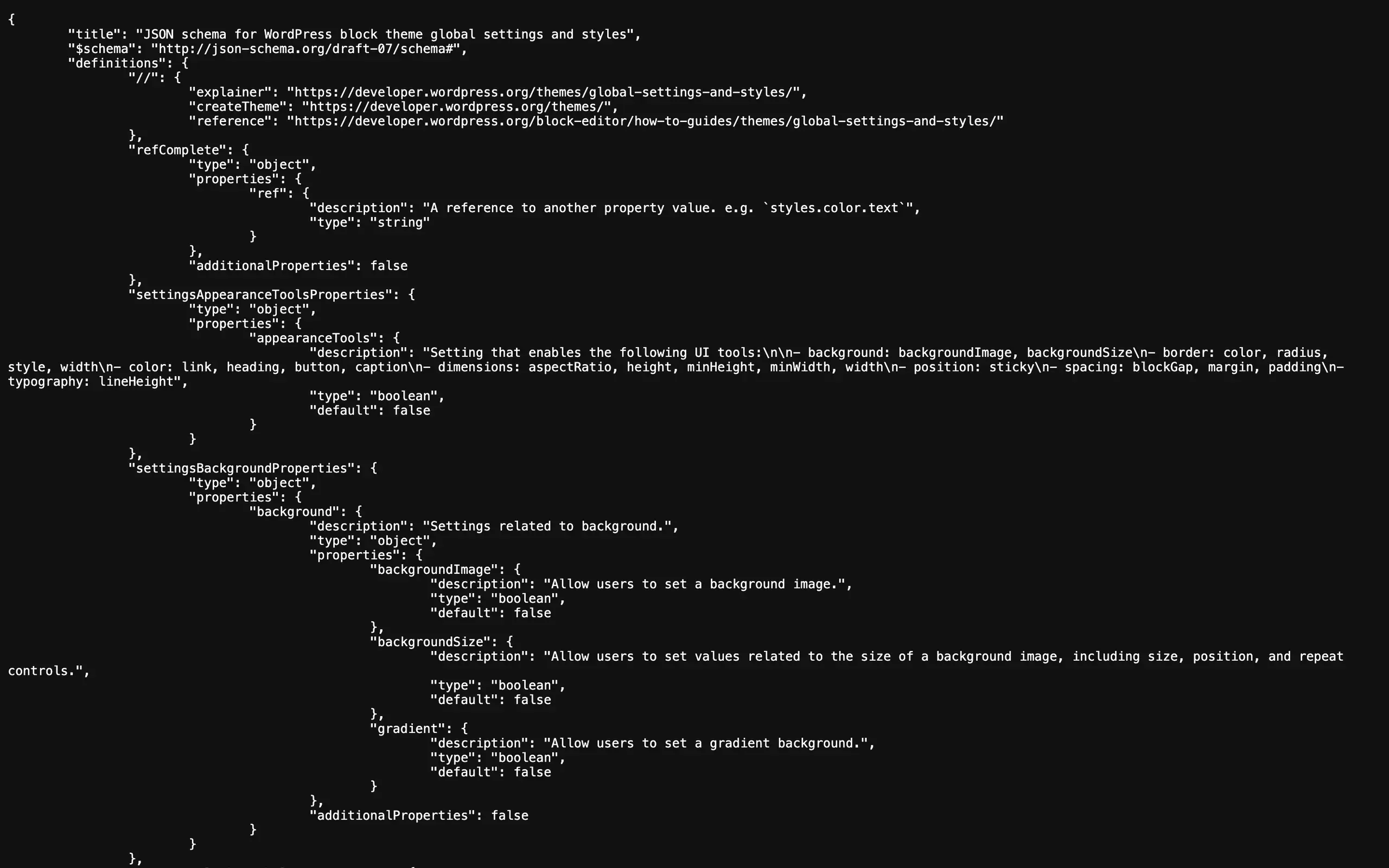
Twenty Twenty-Five ships exactly that, pinned to the 6.7 schema rather than trunk, which is the right call: pin to the lowest WordPress version you support so your editor validates against what your users are running.
If the version line is missing, everything below it in that file has been doing nothing, and you are about to get a very satisfying ten minutes.
For where theme.json sits in the wider set of changes this cycle, I wrote that up in WordPress 7.0 is the biggest thing to happen since Gutenberg.
If you are working on the block side rather than the theme side, the block.json asset loading piece covers the other half of what ends up in your head tag.
Resources
- Theme.json Version 3 Reference, the living specification, generated from the JSON schema.
- schemas.wp.org/trunk/theme.json, the schema itself. Per-version copies live at
https://schemas.wp.org/wp/{version}/theme.json. - Migrating theme.json to newer versions, the official notes on the v1, v2 and v3 differences.
- WP_Theme_JSON_Resolver::get_merged_data() in the code reference, the function that defines the merge order.
- wp-includes/class-wp-theme-json.php in wordpress-develop, where the selector and specificity decisions are made.
- Builder basics: demystifying theme.json and global styles on WordPress.tv, with Nick Diego, 9 December 2022. It is the clearest walkthrough of the layer model I have found, and it predates the v3 schema, so check every field name against the current reference before you copy it.