Why Elementor Blocks SVG Uploads, and the Security Tradeoff You Are Actually Making
On this page, 9 sections
Two error strings, two different code paths, one file type. WordPress 7.1 returns Sorry, you are not allowed to upload this file type. from wp-admin/includes/file.php.
Elementor returns This file is not allowed for security reasons. from its own SVG handler. Every guide I can find tells you which toggle clears them.
None of them tells you what the toggle buys.
 block straight through.” class=”wp-image-4084″/>
So I read the code on both sides and then ran Elementor’s sanitizer against a set of SVG payloads on PHP 8.5.5 to see what it actually removes.
The short version: it strips script and event handlers, which is the part everyone worries about. It also strips your blur filters, your drop shadows, your embedded raster images, and any attribute whose value happens to contain the letters data.
And it passes a <style> block straight through, which, once Elementor inlines the SVG, styles your entire page rather than the icon.
If you only want the upload to work, the step-by-step fix for Elementor SVG uploads not showing already covers it. This is the layer underneath.
Why WordPress treats SVG as executable
A JPEG is a bitmap. There is no instruction in it that a browser will run.
An SVG is an XML document that the browser parses into the same DOM as your page, and the SVG specification allows it to carry <script>, event handler attributes such as onload, <style> blocks, external references, and <foreignObject>, which can host arbitrary XHTML.
Why the location matters more than the format
That would still be survivable if the file were served from somewhere harmless. It is not. An uploaded SVG lands in your uploads directory, on your domain, same origin as your admin session.
Anything that executes inside it executes with your cookies. That is the whole reason this is a permission question and not a file-format question.
WordPress core encodes exactly that logic. get_allowed_mime_types() in wp-includes/functions.php of WordPress 7.1 starts from wp_get_mime_types(), unsets swf and exe outright, and then unsets htm|html and js for anyone without the unfiltered_html capability before running the whole list through the upload_mimes filter.
SVG is not in the list at all
HTML and JavaScript are conditional: you get them if you hold unfiltered_html. SVG is not conditional, because SVG is not in wp_get_mime_types() at all.
I grepped the whole file. The string svg does not appear in it.
Core never shipped a switch for SVG, because there is no equivalent of a trusted HTML author for a file format that renders as an image and behaves as a document.
The capability that looks like an escape hatch and is not
The obvious next thought is the unfiltered_upload capability. map_meta_cap() in wp-includes/capabilities.php, WordPress 7.1, grants it only when the ALLOW_UNFILTERED_UPLOADS constant is defined and true, and on multisite only to a super admin. Every other path assigns do_not_allow.
Read that else branch. Without the ALLOW_UNFILTERED_UPLOADS constant in wp-config.php, every user on the site resolves to do_not_allow. Administrators included.
There is no role you can grant, no plugin that flips a bit in the database, no capability you can add with add_cap() that gets past this, because the meta cap is recomputed on every check.
The step that breaks the popular fix
The snippet everyone copies
The most-copied SVG snippet on the internet adds image/svg+xml to upload_mimes and stops. It works on some servers and fails on others, and the reason is a branch most people never read.
What core checks before it trusts the extension
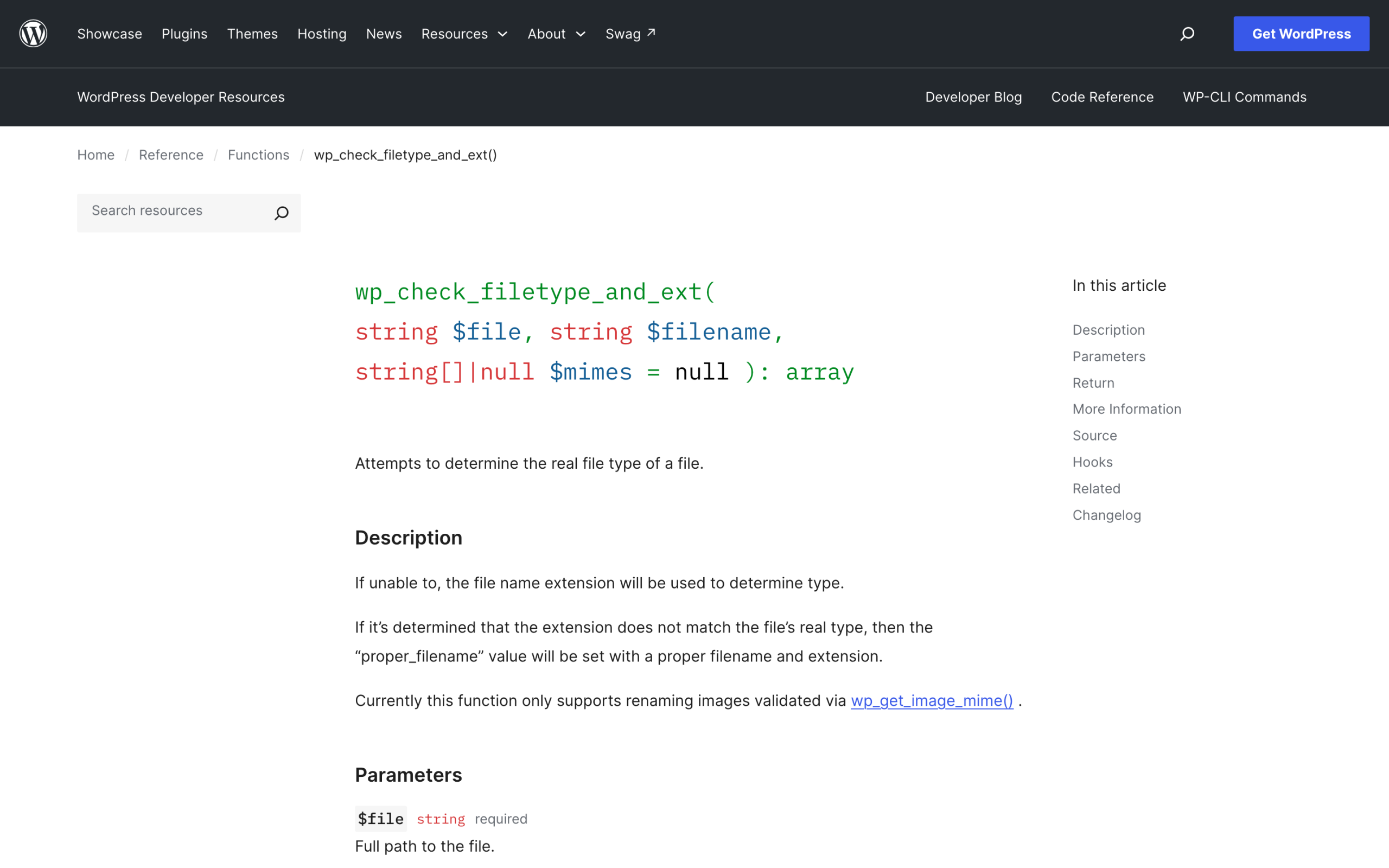
Every upload goes through wp_check_filetype_and_ext(). For an image type it first calls wp_get_image_mime(), which is built on exif_imagetype() with getimagesize() as the fallback. Neither understands SVG.
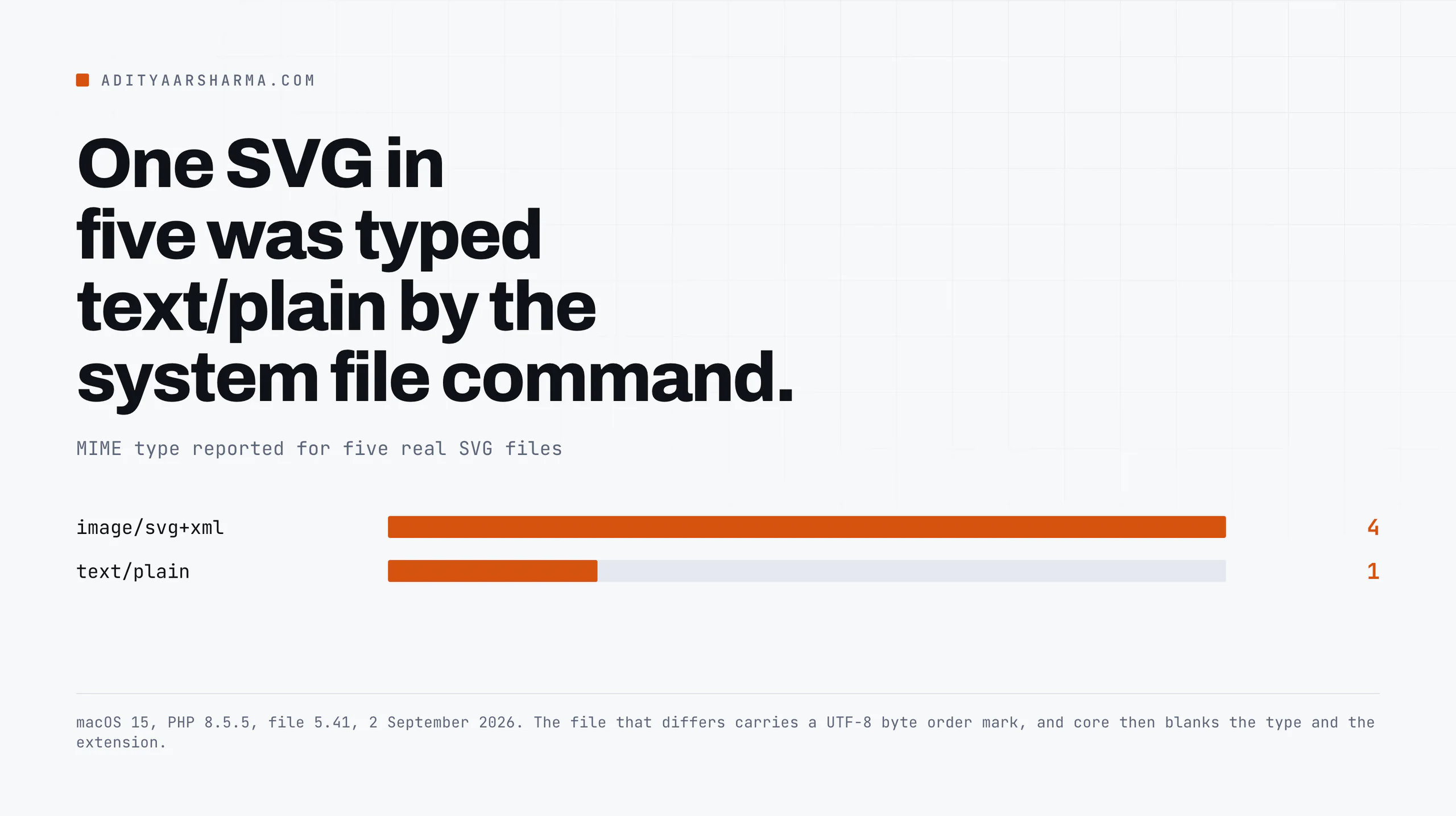
I ran exif_imagetype() over five real SVG files on PHP 8.5.5, a plain one, one with an XML declaration, one saved out of Illustrator, one carrying a script, and one with a UTF-8 byte order mark. All five returned false.
So $real_mime stays false and control falls through to the fileinfo branch.
That branch ends with a catch-all: if $type does not equal $real_mime, core sets both $type and $ext to false, with a comment saying that a real content type not matching the file extension is assumed dangerous.
It comes down to your libmagic database
Now it depends entirely on what your server’s libmagic database says an SVG is. Two answers on the same machine:
| File | PHP bundled finfo | System file 5.41 |
|---|---|---|
| plain.svg | image/svg+xml | image/svg+xml |
| xmldecl.svg | image/svg+xml | image/svg+xml |
| illustrator.svg | image/svg+xml | image/svg+xml |
| script.svg | image/svg+xml | image/svg+xml |
| bom.svg (UTF-8 BOM) | image/svg+xml | text/plain |
The branch that kills the upload
Measured on macOS 15 with PHP 8.5.5 and file 5.41 on 2 September 2026.
When libmagic answers text/plain, the elseif ( 'text/plain' === $real_mime ) branch runs, image/svg+xml is not in its short allow list, and core zeroes out $type and $ext anyway.
Your upload_mimes filter was correct and the upload still failed. That is the bug report you cannot reproduce on your own machine.
Run this on the server before you debug anything else: php -r '$f = finfo_open(FILEINFO_MIME_TYPE); echo finfo_file($f, "icon.svg"), PHP_EOL;'.
What Elementor does instead
Elementor never grants unfiltered_upload. Its Uploads_Manager, in core/files/uploads-manager.php, registers three filters instead.
upload_mimes, which widens the MIME list, and only for requests it recognises as its own.wp_handle_upload_prefilter, which is where its own handler sees the file.wp_check_filetype_and_extat priority 10 with four arguments, which is the interesting one.
How Elementor sidesteps the libmagic lottery
The first widens the MIME list, and only for requests it recognises as its own.
The third is the interesting one: it runs on the filter at the very end of wp_check_filetype_and_ext(), sees that core has blanked ext and type, re-derives them from the filename, and puts them back for the three types it has handlers for.
That is how Elementor sidesteps the libmagic lottery described above without touching a core capability.
The gate is are_unfiltered_uploads_enabled(), and it has three conditions rather than one. The elementor_unfiltered_files_upload option has to be on, Svg::file_sanitizer_can_run() has to return true, and the current user has to pass User::is_current_user_can_upload_json(). The result then goes through the elementor/files/allow_unfiltered_upload filter.
The failure mode worth memorising
file_sanitizer_can_run() is simply class_exists( 'DOMDocument' ) && class_exists( 'SimpleXMLElement' ).
This is the failure mode worth memorising: on a host without the PHP XML extension, you can turn Enable Unfiltered File Uploads on, save it, see it saved, and SVG uploads will still be refused.
The option is set and the gate still returns false, because Elementor will not widen the MIME list when it cannot sanitise. Fails closed, which is correct, and confusing if you do not know it.
What the sanitizer actually does, run rather than read
Elementor’s Svg_Sanitizer lives in core/utils/svg/svg-sanitizer.php and has been there since 3.16.0.
It loads the file into DOMDocument, walks every element, drops anything not on an allow list of element names, and drops any attribute not on an allow list of attribute names or failing a value test.
Both lists are filterable through elementor/files/svg/allowed_elements and elementor/files/svg/allowed_attributes.
Read the list, then run it
Reading an allow list tells you what the author intended. Running it tells you what it does.
I pulled the class from the Elementor repository, stubbed the two WordPress functions it needs, and fed it real SVGs on PHP 8.5.5 with libxml 2.9.13.
| Input | Result |
|---|---|
| <script>alert(document.domain)</script> | removed |
| <svg onload=”alert(1)”> | attribute removed |
| <a href=”javascript:alert(1)”> | href removed, element kept |
| <use xlink:href=”https://evil.example.com/x.svg#a”/> | element removed |
| <image href=”https://evil.example.com/x.png”/> | kept, remote URL intact |
| <style>@import url(“https://evil.example.com/x.css”)</style> | kept verbatim |
| <style>body{display:none}</style> | kept verbatim |
| <feGaussianBlur stdDeviation=”2″/> | removed |
| <feDropShadow dx=”1″ dy=”1″/> | removed |
| <linearGradient>, <clipPath>, <textPath> | kept |
| <image href=”data:image/png;base64,iVBORw0K”/> | href removed |
| font-family=”Datalegreya” | attribute removed |
| class=”data-table” | attribute removed |
| id=”documentation” | attribute removed |
| <title>, <desc>, role, aria-label | kept |
Script execution is genuinely closed. The rest of that table is the part nobody writes about.
Two root causes, both in a couple of lines
The element check is one line: if ( ! in_array( strtolower( $element->tagName ), $allowed_tags ) ).
$tag_name = $element->tagName;

if ( ! in_array( strtolower( $tag_name ), $allowed_tags ) ) {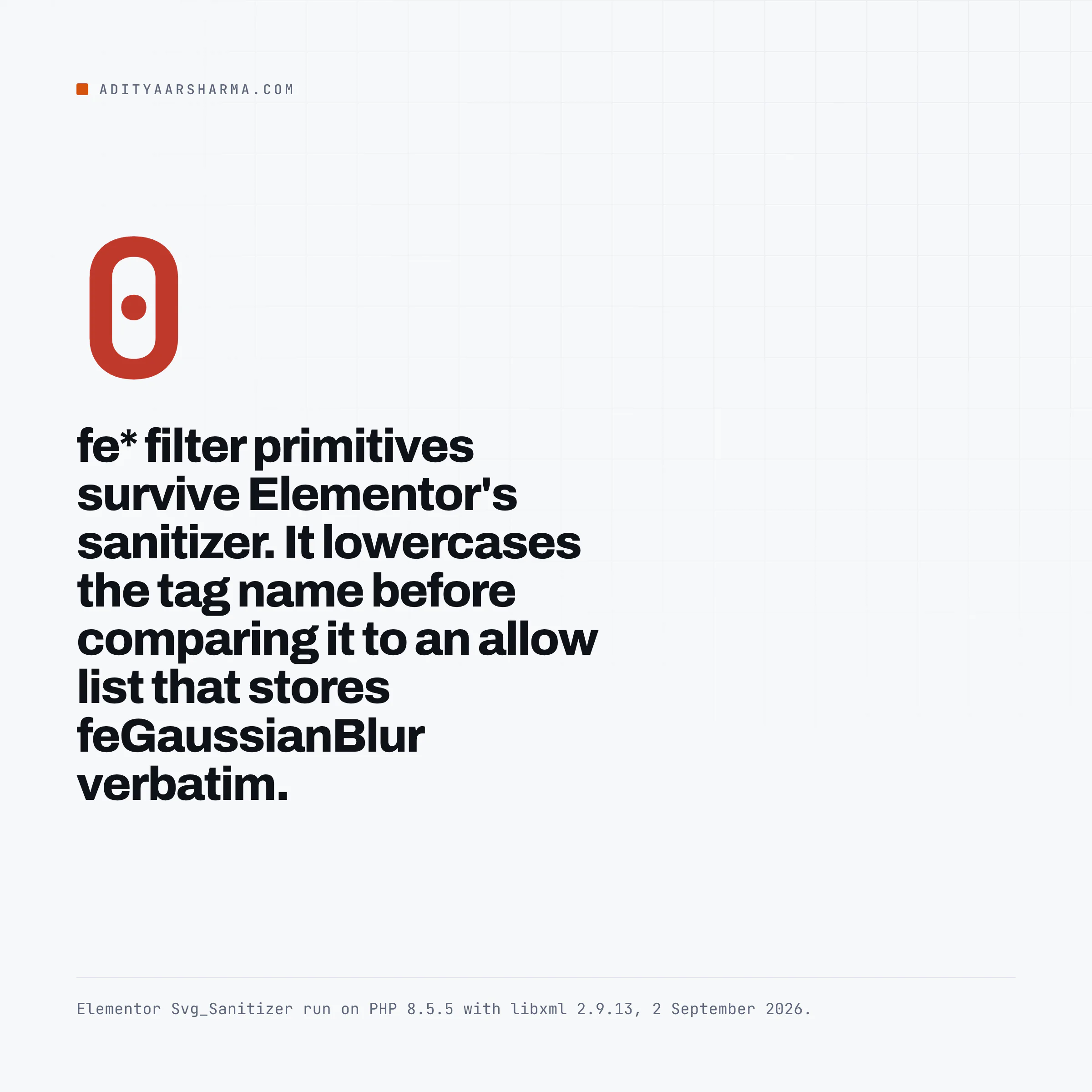
Why every fe* primitive disappears
The tag name is lowercased before comparison, and the allow list stores SVG’s camel-case element names in their real form: feGaussianBlur, feDropShadow, animateMotion, the whole fe family.
strtolower('feGaussianBlur') is never equal to 'feGaussianBlur', so every filter primitive and every SMIL animation element is silently deleted. The names that happen to be stored lowercase in the same list, such as lineargradient and clippath, survive.
That is why gradients work and blurs do not.
The empty filter left behind
Worse than a missing effect: the <filter> wrapper stays behind, empty, and the filter="url(#b)" reference still points at it.
The shape renders with an empty filter applied rather than with no filter, which is why designers report an uploaded icon looking flat or, in some renderers, disappearing.
The attribute check is a substring match with no word boundary:
private function has_js_value( $value ) {
    return preg_match( '/base64|data|(?:java)?script|alert\(|window\.|document/i', $value );
}
What the substring match takes with it
Any attribute value containing data or document anywhere inside it is removed. A font called Datalegreya, a class called data-table, an id called documentation, and every legitimate data:image/png;base64 raster embedded in an icon.
If you keep a design system of SVGs with utility classes on them, this is why your Elementor custom colour rules stop matching after upload.
The surface that is still open
Elementor inlines SVG icons. Its Svg::get_inline_svg() reads the sanitized markup out of the _elementor_inline_svg post meta and prints it into the page. So a <style> block that survived sanitising is not scoped to the icon.
It is a stylesheet in your document.
I built the case and read the computed styles
I did not want to assert that from the specification, so I built the exact case and read the computed styles in Chrome: a page with an h1 and a p outside the SVG, and a sanitizer-approved <style> block inside it.
Both elements came back rgb(255, 0, 0). document.styleSheets reported two sheets, one owned by the HTML STYLE node and one owned by the SVG style node.
The SVG’s style element becomes a second document stylesheet and its selectors match the whole page.
An uploaded icon can restyle your header, hide your pricing table, or pull a font and a stylesheet from a third party server on every page view.
No script needed, so no script scanner will flag it. That is the same shape of problem as a malware scanner reporting clean while the site served spam to Googlebot: the check was looking for the wrong artefact.
Remote references survive too
The remote reference case is the same story in a different attribute. is_safe_href() explicitly allows http:// and https://, and strip_xlinks() only inspects the namespaced xlink:href, not the plain SVG 2 href that modern tooling emits.
A <image> pointing at an external host goes through untouched.
What I would actually do
Three positions, in order of how much I trust them.
- Do not accept SVG uploads from anyone whose files you did not make. This is not a cop-out, it is what Elementor’s own documentation says, in the same page that tells you how to turn the feature on: upload files only from a trusted source. The sanitizer is a second line, not the first.
- If it is your own icon set, paste the markup instead of uploading the file. Inline SVG in an HTML widget goes through your normal content pipeline, keeps its filter primitives and its data URIs, and never enters the media library where a future editor can reuse it by accident.
- If you must accept uploads, restore the elements you need and keep the ones you do not. The camel-case mismatch is fixable from your own code without weakening the script rules.
This is the filter. It adds a lowercase alias for every entry already on the list, so the lowercased tag name finds a match. It adds no element that was not already allowed.
add_filter( 'elementor/files/svg/allowed_elements', function ( array $elements ) {
    return array_values( array_unique( array_merge( $elements, array_map( 'strtolower', $elements ) ) ) );
} );
I ran the sanitizer with that filter in place, on the same payloads. feGaussianBlur and feDropShadow both come back inside their <filter> wrappers. The script payload and the onload payload still reduce to a bare <svg> with a <rect> in it.
What the filter does and does not fix
Filters come back. Script and event handlers stay removed, because they were never on the allow list to begin with and this filter only aliases what is already there. Put it in wp-content/mu-plugins/ so a theme update cannot delete it.
What that filter does not fix is the <style> block. If you are accepting SVGs from clients or from a form, strip style elements yourself on top of Elementor’s pass, or do not accept the file.
The same reasoning applies to any untrusted upload path, which is the argument for putting Cloudflare Turnstile in front of Elementor forms before you worry about what arrives through them.
The honest summary of the tradeoff
Turning on SVG uploads in Elementor buys you: vector icons that scale, a colour picker that works when the fill is pure black, and files that are usually smaller than the PNG they replace.
It costs you: a sanitizer that removes some of your design, a <style> element that can reach your whole page, remote references that survive, and a dependency on the PHP XML extension being present on every server the site ever runs on.
When the trade is fine and when it is not
If the icons are yours and the only people who can upload are you, that is a fine trade. If the media library is open to a client, an editor, or a form, it is not, and no toggle changes that.
For pure file-weight reasons the answer is often not SVG at all: bulk-compressing your existing WordPress images gets you most of the same page-weight win with none of this.
And if you are reaching for SVG because you want a self-contained widget, the no-plugin vCard build in Elementor is an example of doing it with markup you control instead.
One thing to check today: run finfo_file() against an SVG on your production server and see which answer your libmagic gives. If it says text/plain, you now know why the snippet everyone recommends did not work for you.
Resources
- wp_check_filetype_and_ext() in the WordPress developer reference (full source, including the MIME mismatch branch)
- wp_get_image_mime() in the WordPress developer reference
- wp-includes/capabilities.php at the WordPress 7.1 tag (the unfiltered_upload branch)
- Elementor Svg_Sanitizer source on GitHub
- Elementor Uploads_Manager source on GitHub
- Enable SVG Support in Elementor (Elementor documentation, last updated 16 June 2025)