WordPress File Permissions That Actually Matter
On this page, 7 sections
Here is the function that decides whether your WordPress site can update itself, and it is not checking permissions at all. From wp-admin/includes/file.php in WordPress 6.9.4, read on 3 September 2026:
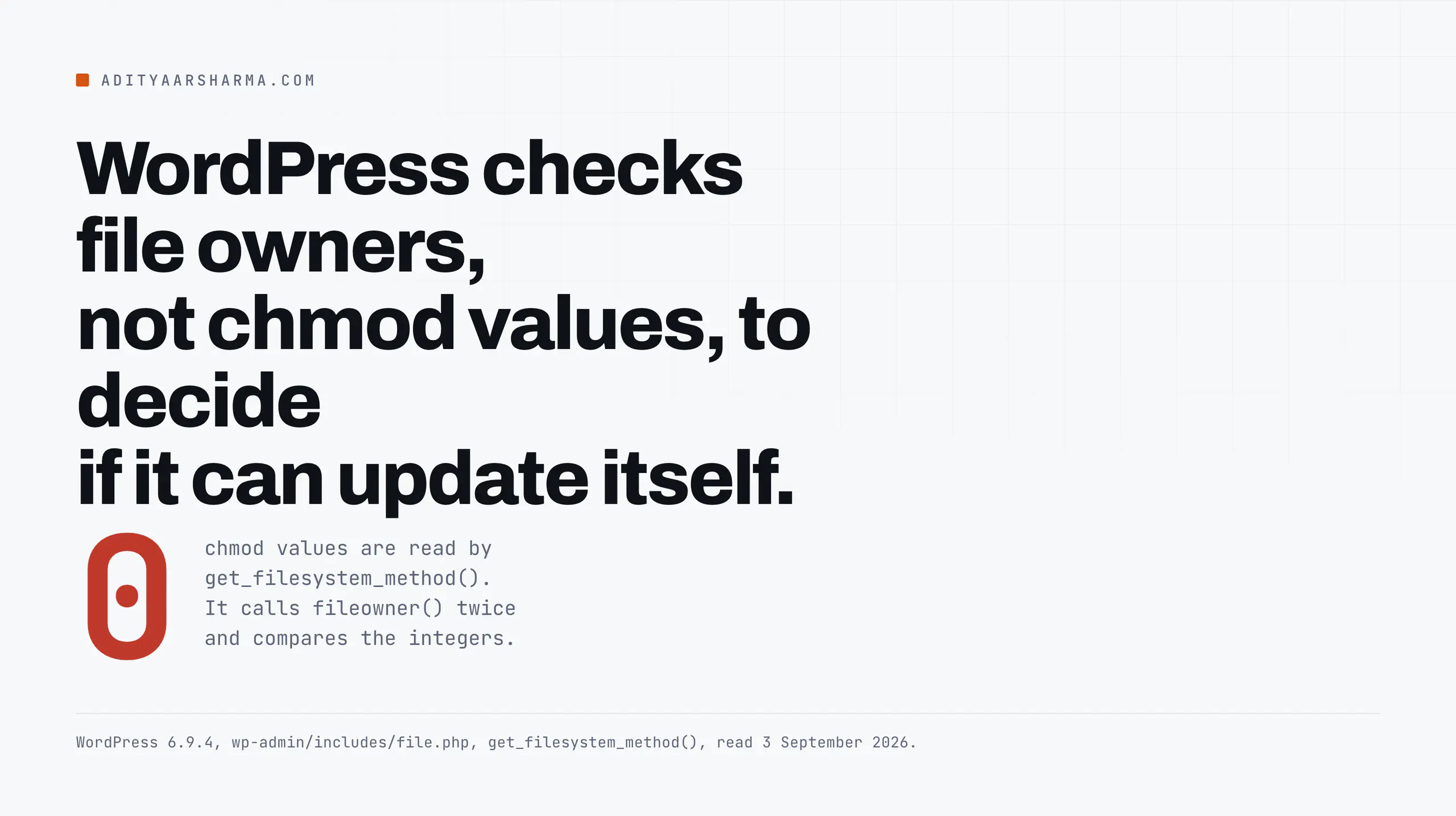
$temp_handle = @fopen( $temp_file_name, 'w' );
if ( $temp_handle ) {
    $wp_file_owner   = @fileowner( __FILE__ );
    $temp_file_owner = @fileowner( $temp_file_name );

    if ( false !== $wp_file_owner && $wp_file_owner === $temp_file_owner ) {
        $method = 'direct';
    }
}
What that function is actually comparing
That is get_filesystem_method().
It writes a throwaway file into wp-content, then compares the numeric owner of that new file against the owner of file.php itself.
If the two match, the method is direct and PHP will write to your plugin and theme directories with no further ceremony.
If they do not match, the method falls through to ssh2, ftpext or ftpsockets, and WordPress starts asking for FTP credentials.
Ownership, not mode
Ownership, not mode. Not 644, not 755. Which is why the permissions advice everybody repeats gets the emphasis backwards.
What 644 and 755 are actually for
The core hardening guide gives the numbers and, more usefully, the ownership model behind them: “All files should be owned by your user account, and should be writable by you.
Any file that needs write access from WordPress should be writable by the web server, if your hosting set up requires it, that may mean those files need to be group-owned by the user account used by the web server process.”
The two commands from that page are find /path/to/wordpress/ -type d -exec chmod 755 {} \; and find /path/to/wordpress/ -type f -exec chmod 644 {} \;.
What the two numbers mean
755 on a directory means the owner can create and delete entries in it, and everyone else can list it and traverse into it. 644 on a file means the owner can rewrite it and everyone else can read it.
Note what “everyone else” includes: on shared hosting, other customers on the same box, and on any box, the web server process if it is not your user.
What a core update resets, and what it cannot
The same page also documents what happens after a core update: “When you tell WordPress to perform an automatic update, all file operations are performed as the user that owns the files, not as the web server user.
All files are set to 0644 and all directories are set to 0755.” So WordPress resets modes to those numbers on its own.
It never changes ownership, because it cannot.
There is a second layer in core that most people never see. WP_Filesystem() defines the modes it will apply.
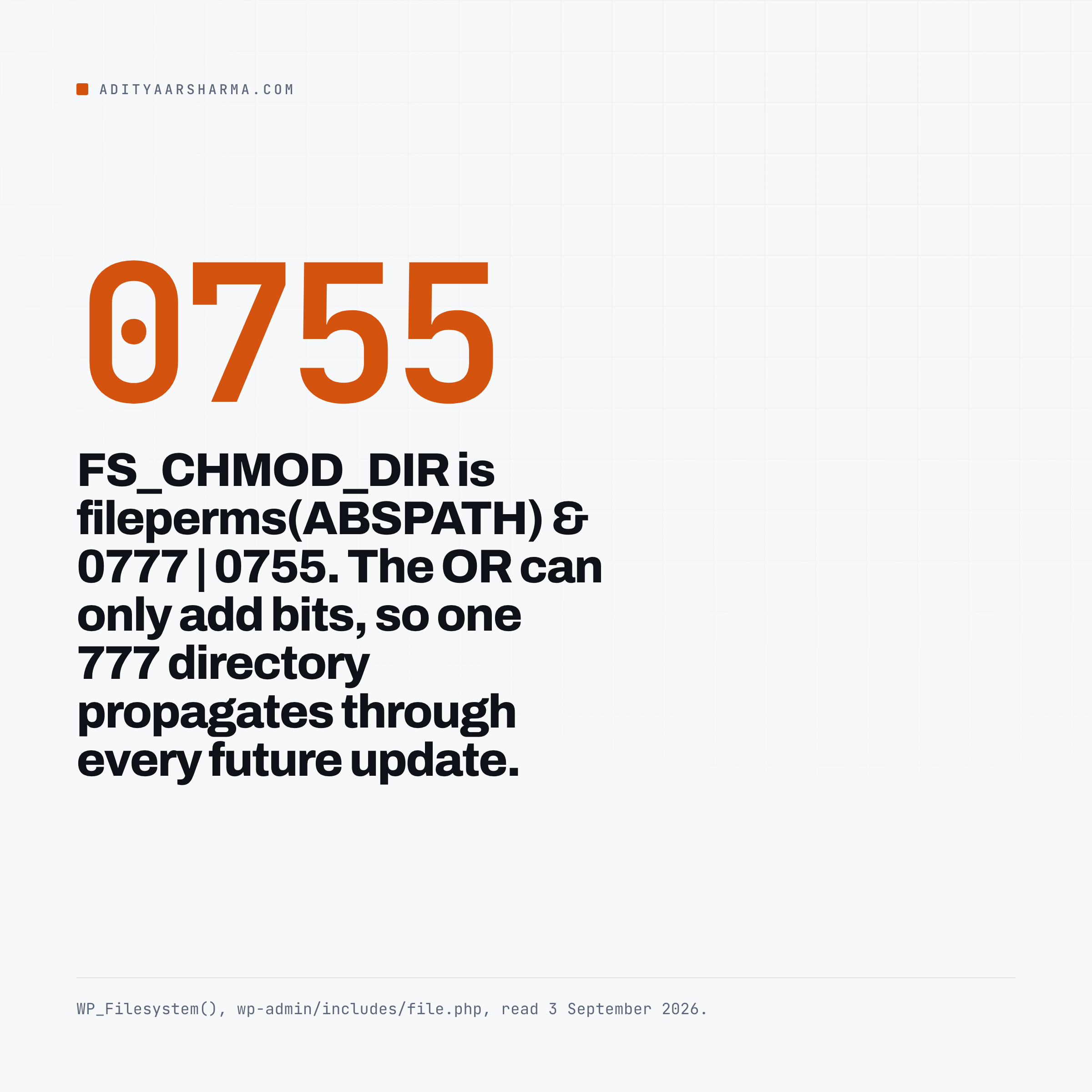
If they are not already defined, FS_CHMOD_DIR becomes fileperms( ABSPATH ) & 0777 | 0755 and FS_CHMOD_FILE becomes fileperms( ABSPATH . 'index.php' ) & 0777 | 0644.
Why one bad chmod propagates forever
It reads the mode of your WordPress root and of index.php, and ORs in 755 and 644.
The OR is the interesting part: it can only add bits.
If your document root is 777 because someone once fixed an upload error by making it 777, then FS_CHMOD_DIR becomes 777 and every directory WordPress creates during an update is world-writable, forever, until somebody notices.
One bad chmod on one directory propagates through every future update.
Why the filesystem method changes what the REST API can do
This is the part that surprises people running WordPress over the API. WP_REST_Plugins_Controller has a guard called before every write.
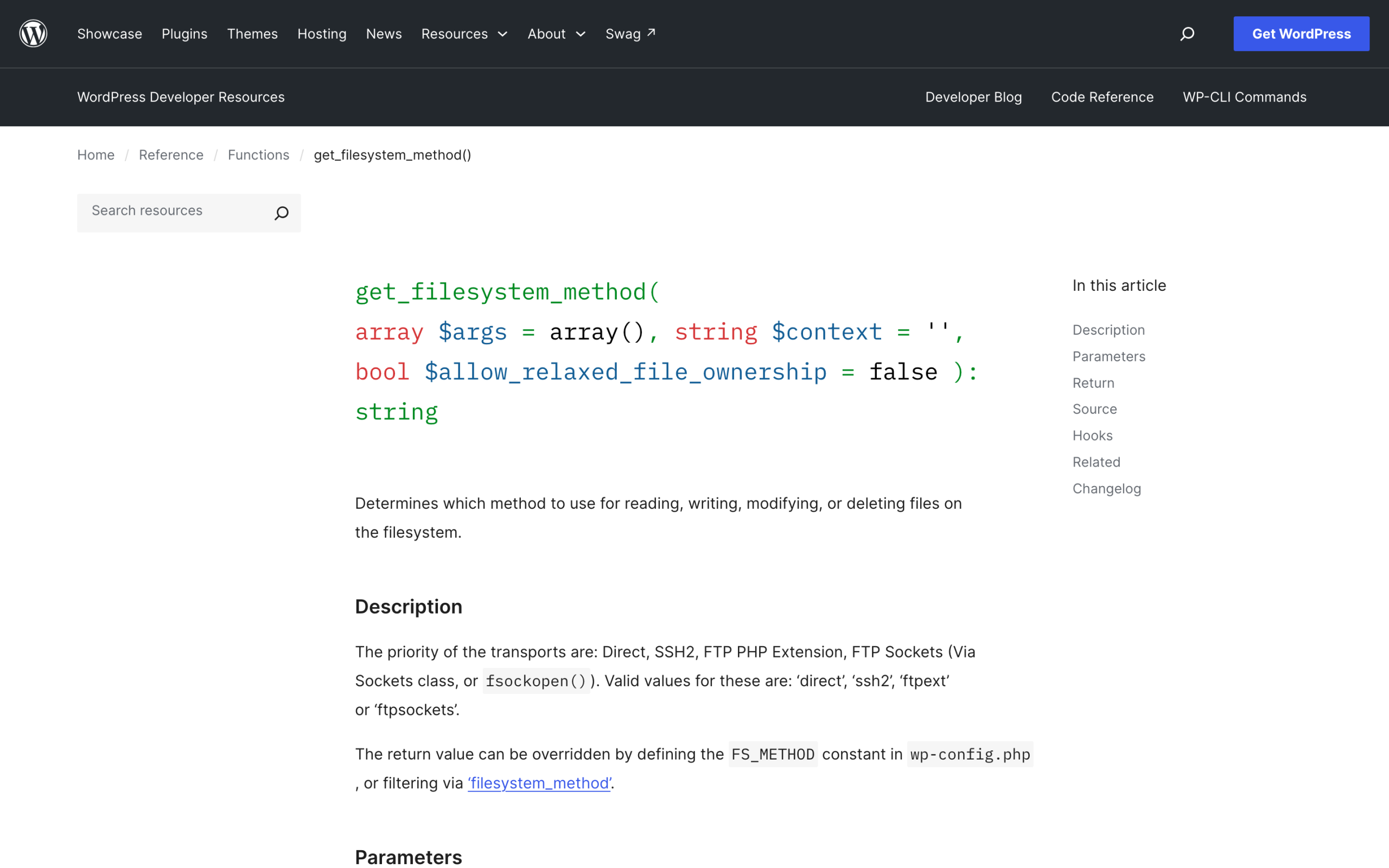
is_filesystem_available() calls get_filesystem_method(), returns true immediately when the answer is direct, otherwise calls request_filesystem_credentials() inside an output buffer and returns true only if credentials are already stored.
Anything else returns a WP_Error with the code fs_unavailable and HTTP status 500.
What that means for a REST install
The class docblock is explicit: “Only the Direct filesystem transport, and SSH/FTP when credentials are stored are supported at present.” So a POST to /wp-json/wp/v2/plugins to install a plugin returns HTTP 500 with the code fs_unavailable the moment ownership does not line up, even though the request authenticated fine and the user has install_plugins.
It cuts both ways
This cuts both ways, and both directions are worth saying plainly.
- If you automate WordPress over REST, an
fs_unavailableerror is not an authentication problem and no amount of fixing your credentials will help. It is telling you that the PHP process and the file owner are different users. I hit this class of thing constantly while building agent tooling against WordPress, which is the setup I wrote up in the Claude Code against WordPress piece. - If you do not automate, then
directbeing unavailable is a feature. It means an attacker who reaches PHP execution cannot rewrite your plugin directory either.
Which is the real trade. direct is convenience and it is also the thing that turns a limited compromise into a total one.
The three mistakes that turn a plugin bug into a takeover
World-writable wp-config.php
chmod 777 wp-config.php appears in an alarming number of forum answers to “cannot write to file” errors.
The file is readable by the web server by definition, because PHP has to include it.
Making it writable by everyone means any code that reaches the filesystem, including a file-write bug in a plugin you have never heard of, can append a line to the file that WordPress loads before anything else on every single request.
There is no plugin scanner in your stack that runs before wp-config.php.
Check it in one command: stat -c '%a %U:%G %n' wp-config.php on Linux, or stat -f '%Lp %Su:%Sg %N' wp-config.php on macOS.
What a good answer looks like
440 or 400 is fine if PHP runs as the owner. 644 is normal. Anything with a group or other write bit is a finding.
PHP execution allowed inside wp-content/uploads
WordPress ships no .htaccess in the uploads directory.
I checked a clean 6.9.4 install: wp-content/uploads contains only the year and month folders, and the .htaccess that core writes to the document root contains nothing but the rewrite block that routes requests to index.php.
There is no directive anywhere in a stock install that stops the web server from executing a .php file found in uploads.
Why uploads is the dangerous one
That matters because uploads is the one directory that must be writable by the web server for WordPress to work at all.
So the chain is short: an arbitrary file upload bug in any plugin, plus a server that executes PHP in uploads, equals remote code execution.
Fix the second half once and the first half stops mattering. One directive on either server does it.
- nginx:
location ~* /wp-content/uploads/.*\.(php|phtml|php[0-9])$ { deny all; }. - Apache, in
wp-content/uploads/.htaccess:<FilesMatch "\.(?i:php|phtml|php[0-9])$">Require all denied</FilesMatch>.
Then verify rather than assume. Write a file and request it.
echo '' > wp-content/uploads/zz-test.php
curl -s https://example.com/wp-content/uploads/zz-test.php
# want: 403, or the literal PHP source. do not want: the word executed
rm wp-content/uploads/zz-test.php
Files owned by the web server user
This is the one that produces direct and it is also the one that makes every compromise total.
If www-data or nobody owns your WordPress files, then any code executing as the web server can rewrite core, rewrite plugins, and drop a new file anywhere in the tree.
Every one of the documented supply chain incidents I went through in the supply chain post ended with hostile PHP on disk, and the difference between “hostile PHP in one plugin folder” and “hostile PHP in wp-includes” is exactly this ownership question.
The arrangement that works
The correct arrangement on a modern PHP-FPM host: files owned by a deploy user, PHP-FPM pool running as that same user, web server in a group that can read.
Then direct is available, updates work, and a compromise of a different site on the same server does not reach yours.
On a shared host where PHP runs as a separate user from the file owner, accept the FTP prompt and stop trying to chmod your way out of it.
The audit, in four commands
- Anything group- or world-writable in the tree:
find . -type f -perm /022 -not -path './wp-content/uploads/*' | head -50. - Anything at 777:
find . -perm 0777 | head -50. - How many distinct owners are in the tree:
find . -maxdepth 3 -printf '%u:%g\n' | sort | uniq -c | sort -rn. - What PHP thinks it is:
php -r 'echo get_current_user(), " ", posix_getpwuid(posix_geteuid())["name"], "\n";'.
The command that tells the story
Command 3 is the one that tells the story. A healthy install has one owner.
Two owners usually means somebody once uploaded a plugin by FTP on a site that otherwise deploys as another user, and those files will not update.
And the answer from inside WordPress
And from inside WordPress, the one-liner that answers the question this whole post is about:
wp eval 'require_once ABSPATH . "wp-admin/includes/file.php"; echo get_filesystem_method(), "\n";'What permissions do not fix
Modes and ownership are about what happens after code executes somewhere it should not.
They do nothing about a valid credential being used by the wrong person.
An application password with administrator capabilities installs a plugin through the front door with correct file permissions the whole way, which is the gap I went into in the application passwords piece.
And a payload that only reveals itself to certain user agents will sit in a perfectly-permissioned uploads folder for months, which is what the scanner that said clean was about.
What they are for
Permissions are the layer that decides how far a bug travels. They are not the layer that stops the bug.
Do this today
Run the uploads execution test above on one live site. Write the file, request it, delete it.
If the word “executed” comes back, you have a five-minute server-config fix standing between a future file-upload bug in any of your plugins and a shell on your site.