WordPress Plugin Supply Chain: What Actually Happened in the Documented Incidents
On this page, 10 sections
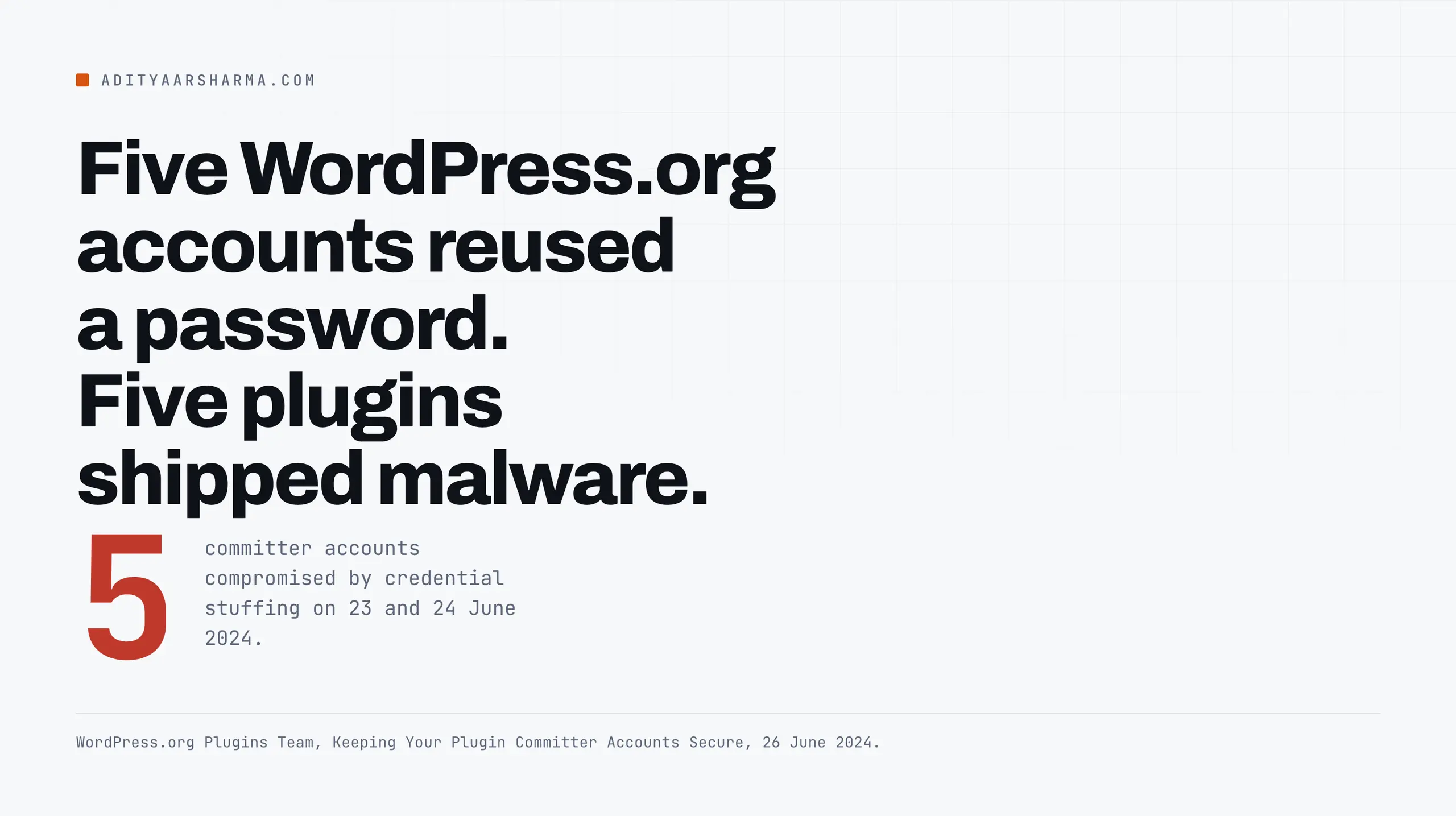
“On June 23 and 24, 2024, five WordPress.org user accounts were compromised by an attacker trying username and password combinations that had been previously compromised in data breaches on other websites.”
That is the WordPress.org Plugins Team, writing on 26 June 2024.
Five plugins shipped malware to sites that installed them from the official directory, and the way in was that five people had reused a password.
I went and read the published record on every WordPress plugin supply chain incident I could find a primary source for.
Five of them are documented well enough to say what actually happened, with dates. The thing they have in common is not a vulnerability class.
In four of the five, the plugin code was fine and the delivery mechanism was compromised, and in three of them one delivery channel for a product was poisoned while a different channel for the same product stayed clean.
That last detail is the useful one, because it means the channel you choose is a decision you get to make.
AccessPress Themes, September 2021
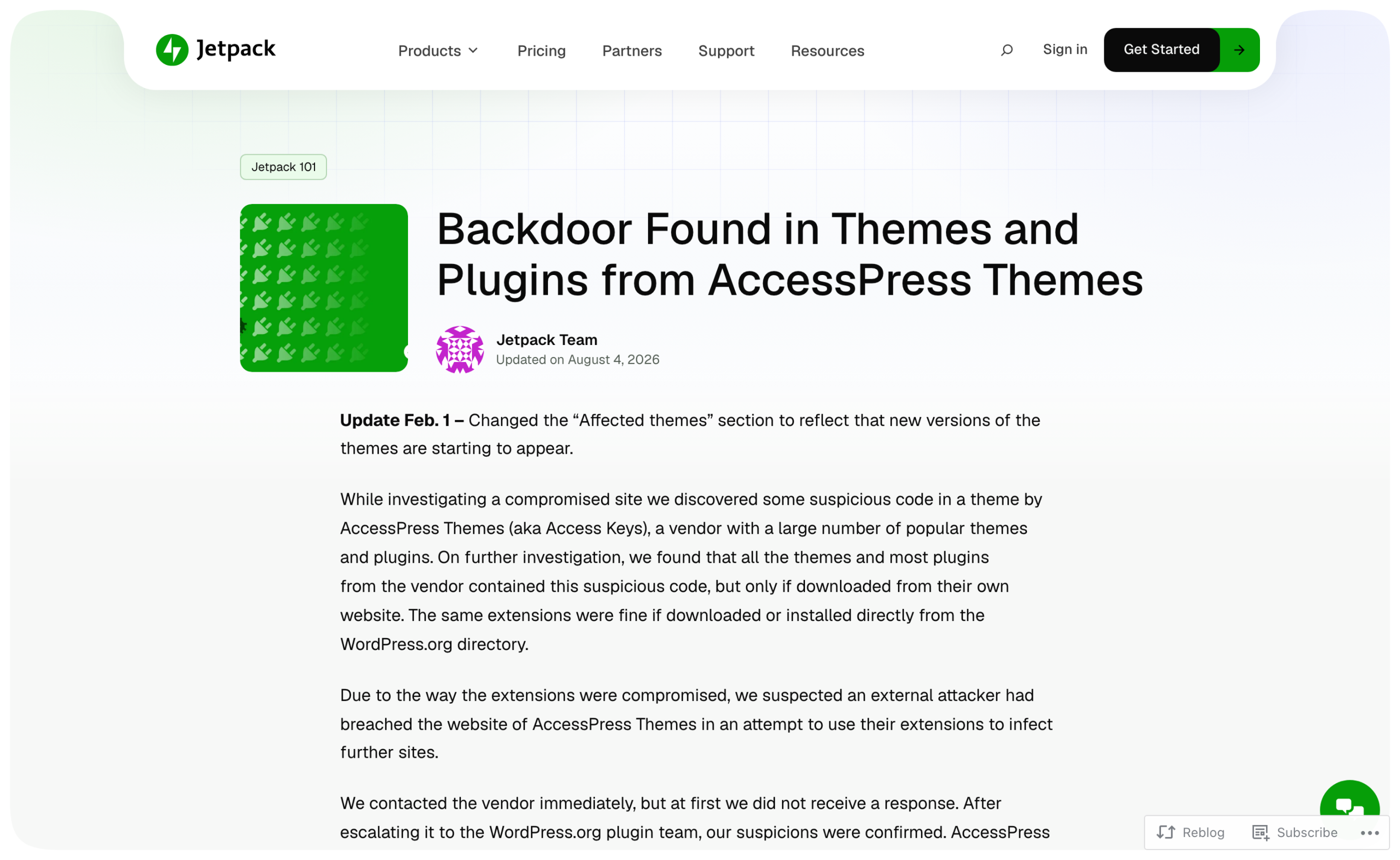
Source: Jetpack’s security team, in a disclosure that carries an update dated 1 February. CVE-2021-24867, published to NVD on 21 February 2022 with WPScan as the assigning source.
What Jetpack found
What happened: Jetpack found suspicious code while investigating a compromised site, traced it to a theme by AccessPress Themes, and then found the same code across all the vendor’s themes and most of their plugins.
NVD’s own description states the boundary plainly: “Only plugins and themes downloaded via the vendor website are affected, and those hosted on wordpress.org are not.”
The mechanism: a dropper called inital.php
The mechanism: the vendor’s own website was breached in the first half of September 2021 and the download packages there were injected with a dropper in a file called inital.php.
On execution the dropper wrote a cookie-activated web shell into wp-includes/vars.php, disguised as a function named wp_is_mobile_fix() placed immediately before the real wp_is_mobile(). It then deleted its own source file.
The shell only responded to requests carrying the user agent string wp_is_mobile and exactly eight specific cookies.
The tell was the timestamps
Jetpack’s tell was the timestamps.
Inside the vendor’s zip files, almost every file carried the same modification time, with the tampered main plugin file and the dropper stamped two to five minutes later.
Inside the WordPress.org zips for the same releases, timestamps were spread out and matched actual development. Uniform timestamps are what repackaging looks like.
WordPress.org plugin directory, June 2024
Sources: Wordfence, 24 and 26 June 2024. The WordPress.org Plugins Team, 26 and 29 June 2024.
Five plugins, five reused passwords
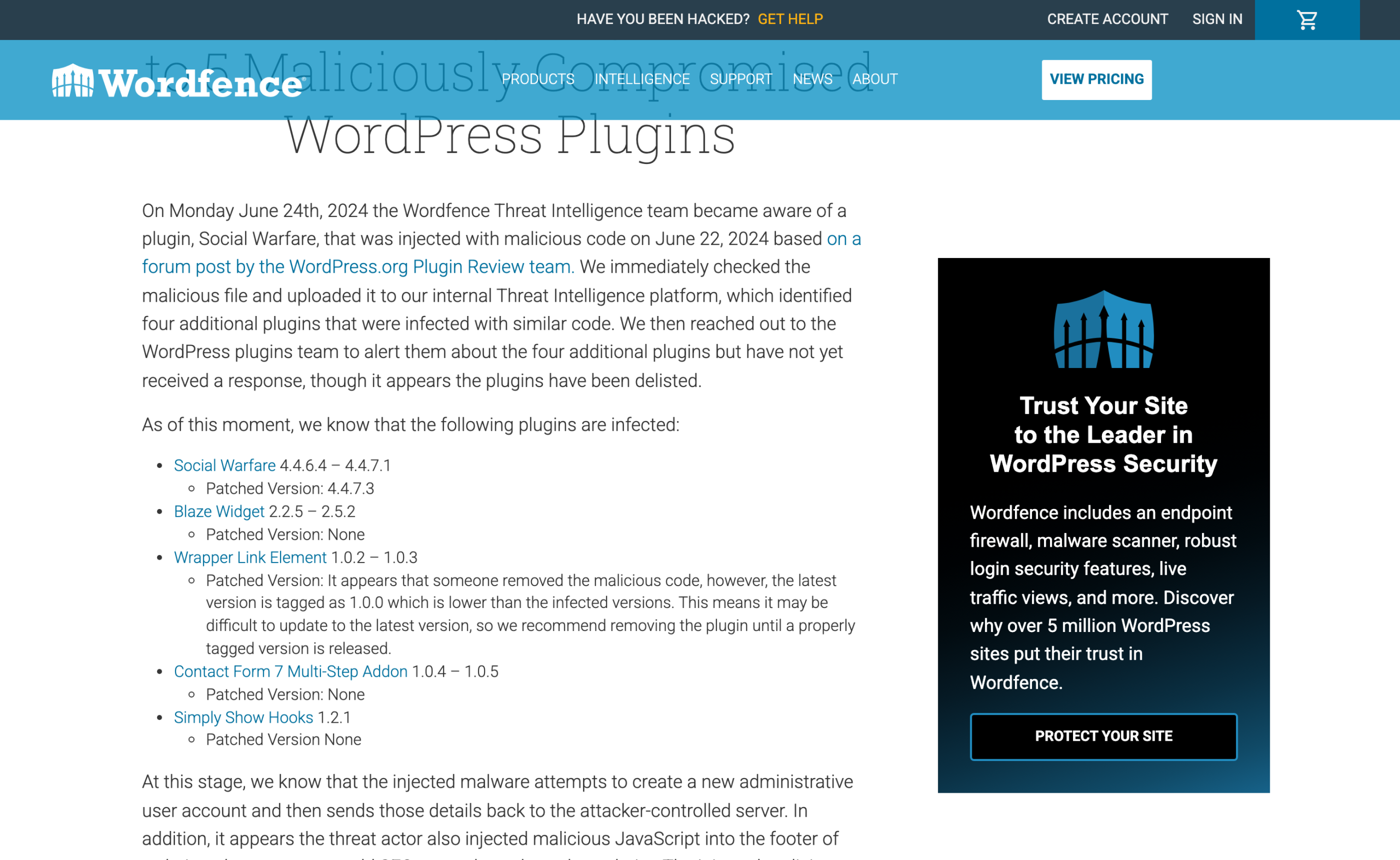
What happened: five plugins in the official directory were updated with malicious code.
Social Warfare 4.4.6.4 to 4.4.7.1, Blaze Widget 2.2.5 to 2.5.2, Wrapper Link Element 1.0.2 to 1.0.3, Contact Form 7 Multi-Step Addon 1.0.4 to 1.0.5, and Simply Show Hooks.
The injected code created an administrator account and posted the details to a server at 94.156.79.8, then injected SEO spam into the site footer.
The admin usernames Wordfence published were Options and PluginAuth.
Scale, with the caveat attached
Scale: Wordfence’s estimate on 26 June 2024 was that “roughly 35,000 sites could have been affected by this supply chain attack, though it’s unclear how many actually updated to a vulnerable version.”
Carry that caveat with the number. It is an upper bound on exposure, not a count of victims.
The mechanism: credential stuffing
The mechanism: credential stuffing against WordPress.org accounts that held SVN commit access. No infrastructure was breached. The attacker logged in as the developers.
Wordfence’s read on the timeline is worth keeping, because it describes how these things usually start: the first commit on Blaze Widget, a plugin that had not been updated in four years and had ten active installations, carried the message recon and predated the malicious commits by months.
What changed afterwards
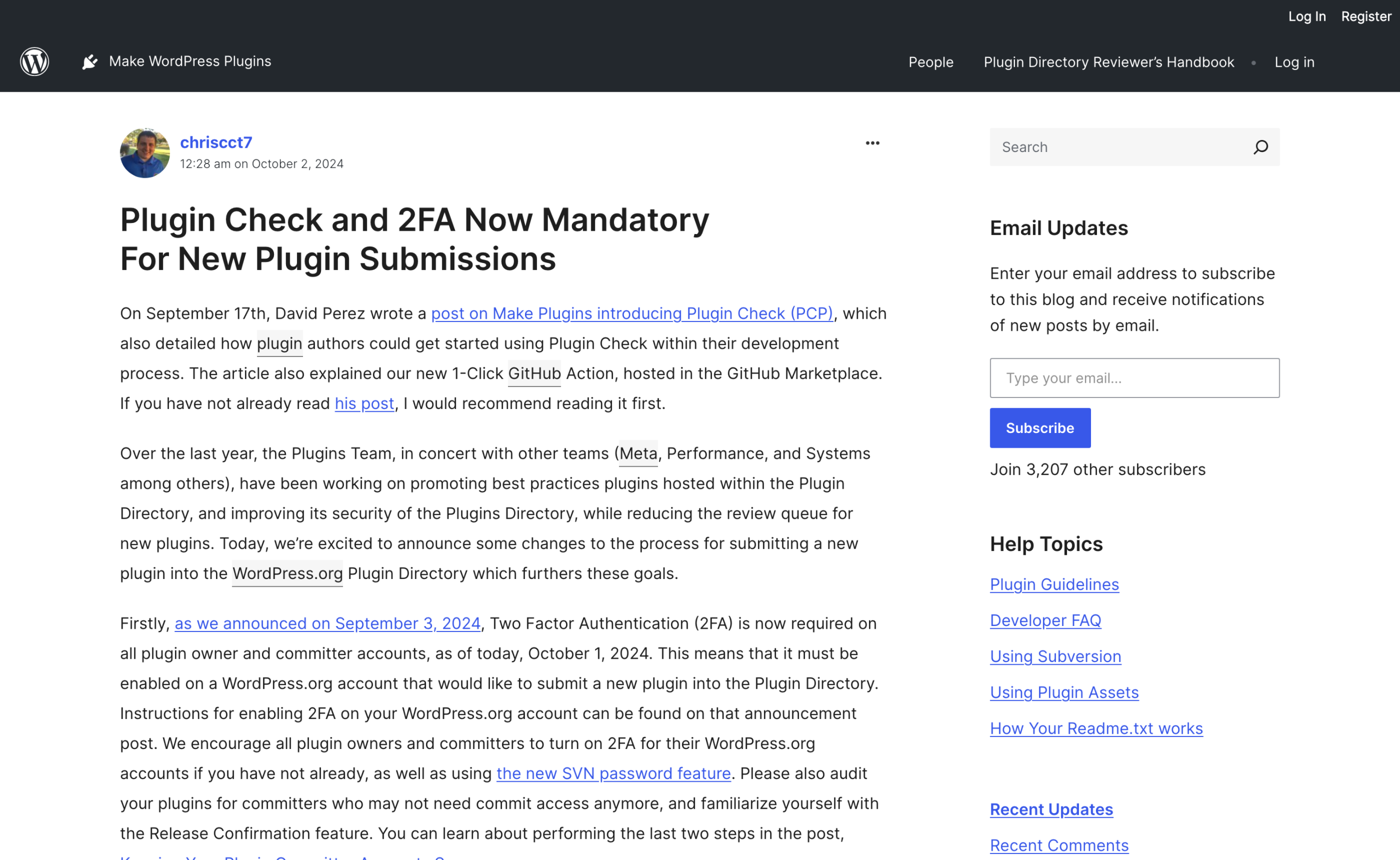
What changed afterwards: WordPress.org forced a password reset for plugin authors on 29 June 2024, and on 1 October 2024 made two-factor authentication and Plugin Check mandatory for new plugin submissions.
This is the only one of the five incidents that produced a structural fix at the platform level.
Gravity Forms, July 2025
Source: Rocketgenius, the vendor, in a security incident notice published 11 July 2025.
Two packages, and a precise exposure window
What happened: two core plugin packages, 2.9.11.1 and 2.9.12, were modified by an attacker who reached the downloadable files.
The conditions for exposure are unusually precise, and the vendor listed them: you manually downloaded 2.9.11.1 on 9 or 10 July, you manually downloaded 2.9.12 on 10 July, or you ran a composer install of 2.9.11.1 on those dates.
The part that matters
The part that matters: “If you updated to 2.9.12 using auto-update (based on an available update message in your WordPress dashboard), you have not been exposed.
The Gravity API service that handles licensing, automatic updates, and the installation of add-ons initiated from within the Gravity Forms plugin was never compromised.” One vendor, two channels, one of them poisoned.
The people who let the dashboard do the update were fine. The people who downloaded a zip by hand were not.
The payload
The payload: it blocked further updates to the package, fetched a second stage from an external host, and created an administrative account.
The vendor published the check as a request to notification.php with a specific gf_api_token parameter, and listed four IP addresses and the domain gravityapi.org, which they noted they do not own.
ShapedPlugin, June 2026
Source: Wordfence, 16 June 2026. CVE-2026-10735, rated 9.8.
The build pipeline, not the directory
What happened: attackers reached the vendor’s build and distribution pipeline and put a backdoor into Pro releases.
Three products were named: Product Slider Pro for WooCommerce, Real Testimonials Pro and Smart Post Show Pro.
Wordfence obtained a backdoored copy of Real Testimonials Pro 3.2.5 directly from the vendor’s official update endpoint on 12 June 2026.
The channel split again
Again, the channel split: “The compromise only affects Pro plugin builds distributed through the vendor’s EDD infrastructure, not the free plugins on WordPress.org.
The attacker had selective access to inject malware only into commercially licensed releases.” The vendor has over 400,000 active free installations. The paying customers were the ones exposed.
The mechanism: a loader on admin_init
The mechanism: a loader file, src/Includes/LicenseLoader.php, hooked on admin_init.
It downloaded a payload from a command server, installed it as a fake plugin using core’s own Plugin_Upgrader class, reported the domain home, then removed itself and cleaned the hook out of the file that had called it.
The dropped plugin used the directory name woocommerce-subscription, singular, against the real WooCommerce Subscriptions plural, and hid itself from the plugin list with the all_plugins filter.
It bundled a file manager, Adminer, a URL-parameter web shell and a login bypass.
It went after TOTP seeds
It also harvested credentials at authentication time, and specifically went after TOTP seeds stored by four two-factor plugins, including WP 2FA, Wordfence Login Security, Really Simple SSL 2FA and the Two Factor plugin.
That is worth sitting with. A second factor stored in the same database as the first factor is not a second factor once the attacker is running code inside the application.
Hardware keys are a different proposition, which is the case I made in YubiKey versus password managers and looked at from the attacker’s side in can a YubiKey be hacked.
BdThemes, August 2026
Source: Wordfence, 8 August 2026.
Seven plugins, temporarily closed
What happened: seven plugins from the vendor were temporarily closed on WordPress.org pending inspection, including Element Pack, Prime Slider, Pixel Gallery, Ultimate Post Kit, Ultimate Store Kit, Live Copy Paste and Smart Admin Assistant.
Not one line of their source code was modified.
The mechanism: a banner API
The mechanism: the plugins ship a component that pulls promotional banners from the vendor’s API and renders them in wp-admin.
That API is a set of flat JSON files in a DigitalOcean Spaces bucket.
On 1 March 2026 the plugin authors introduced a bug in the client-side parsing code in Prime Slider 4.1.9, concatenating the display_id field from the remote JSON straight into an HTML id attribute without escaping it.
Someone then obtained write access to the bucket and replaced the JSON with a payload that broke out of that attribute using an onanimationstart handler.
No update required, no file changed
Wordfence’s summary of what that produces: “No plugin update is required to become a victim. No file is modified on disk.
The attack is entirely API-driven, invisible to file-based integrity scanners and barely visible to Web Application Firewalls.”
The script ran in the administrator’s own browser on every dashboard page load, created rogue administrators, and uploaded a web shell as a plugin.
This is the one that should change how you evaluate a plugin, because there is no version to avoid and no file to compare.
What the record actually tells you
Six things, each of them traceable to one of the incidents above rather than to general advice.
1. Prefer the WordPress.org copy when a free version does the job. In AccessPress and in ShapedPlugin, the directory copy was clean while the vendor’s own distribution was backdoored.
The directory is not immune, as June 2024 shows, but it is the only channel with a review team, mandatory 2FA on new submissions, and a public commit history you can read.
2. Update through the dashboard, not by downloading zips. Gravity Forms is the clean experiment. Same vendor, same version numbers, same week.
The auto-update path was untouched and the manual download path shipped malware.
If your updates are failing and you have got into the habit of downloading packages by hand, fix the updater, because the workaround is the risk.
The usual causes are in how to fix WordPress automatic updates not working.
3.
Count what a plugin fetches at runtime. The BdThemes compromise was possible because seven plugins made an unauthenticated call to a vendor bucket on every admin page load and rendered the response.
Before you install something, look at what it calls out to and why.
A plugin that phones home for promotional banners has handed a third party a script tag inside your dashboard, and you inherit their bucket permissions.
4. Ask vendors how commit access is protected. June 2024 was five reused passwords. That is a question you can ask in a pre-sales email, and the answer tells you something about the whole operation.
5. Assume file integrity monitoring catches three of five. It would have found AccessPress, June 2024 and Gravity Forms.
It would have struggled with ShapedPlugin, where the loader deletes itself after first run, and it would have found nothing at all in BdThemes.
So pair it with detection that watches for outcomes rather than files: new administrator accounts, unexpected plugin directories, outbound connections to hosts you did not choose.
Every one of these five incidents ended in a rogue admin user or a dropped web shell.
6. Reduce the number of vendors. Each premium plugin is a separate company whose build server, download host, object storage and committer accounts you are trusting and cannot audit.
Fewer of them is a smaller surface, and that arithmetic does not care how good any individual plugin is.
If you carry these licences for clients, the ownership and renewal question is worth settling in writing, which I covered in managing WordPress plugin subscriptions for clients.
What none of this protects against
Being straight about the gap. Every rule above reduces exposure and none of them removes it.
You cannot audit a vendor’s build pipeline from outside, you will not read the diff of every update across dozens of plugins, and the June 2024 incident happened in the channel I just told you to prefer.
What you can do is shorten the time between compromise and discovery, and that is a detection problem rather than a prevention one.
Scanners are one input and they miss whole categories, which I went through in the scanner said clean while the site was serving spam to Googlebot.
Across a portfolio, a management layer that reports plugin versions and new users centrally is the practical answer, and I compared the options in the eight WordPress management tools.
Do this today
List every premium plugin you run and write down, next to each one, how it updates: through the dashboard from the vendor’s licence server, or from a zip somebody downloaded.
Then list every administrator account on every site and account for each one by name.
Those two lists take under an hour and they cover the entry point and the outcome of all five incidents above.
More on wordpress security
- Why WordPress Malware Scanners Miss Cloaked Spam, and How to Actually Check
- Application Passwords in WordPress: The Security Model, and Where It Leaks
- Reading Your WordPress Access Logs for the Things Scanners Will Not Tell You
Resources
- Jetpack: Backdoor found in themes and plugins from AccessPress Themes – full affected version tables.
- CVE-2021-24867 – the NVD record for the AccessPress compromise.
- WordPress.org: Keeping your plugin committer accounts secure, 26 June 2024 – the official statement.
- Plugin Check and 2FA now mandatory for new plugin submissions, 1 October 2024.
- Wordfence: Supply chain attack on WordPress.org plugins, 24 June 2024.
- Gravity Forms security incident notice, 11 July 2025.
- Wordfence: ShapedPlugin supply chain compromise, 16 June 2026.
- Wordfence: BdThemes compromise via poisoned API response, 8 August 2026.