Why WordPress Malware Scanners Miss Cloaked Spam, and How to Actually Check
On this page, 9 sections
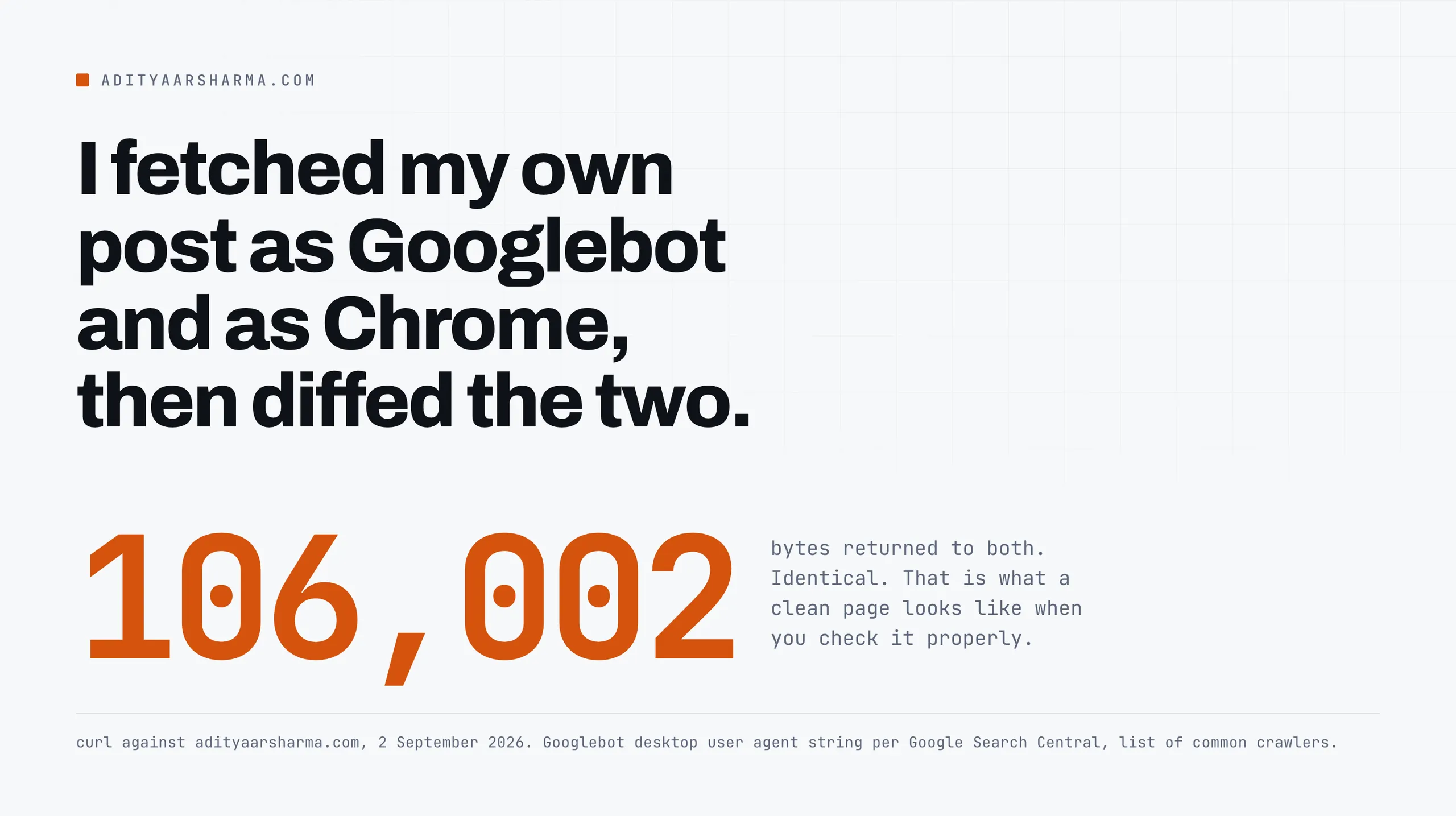
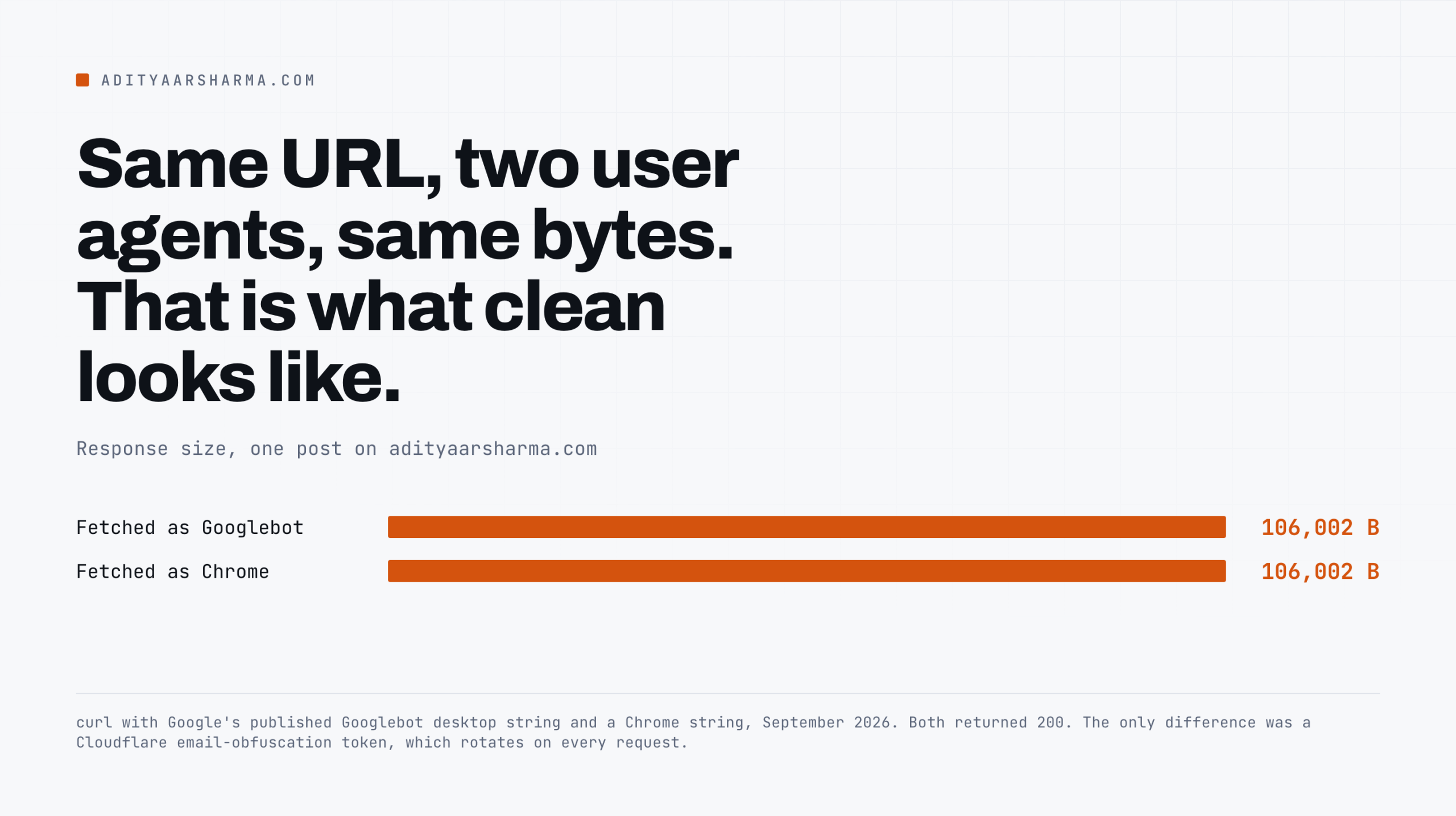
I ran the same URL twice this week, once with Googlebot’s user agent and once with Chrome’s, and diffed the two responses.
Both came back 200 with 106,002 bytes. The only difference in the HTML was a Cloudflare email-obfuscation token, which rotates on every request anyway.
That is what a clean page looks like when you check it the way that actually settles the question.
Why the two usual tools do not answer this
The reason to check it that way is that the two tools most people reach for do not answer this question at all.
A malware scanner reads what is sitting on disk. Cloaked spam is a decision your server makes at request time.
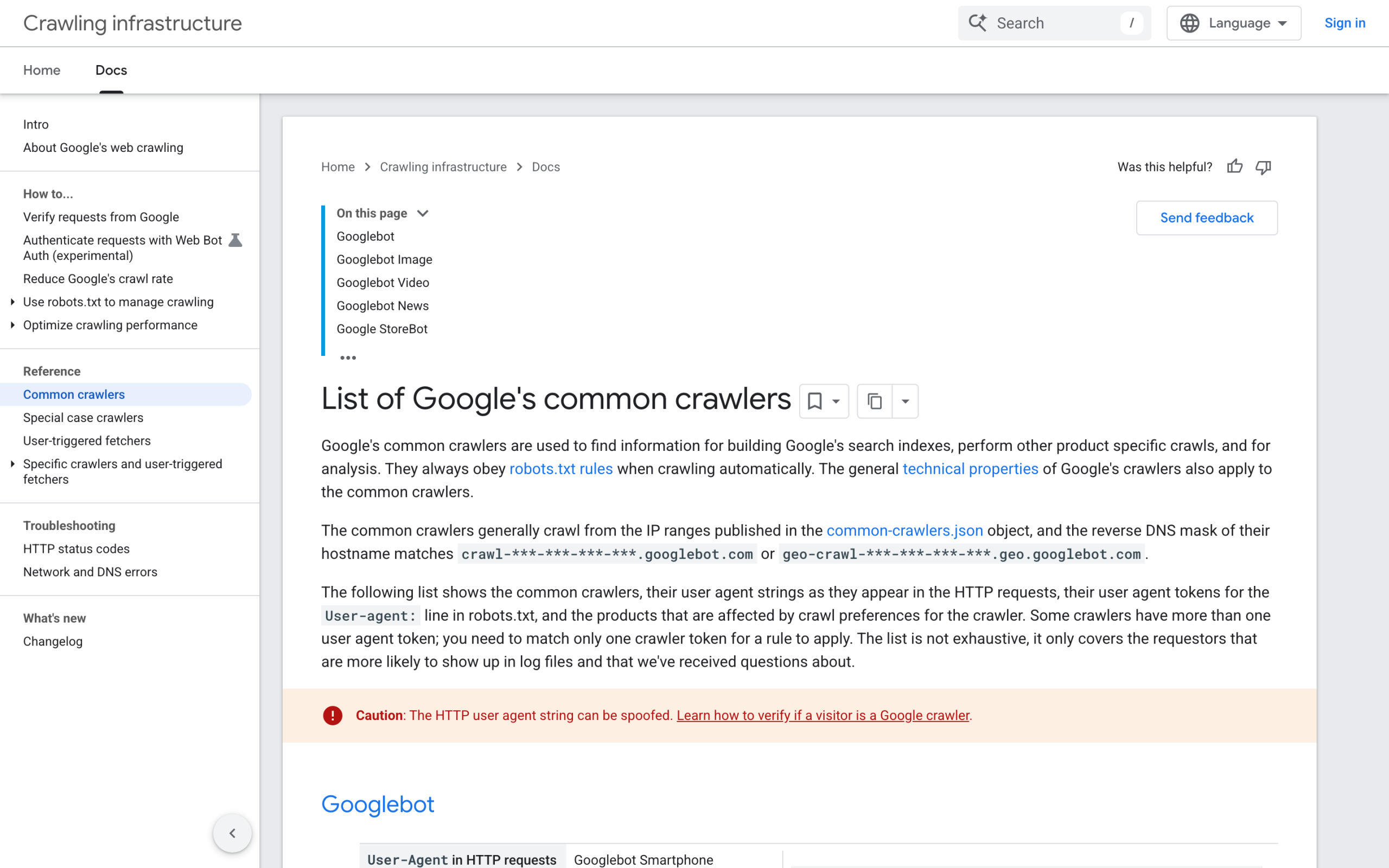
And the live test inside Google Search Console does not fetch your page as Googlebot. It fetches as Google-InspectionTool/1.0, a separate user agent token (Google Search Central, list of common crawlers, page last updated 20 March 2026).
If the injected code branches on the string Googlebot, the live test walks straight past it and tells you everything is fine.
I wrote up the case that sent me down this road in the scanner said clean while the site was serving spam to Googlebot. This post is the mechanism underneath it, and the check.
What the site is actually deciding
Google’s own spam policy defines cloaking as “presenting different content to users and search engines with the intent to manipulate search rankings and mislead users”, and adds the line that matters here: “If a site is hacked, it’s not uncommon for the hacker to use cloaking to make the hack harder for the site owner to detect.”
A cloak is a branch, and here are the four values it reads
In WordPress terms, a cloak is a branch. It reads one of a small number of request-scoped values and picks which output to send:
$_SERVER['HTTP_USER_AGENT']– the cheapest and most common. Match on the substringgooglebot, or onbingbot, or on a list.$_SERVER['HTTP_REFERER']– fire only when the visitor arrived from a Google results page. Google’s spam policy names this exact pattern under hacked content: “clicking a URL in Google Search results could redirect you to a suspicious page, but there is no redirect when you visit the same URL directly from a browser.”$_SERVER['REMOTE_ADDR']plus a reverse DNS lookup – the careful version. Serve spam only to IPs that genuinely resolve togooglebot.com. A user agent test from your laptop will never trigger this one.- State. Serve the payload once per IP and then never again, or only inside a time window. Your second request looks clean because it is the second request.
The branch itself is four lines of unremarkable PHP. That is the whole problem with the scanner.
Why signature scanning does not see it
A file scanner works by matching byte patterns it has seen before against files it can read. Three things defeat that here, and none of them are exotic.
The conditional has no signature
The conditional has no signature. A stripos() call against a user agent string appears in thousands of legitimate themes and plugins doing mobile detection. There is nothing distinctive to match on without producing a flood of false positives.
The payload is often not in a file
The payload is often not in a file. It can sit in a row in wp_options, in a transient, in post meta, or be fetched fresh from a remote host on every crawl.
Most scanners walk the filesystem. The database is a different job.
Sometimes nothing is written to disk
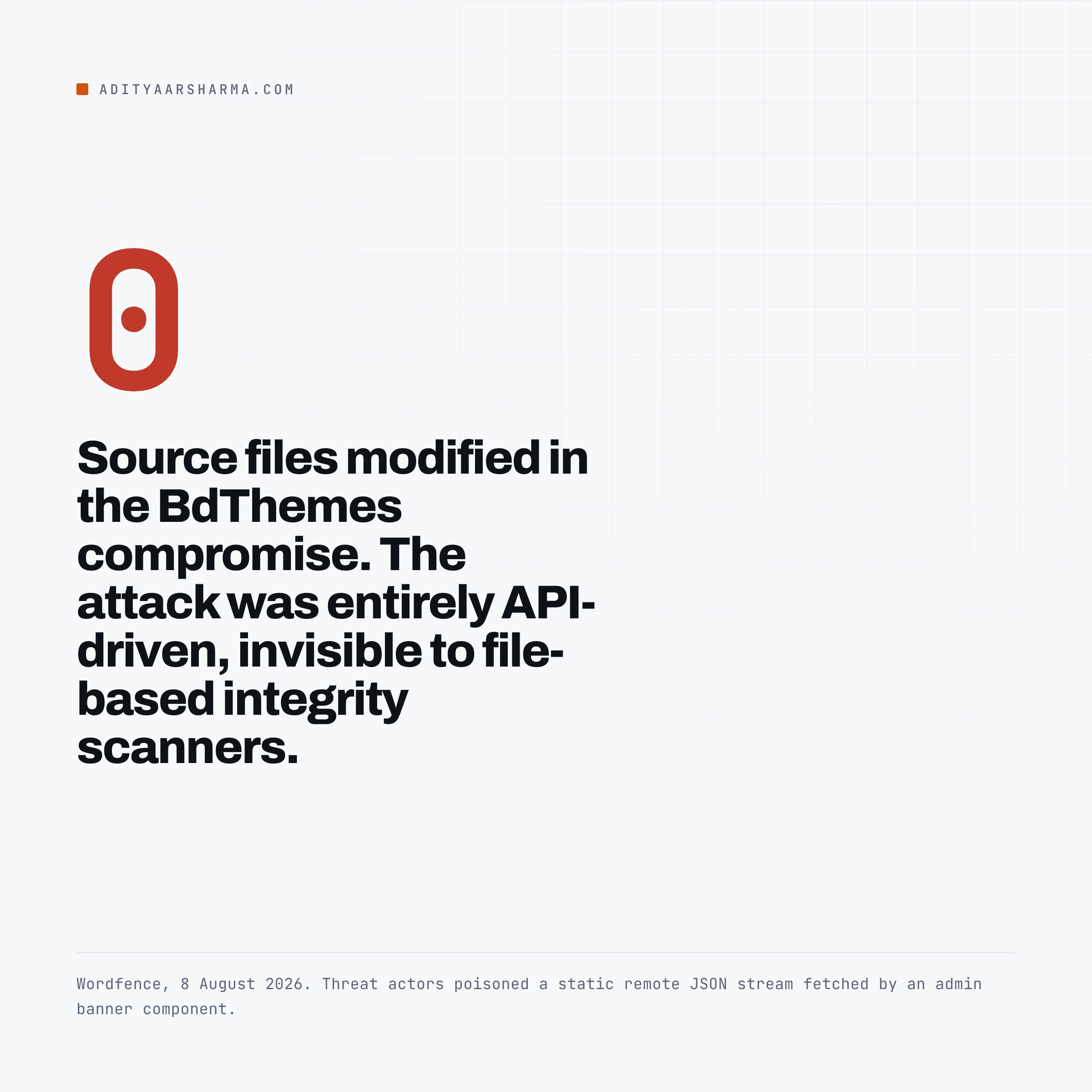
Sometimes nothing is written to disk at all. On 8 August 2026 Wordfence published its analysis of a compromise in the BdThemes plugin ecosystem, and the summary is worth quoting because it is the clearest published statement of this failure mode I have read: “zero source code files were modified within the official WordPress.org repository.
Instead, threat actors poisoned a static remote JSON data stream fetched by an administrative promotional banner component.” Their conclusion: “No plugin update is required to become a victim.
No file is modified on disk. The attack is entirely API-driven, invisible to file-based integrity scanners and barely visible to Web Application Firewalls.”
And when a file is involved, it deletes itself
And when a file is involved, it does not have to stay.
In the ShapedPlugin compromise Wordfence documented on 16 June 2026, the first-stage loader downloads its payload, installs it as a fake plugin, and then “removes itself and cleans the loader hook” from the file that called it.
Wordfence’s note on that: “This self-deleting behavior means the initial infection vector disappears after first execution, complicating forensic analysis for site owners who notice the infection later.” The dropped payload then hides itself from the plugin list using the all_plugins filter, so a look at Plugins in wp-admin shows nothing new.
What a clean scan report actually says
So read a clean scan report for what it says. No known-bad bytes were found in the files that were scanned, at the moment they were scanned.
It is not a statement about what your server said to Googlebot last Tuesday.
The check, in four steps
1. Fetch the same URL twice and diff it
The exact Googlebot desktop string is published by Google. Use it verbatim, because a partial match may not trip a cloak that checks for the full token.
GB='Mozilla/5.0 AppleWebKit/537.36 (KHTML, like Gecko; compatible; Googlebot/2.1; +http://www.google.com/bot.html) Chrome/139.0.0.0 Safari/537.36'
HU='Mozilla/5.0 (Macintosh; Intel Mac OS X 10_15_7) AppleWebKit/537.36 (KHTML, like Gecko) Chrome/139.0.0.0 Safari/537.36'
U='https://example.com/your-page/'

curl -sS -A "$GB" "$U" -o gb.html -w 'googlebot: %{http_code} %{size_download}\n'
curl -sS -A "$HU" "$U" -o hu.html -w 'human:     %{http_code} %{size_download}\n'
If the two byte counts differ, you have something to look at.
If they match, diff anyway, because a cloak can swap content without changing the length.
2. Normalise the noise before you trust the diff
When I ran this against my own site, the raw diff was not empty.
Cloudflare’s email-obfuscation feature rewrites mailto: links into a hex token that is different on every request, so a naive diff reports a change on a page that is completely clean. Strip the known rotators first:
diff \
  <(sed -e 's/data-cfemail="[^"]*"//g' -e 's/nonce="[^"]*"//g' gb.html) \
  <(sed -e 's/data-cfemail="[^"]*"//g' -e 's/nonce="[^"]*"//g' hu.html)
What else rotates
Nonces, CSRF tokens, cache-buster query strings and timestamps all do the same thing. Learn what your stack rotates once, then the diff is trustworthy forever after.
3. Add the referrer variant
The referrer cloak is the one that hurts, because it is invisible to every check that does not send a referrer. Your visitors see a pharmacy page. You, typing the URL into your own browser, see your post.
curl -sS -A "$HU" -H 'Referer: https://www.google.com/' "$U" \
  -o ref.html -w 'from google: %{http_code} %{size_download}\n'

# and follow redirects, because the payload is often a 302
curl -sSIL -A "$HU" -H 'Referer: https://www.google.com/' "$U" | grep -iE '^(HTTP|location)'
A 302 in that second command is the payload.
4. Look at it from the index side
This is the step people skip, and it is the only one that shows you what Google actually received rather than what your server will send to you right now.
In Search Console, inspect the URL and click View crawled page.
Google’s documentation is explicit that this is not a live fetch: “The results shown are from most recently indexed version of a page, not the live version on the web.” The HTML in that panel is the HTML Google stored.
If there is spam in there and none in your browser, you have your answer and you also have a timestamp, because the Last crawl field tells you when.
View tested page is a different animal
View tested page, from the live test, is a different animal. Per Google’s own docs the live test shows “a screenshot of how the Google-InspectionTool sees the page”, and the crawler list gives that agent as Mozilla/5.0 (compatible; Google-InspectionTool/1.0).
Useful, but it is not Googlebot, and a cloak written to match on Googlebot will not fire for it.
Treat a clean live test as weak evidence and the crawled page as strong evidence.
And search your own domain
Then run a couple of site queries against your own domain with the terms that spam campaigns use.
If Google has indexed pages on your site you have never written, they will surface there long before anything shows up in a scan.
Check that Googlebot in your logs is Googlebot
The other half of this is the reverse. Anyone can claim to be Googlebot, and plenty of scrapers do, which means your access log is full of a user agent you should not trust.
Google publishes two ways to verify, and both of them work from a shell.
The manual one is a forward-confirmed reverse DNS lookup. Resolve the IP to a hostname, check the hostname ends in googlebot.com, google.com or googleusercontent.com, then resolve that hostname back and confirm you land on the same IP.
host 66.249.66.1 returns a pointer to crawl-66-249-66-1.googlebot.com, and host crawl-66-249-66-1.googlebot.com returns 66.249.66.1.
Both halves have to pass
Both halves have to pass. A PTR record alone proves nothing, because the party who controls the IP block controls the PTR.
At any volume, match against the published ranges instead. Google serves them as JSON at https://developers.google.com/static/crawling/ipranges/common-crawlers.json, and the file carries a creationTime, so you can tell how fresh your copy is.
The file name changed
Note that the file name changed. The old googlebot.json is now common-crawlers.json, and the docs moved from /search/docs/crawling-indexing/ to /crawling/docs/crawlers-fetchers/. If you have a verification script written a couple of years ago, go and look at what it is fetching.
What breaks these checks
A full page cache in front of PHP
A full page cache in front of PHP. If your host or CDN serves both requests from the same cached object, PHP never runs and both curls return identical bytes no matter what the site would have done.
Check the response headers before you believe a null result. On my own site the header came back cf-cache-status: DYNAMIC, which means Cloudflare passed both requests through to origin and the comparison was real.
If yours says HIT, add a unique query string to bust it, or test against a URL the cache excludes.
An IP-keyed cloak
An IP-keyed cloak. If the branch is on reverse DNS rather than user agent, no curl from your machine will ever reproduce it. Search Console’s crawled page is your only window.
A one-shot payload
A one-shot payload. Some injections mark the requesting IP and serve clean output on every subsequent hit. If you got one odd response and cannot reproduce it, that is a finding, not a fluke. Test from a different network.
Mobile-only branches
Mobile-only branches. Googlebot Smartphone is the default crawl agent for most sites now. Its published string is a Nexus 5X Android user agent with the compatible; Googlebot/2.1 token appended in the same trailing parenthesis.
Take it verbatim from the crawler list rather than assembling it by hand. If your desktop test comes back clean, run the smartphone string too.
If a check comes back dirty
Stop reaching for the scanner. It already told you what it thinks. Go to the two places a conditional can live that a file walk does not cover: the database, and anything your site fetches at runtime from someone else’s host.
Then read the access log
Then read the access log around the timestamp Search Console gave you for the last crawl.
That is where the difference between a compromise and a false alarm shows up, and it is a separate skill worth having, especially if you are looking after sites for other people.
If that is you, the operational side of it sits in how to manage WordPress websites for clients, and the tooling comparison is in the eight WordPress management tools I compared.
If the spam turns out to be inbound rather than injected, the diagnosis is different again, and I have written that up in why you still get spam despite Google reCAPTCHA.
Where the payload is a redirect chain rather than injected HTML, the three ways to fix 301 errors in WordPress covers how to trace where the hops are being generated.
Do this today
Take your five highest-traffic URLs. Run the curl pair on each one, then open Search Console and read the crawled HTML for the same five.
That is about fifteen minutes, it requires nothing installed, and it answers a question no scan report can answer.
Put it in a cron job once you have run it by hand and understood what your own stack rotates.
More on wordpress security
- Application Passwords in WordPress: The Security Model, and Where It Leaks
- Reading Your WordPress Access Logs for the Things Scanners Will Not Tell You
- WordPress Plugin Supply Chain: What Actually Happened in the Documented Incidents
Resources
- List of Google’s common crawlers – the verbatim user agent strings, including Google-InspectionTool.
- Verify requests from Google crawlers and fetchers – the reverse DNS method and the IP range files.
- common-crawlers.json – the published Googlebot IP ranges, in CIDR.
- Google spam policies – the cloaking and hacked content definitions quoted above.
- URL Inspection tool – what the indexed result contains and how it differs from the live test.
- Fixing hacked sites – Google’s cleanup guide.
- Wordfence on the BdThemes compromise, 8 August 2026 – the zero-files-changed case.