Application Passwords in WordPress: The Security Model, and Where It Leaks
On this page, 8 sections
An application password in WordPress is 24 alphanumeric characters. It has no scope, no expiry, and no per-endpoint restriction.
Once it authenticates, current_user_can() returns exactly what it would return for that human sitting in wp-admin.
If the account is an administrator, the holder of that string can install and activate a plugin over the REST API, which is remote code execution by design rather than by bug.
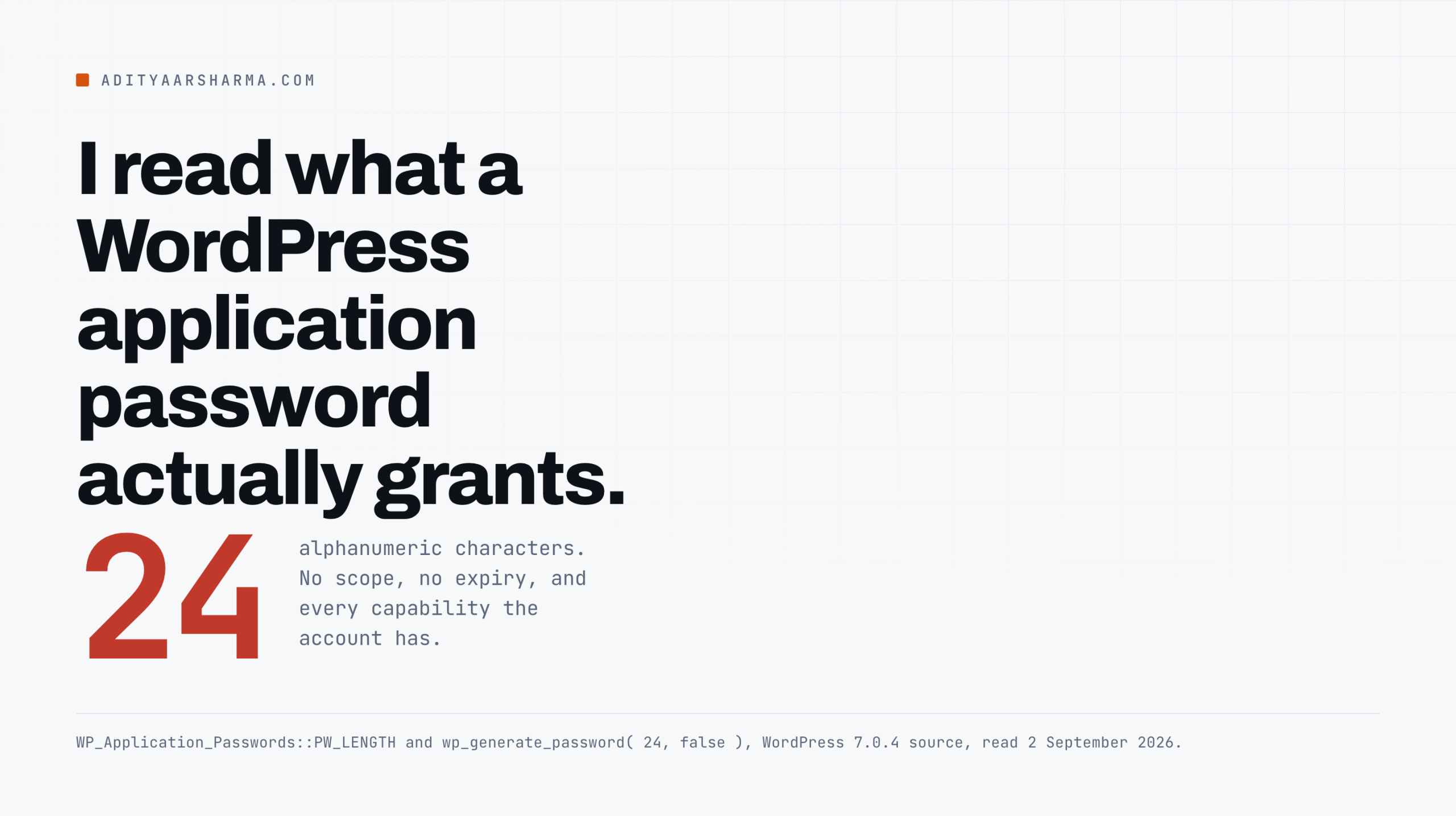
I went and read the code rather than the marketing, because I hand these things out to agents and scripts constantly and I wanted to know what I was actually handing over.
Everything below is from wp-includes/class-wp-application-passwords.php, wp-includes/user.php, wp-includes/capabilities.php, wp-includes/rest-api/endpoints/class-wp-rest-application-passwords-controller.php and wp-admin/authorize-application.php in WordPress 7.0.4, cross-checked against the 6.9.4 tree I run locally. The behaviour is identical in both.
The model, precisely
Generation, storage, comparison
Application passwords shipped in WordPress 5.6. Here is what actually happens.
Generation. WP_Application_Passwords::create_new_application_password() calls wp_generate_password( 24, false ). With special characters off, wp_generate_password() draws from a 62-character alphabet, so the string carries about 143 bits of entropy. That part is fine. Brute force is not your problem.
Storage. The list lives in a single user meta row under the key _application_passwords. Each entry is an array with uuid, app_id, name, password (a hash), created, last_used and last_ip.
Since 6.8 the hash comes from wp_fast_hash(); before that it was phpass, and check_password() still falls back for old entries.
Comparison. Before hashing or checking, core runs preg_replace( '/[^a-z\d]/i', '', $password ). That is why the four-character groups the UI displays can be typed with or without spaces.
It also means any punctuation a user pastes in is silently discarded rather than rejected.
Where it works, and where it does not
Where it works. wp_authenticate_application_password() bails immediately unless the request is XML-RPC or REST:
It sets $is_api_request true only when XMLRPC_REQUEST or REST_REQUEST is defined and true, then passes that through the application_password_is_api_request filter.
So an application password cannot be used to log into wp-admin. That is a real limit and worth knowing. Note the filter, though: a plugin can widen that surface, and if one on your site does, this whole analysis changes.
When the feature is available at all
When the feature is on. wp_is_application_passwords_supported() is one line: return is_ssl() || 'local' === wp_get_environment_type();. Everything else routes through two filters, wp_is_application_passwords_available globally and wp_is_application_passwords_available_for_user per user, both of which default to allowing it.
Transport is Basic and nothing else
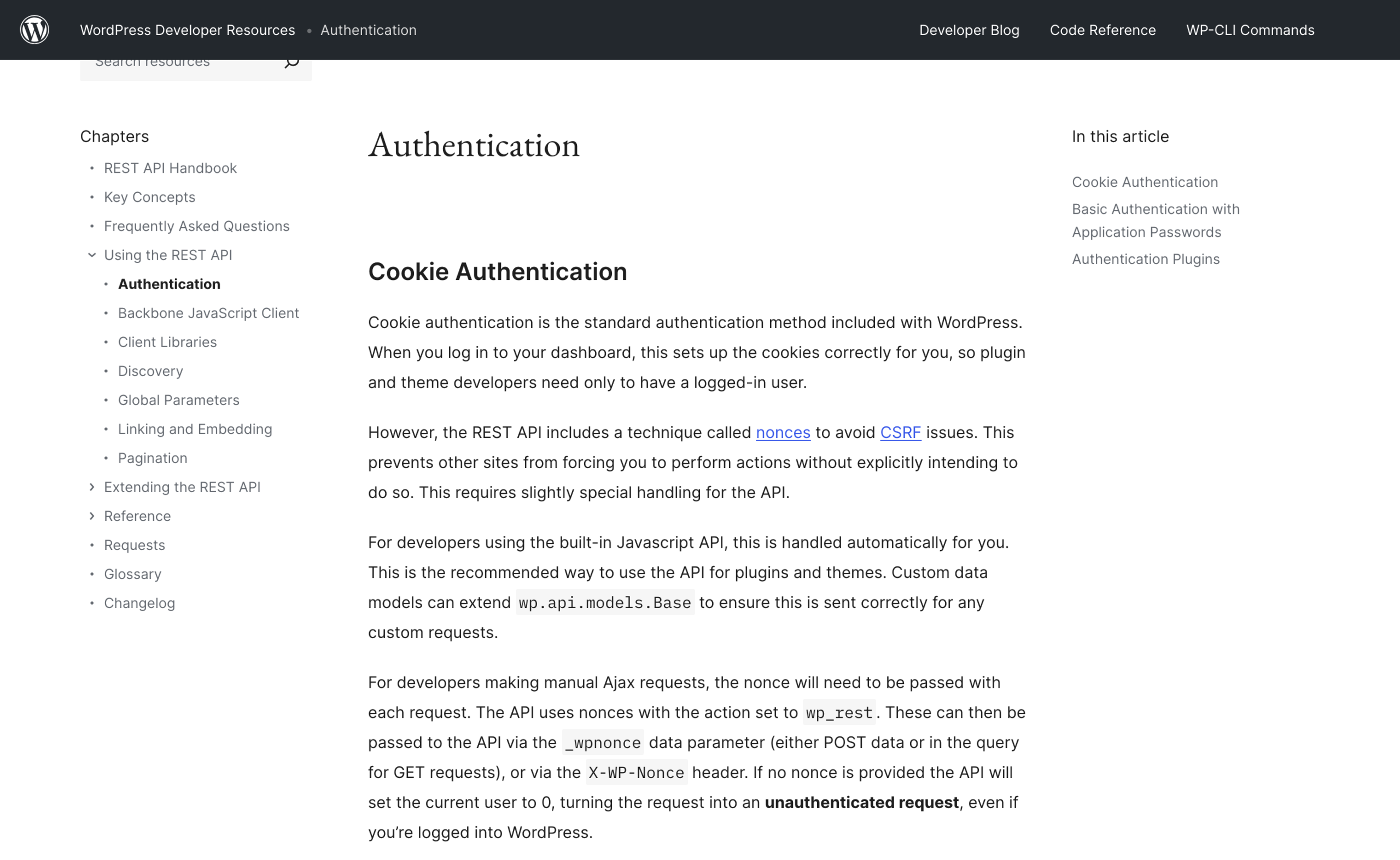
Transport. HTTP Basic, as documented in the REST handbook. The plaintext travels in an Authorization header on every request:
A request looks like curl --user "USERNAME:APPLICATION PASSWORD" https://example.com/wp-json/wp/v2/users/me?context=edit.
That is the whole security model. There is no token exchange, no refresh, no consent screen listing permissions, no audience, no expiry claim. Which brings me to the comparison people keep making.
Why it is not OAuth
It looks like a consent screen
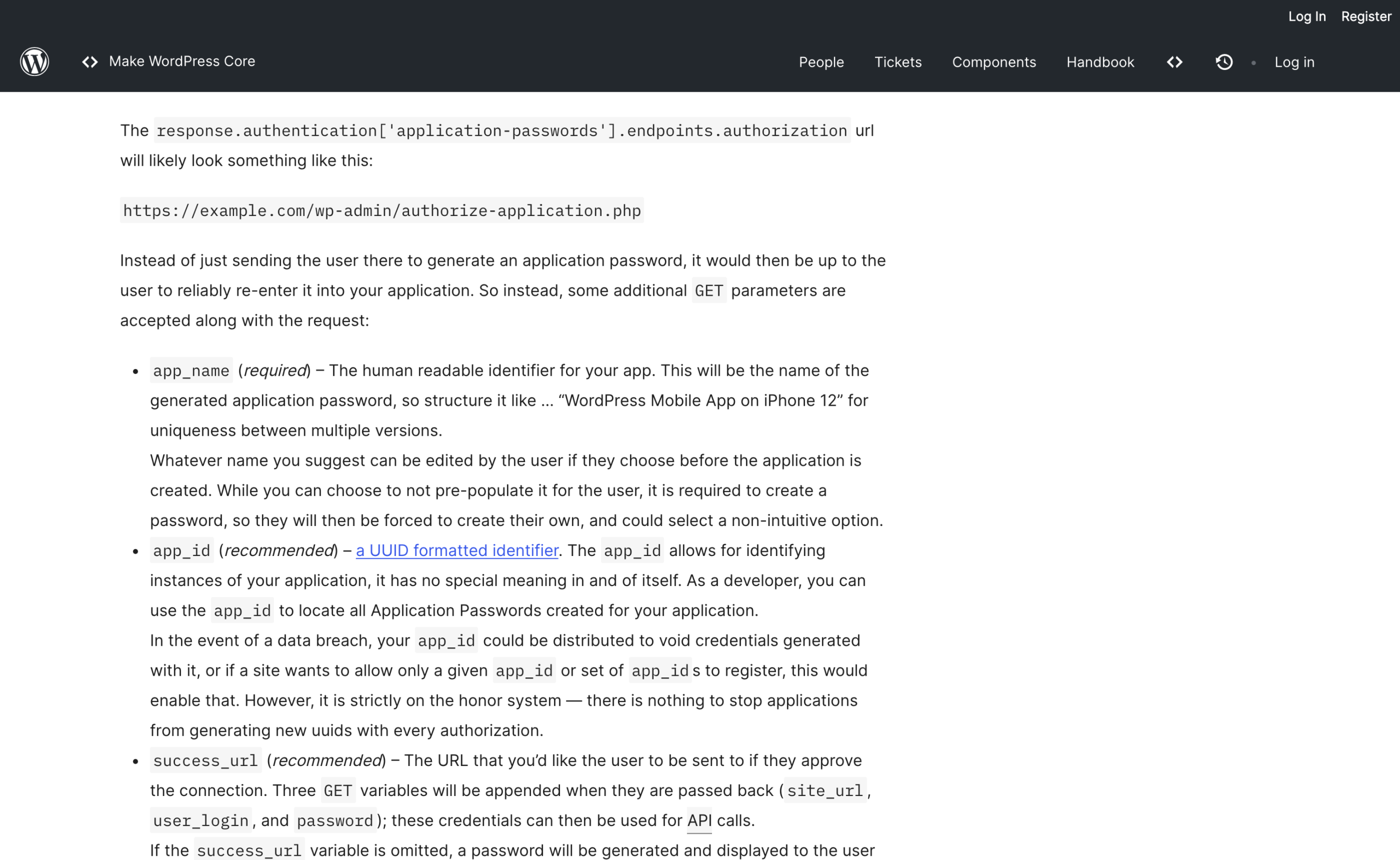
The authorization flow at wp-admin/authorize-application.php looks like an OAuth consent screen.
An application sends you to that URL with app_name, app_id, success_url and reject_url, you approve, and you get bounced back to the application. It walks like OAuth.
It is missing the three parts that make OAuth worth having.
There are no scopes
There are no scopes. The consent screen has no list of permissions, because there is nothing to list. The credential inherits the account.
A page builder plugin that asks for an application password so it can read your posts receives, in the same string, the ability to create administrators.
There is no expiry
There is no expiry. The stored entry has a created timestamp and nothing reads it back for validity. A password issued in 2021 for a service you stopped paying for in 2022 still authenticates today.
The secret travels in a URL
The secret goes to the third party in a URL. This is the part I did not expect. On approval, core builds the redirect like this:
$redirect = add_query_arg(
    array(
        'site_url'   => urlencode( site_url() ),
        'user_login' => urlencode( wp_get_current_user()->user_login ),
        'password'   => urlencode( $new_password ),
    ),
    $success_url
);

if ( $redirect ) {
    // Explicitly not using wp_safe_redirect b/c sends to arbitrary domain.
    wp_redirect( $redirect );
That comment is core’s, not mine.
The plaintext password is a query parameter on a redirect to a host you do not control.
It lands in the receiving server’s access log, in the browser’s history, and in anything sitting in between that logs URLs.
WordPress 6.3.2 hardened the validation, and wp_is_authorize_application_redirect_url_valid() now rejects javascript: and data: schemes and requires https outside a local environment. It still accepts any https host on the internet.
Practical consequence: if you use the authorize flow, treat the resulting password as having been logged somewhere by a stranger. Generate manually from your profile screen when you can.
Where it leaks
An admin key can mint more keys
In wp-includes/capabilities.php, the six application password meta capabilities all map to the same thing:
create_app_passwordlist_app_passwordsread_app_passwordedit_app_passworddelete_app_passwordsdelete_app_password
The REST controller checks those capabilities and nothing else.
I looked for a guard that stops a request authenticated by an application password from creating a new one, and there is not one in core.
So a leaked administrator key can POST /wp-json/wp/v2/users/me/application-passwords and issue itself a fresh credential under a plausible name. Revoking the key you know about does not remove the attacker.
The core REST surface is larger than people assume
The plugins controller has shipped in core since 5.5. Its create permission check requires install_plugins, and setting a status other than inactive requires activate_plugins. Both are administrator capabilities on a single site.
An administrator application password can therefore install a plugin from the WordPress.org directory and activate it, over HTTPS, with one curl call and no dashboard session.
There is no separate switch for this and no scope you can decline.
last_used tells you almost nothing
This is the one that changes how you investigate. Here is record_application_password_usage():
// Only record activity once a day.
if ( $password['last_used'] + DAY_IN_SECONDS > time() ) {
    return true;
}

$password['last_used'] = time();
$password['last_ip']   = $_SERVER['REMOTE_ADDR'];
One write per day, and last_ip records only the address of whichever request happened to trigger that write.
A password used four thousand times from forty different addresses shows a single date and a single IP in the Users screen.
It is a liveness indicator, not an audit log, and reading it as one will lead you to the wrong conclusion.
Changing the account password revokes nothing
reset_password() fires two actions, calls wp_set_password() and clears a nag flag. It does not touch _application_passwords. Neither does wp_destroy_all_sessions(), which invalidates login cookies only.
The two calls to delete_all_application_passwords() anywhere in core both live in the REST controller, which means they only run when something explicitly asks for it.
What a password reset does not do
So the standard incident response of “reset the password and log everyone out” leaves every application password on the account working. If you have ever done that and considered the account clean, go and look at it now.
Two-factor does not cover this path
Two-factor makes this worse in an interesting way. A 2FA plugin protects the login form.
It does not sit in the REST authentication path unless it deliberately hooks wp_authenticate_application_password_errors, which core provides for exactly that purpose.
Check whether yours does before assuming your admin accounts are behind a second factor.
If you are weighing up the second factor itself, I compared the two approaches in YubiKey versus password managers.
What to do instead
One password per integration, named
One password per integration, named for the integration. The name field is the only handle you get during an incident. “n8n production” is useful. “test” is not.
Shrink the user, since you cannot shrink the key
Do not issue them from an administrator account. Since the credential inherits the user, the answer to “no scopes” is to shrink the user.
Make a dedicated account with the lowest role that does the job. An editor account cannot install plugins no matter what the caller sends.
This is the single change with the largest effect, and it costs nothing.
Turn it off where it can install code
Turn the feature off for accounts that can install code. The per-user filter takes two arguments and this is the whole implementation:
add_filter( 'wp_is_application_passwords_available_for_user', function ( $available, $user ) {
    return ! user_can( $user, 'install_plugins' );
}, 10, 2 );
Drop that in an mu-plugin. Existing passwords on those accounts stop authenticating immediately, because wp_authenticate_application_password() checks availability before it checks the hash.
Write your own audit trail
Write your own audit trail, because core does not. Two actions fire on every attempt:
- Hook
application_password_did_authenticate, which passes the$userand the$itemrecord, and log the user login, the item'suuidandname, plus$_SERVER['REMOTE_ADDR']and$_SERVER['REQUEST_URI']. It takes two arguments, so register it with a priority and an argument count of 2. - Hook
application_password_failed_authentication, which passes aWP_Error, and log$error->get_error_code()alongside the same remote address.
That gives you per-request records with the uuid, which is the thing last_used cannot give you.
Enumerate what already exists
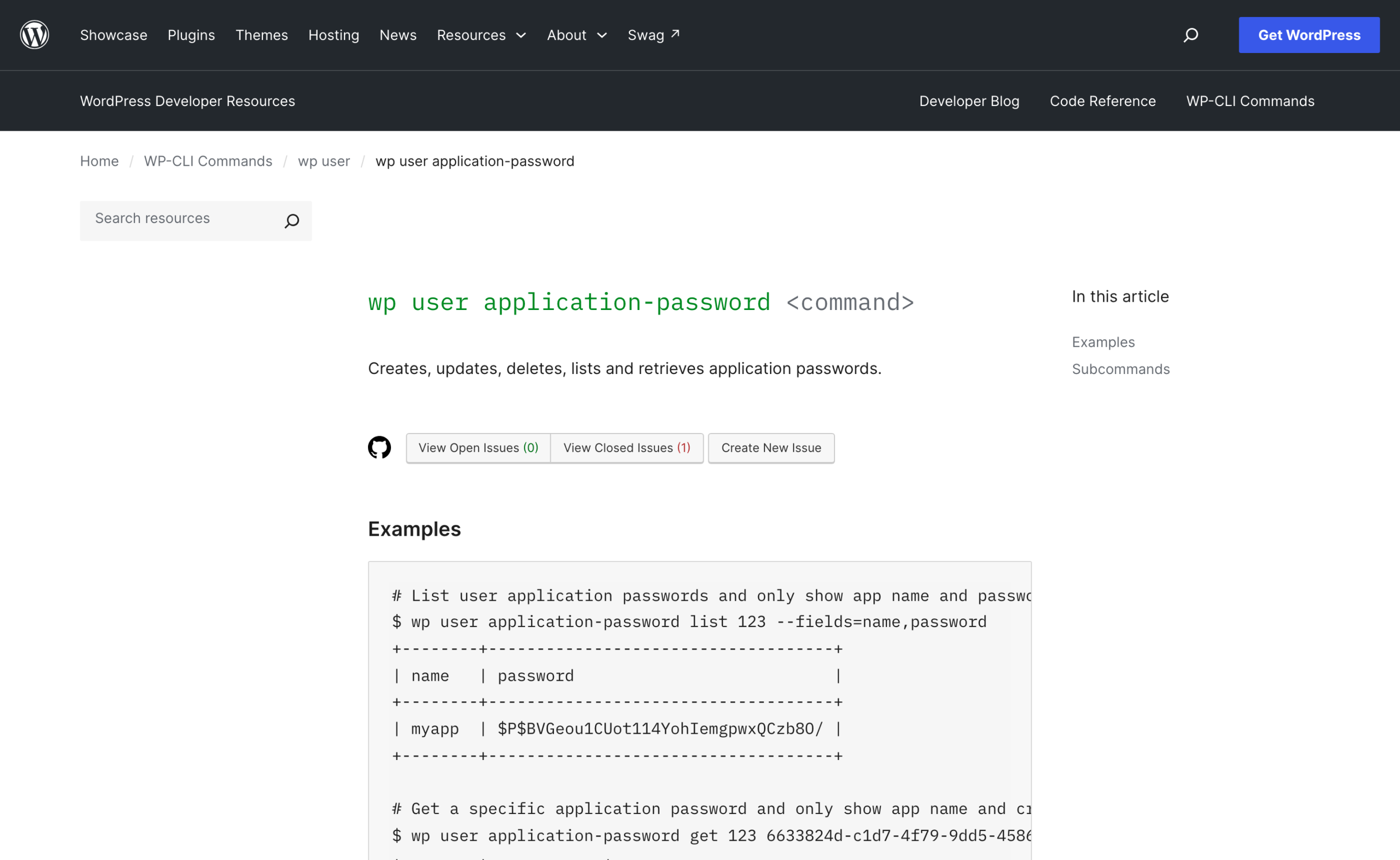
Enumerate what exists. WP-CLI has covered this since the entity command added it:
- List them:
wp user application-password list 123 --fields=uuid,name,created,last_used,last_ip. - Revoke one:
wp user application-password delete 123 6633824d-c1d7-4f79-9dd5-4586f734d69e.
Run the list across every account with install_plugins and read the name column. Anything you cannot immediately account for gets deleted. Revocation is instant and the cost of being wrong is one reconnection.
Make integrations identify themselves
Have your own integrations identify themselves. Core exposes an introspection route, added in 5.7, which returns the record for whichever password authenticated the current request:
Call curl --user "USERNAME:APPLICATION PASSWORD" https://example.com/wp-json/wp/v2/users/me/application-passwords/introspect.
It only works for the current user and only when an application password did the authenticating, which makes it a clean way for a script to log which credential it is running under.
Where this matters most
Agent tooling.
When I wired Claude Code up to WordPress in the complete setup for running Claude Code against WordPress, the credential doing the work is an application password, and everything above applies to it.
An agent with an administrator key is an agent that can install a plugin. Give it an author or editor account and the question stops being interesting.
Client sites too.
If you hold keys for other people’s installs, they belong in a manager with sharing and revocation rather than in a note, which is the argument I made in dedicated password manager versus browser password manager and in more detail in why Bitwarden is the one I use.
The broader handover discipline sits in how to manage WordPress websites for clients.
Do this today
Run wp user application-password list against every administrator on every site you own. You will find at least one entry you cannot name. Delete it, then move the integration it belonged to onto a non-administrator account and reissue.
More on wordpress security
- Why WordPress Malware Scanners Miss Cloaked Spam, and How to Actually Check
- Reading Your WordPress Access Logs for the Things Scanners Will Not Tell You
- WordPress Plugin Supply Chain: What Actually Happened in the Documented Incidents
- Hardening wp-admin: What Actually Helps
- What a WordPress Backup Must Contain to Be Worth Having
- WordPress File Permissions That Actually Matter
Resources
- REST API Handbook: Authentication – cookie auth, application passwords over Basic, and why the Basic Auth plugin is development only.
- Application Passwords: Integration Guide – the 5.6 announcement and the authorization flow parameters.
- wp_authenticate_application_password() – the function reference, with the hooks it fires.
- wp user application-password – list, create, update, delete and exists, with examples.
- My site was hacked – the official cleanup FAQ, which is where you go after you find something.