What WordPress Transients Actually Cost You
On this page, 9 sections
These four lines decide whether a transient costs you nothing or costs you on every request for the life of the site. They are inside set_transient(), wp-includes/option.php lines 1548 to 1554, WordPress 7.1:
if ( false === get_option( $transient_option ) ) {
	$autoload = true;
	if ( $expiration ) {
		$autoload = false;
		add_option( $transient_timeout, time() + $expiration, '', false );
	}
	$result = add_option( $transient_option, $value, '', $autoload );
}
$autoload = true is the default. It only becomes false if you passed an expiry.
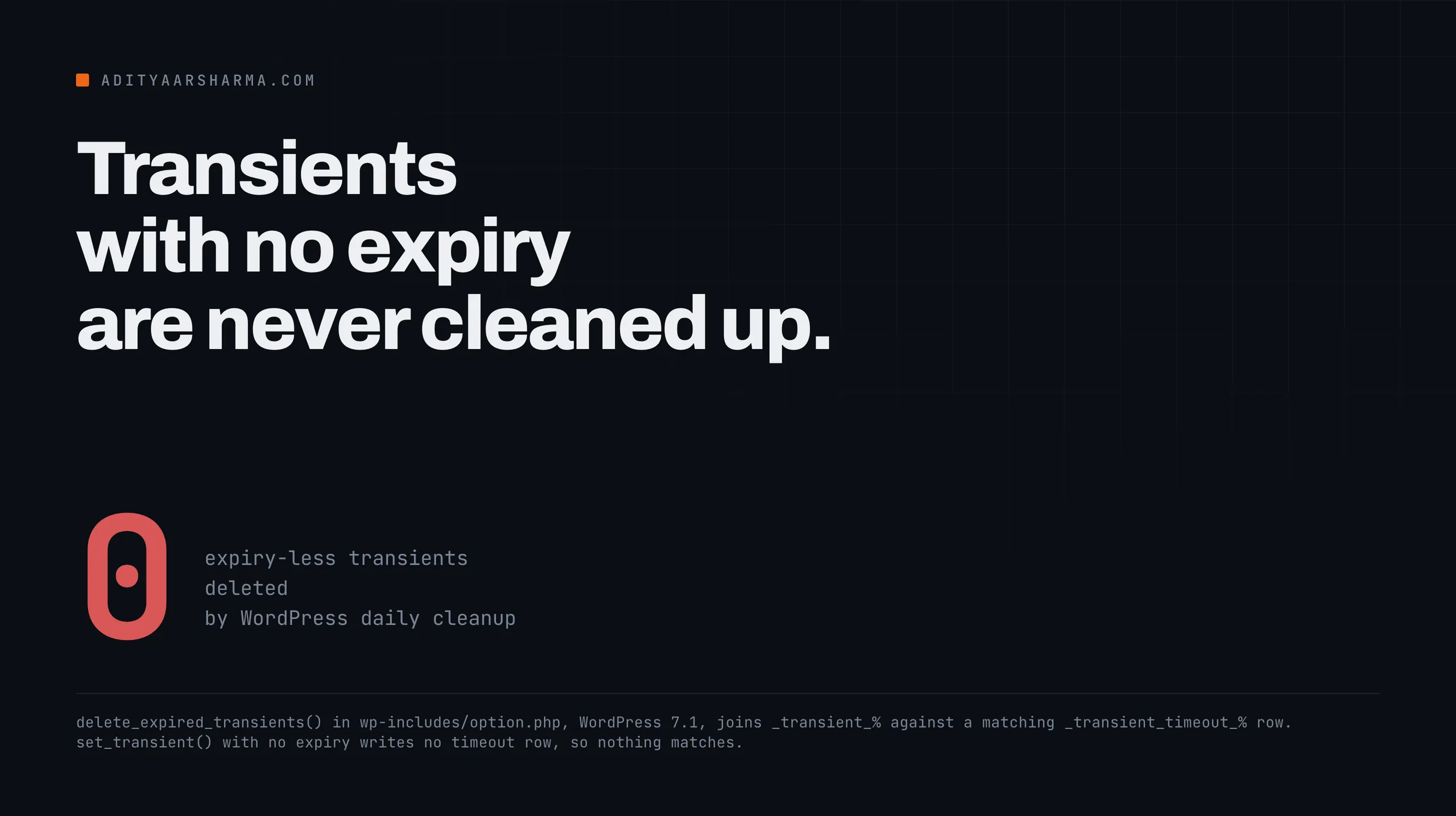
So set_transient( 'my_key', $data ) with no third argument writes an option that is loaded into memory on every single request, forever, and no scheduled job will ever remove it.
set_transient( 'my_key', $data, HOUR_IN_SECONDS ) writes two rows that are both excluded from the autoload set. Same function, opposite cost profile, and the difference is one argument that is optional.
I read WordPress 7.1, downloaded from wordpress.org on 3 September 2026 and confirmed as the current release against api.wordpress.org/core/version-check/1.7/.
Why the size guard does not save you
The 6.6 guard, and the boolean that skips it
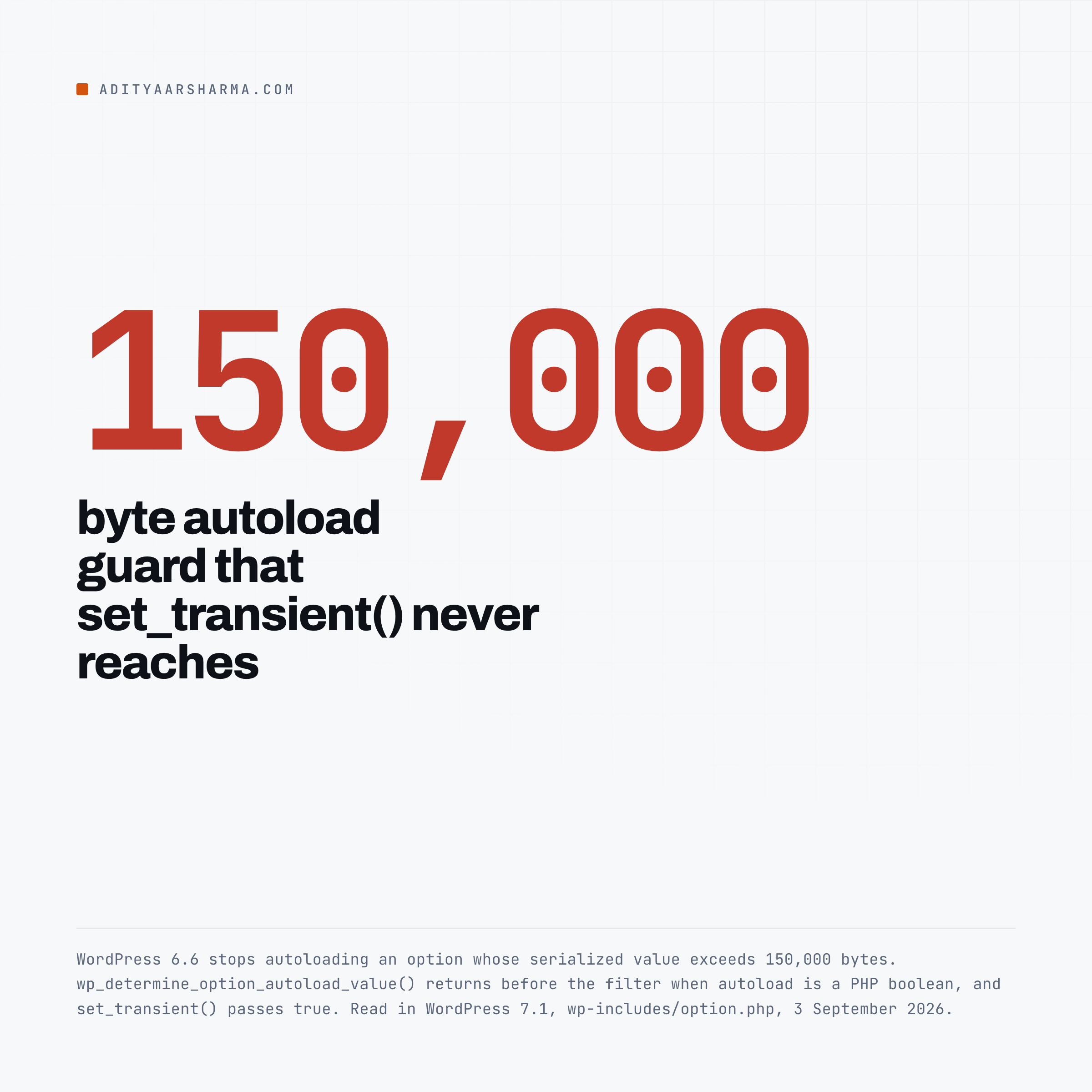
WordPress 6.6 added a threshold: an option whose serialized value exceeds 150,000 bytes is no longer autoloaded by default. People assume that covers a large transient. It does not.
The guard is implemented as a callback on the wp_default_autoload_value filter, and the first thing wp_determine_option_autoload_value() does is this:
// Check if autoload is a boolean.
if ( is_bool( $autoload ) ) {
	return $autoload ? 'on' : 'off';
}
Return before the filter. And set_transient() passes the PHP boolean true.
So a five megabyte API response cached with set_transient() and no expiry is written with autoload = 'on' and unserialized on every request, and the 6.6 guard never gets a chance to look at it.
The full mechanism, including three other ways to bypass the same guard, is in the autoload audit.
The cleanup job cannot see them
The daily cleanup, delete_expired_transients(), is a single DELETE that joins the options table to itself: row a matching _transient_%, row b matching _transient_timeout_ plus the same key, and b.option_value older than time().
Why it is a join, and what that excludes
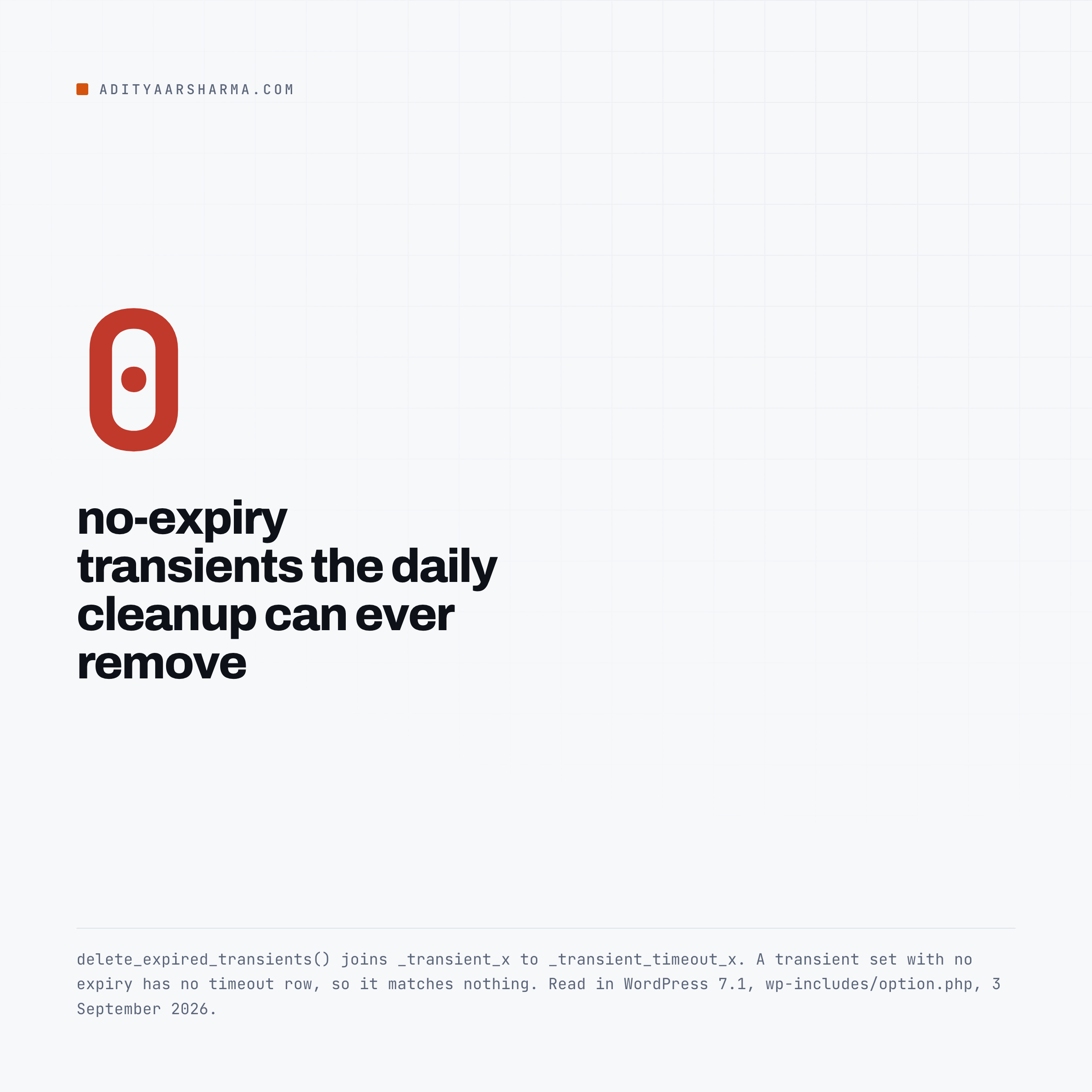
A _transient_x row is only deleted when a matching _transient_timeout_x row exists and has expired.
A transient set without an expiry has no timeout row, so it matches nothing, so it is never a candidate. It is not that WordPress considers it and keeps it. WordPress cannot see it.
That is the answer to the question people ask when they find a table full of ancient transients: the cleanup is running correctly and is structurally incapable of removing them.
And on many sites the cleanup is not running at all
The delete_expired_transients callback is wired up in wp-includes/default-filters.php line 469. The cron event that fires it is registered somewhere less convenient, wp-admin/admin.php line 112.
It calls wp_schedule_event( time(), 'daily', 'delete_expired_transients' ), guarded by wp_next_scheduled() and wp_installing().
Front-end traffic never schedules it
wp-admin/admin.php loads when somebody opens the WordPress admin. Not on a front-end request, not on a REST request, not on WP-CLI.
On a site nobody logs into through a browser, that event is never scheduled and the daily cleanup has never run once.
Check it in one line with wp cron event list --fields=hook,next_run_relative and grep for delete_expired_transients.
Empty output means it is not scheduled.
Expiry is checked on read, not on a clock
The other half of the lifecycle is in get_transient(). It calls wp_load_alloptions(), and only when the key is absent from that set does it read _transient_timeout_, compare it to time(), and delete both rows if the timeout has passed.
Two things worth noticing.
The expiry check is lazy
An expired transient stays in the table until somebody reads it or the daily job sweeps it.
A plugin that writes a transient per product, per user or per URL, and stops reading them when the feature is removed, leaves every one of those rows behind indefinitely.
Autoload is being used as the no-expiry signal
And the comment on line 1460 tells you how core decides whether to bother: if the key is in alloptions it is autoloaded, therefore it has no timeout, therefore skip the expiry check entirely.
The autoload column is being used as the signal for “this has no expiry”. That is why the two facts in this post are the same fact.
Where they land with a persistent object cache
Everything above is the no-object-cache path. With Redis or Memcached, the first branch in each function wins: if wp_using_ext_object_cache() is true, the value goes to wp_cache_set( $transient, $value, 'transient', $expiration ) and the options-table path is never reached.
One line, and the entire storage model changes. Transients go to the cache group transient, never touch wp_options, and expire through the cache backend’s own TTL. delete_expired_transients() returns immediately unless called with $force_db = true.
Three consequences people get wrong
A transient can vanish before its expiry. Redis and Memcached evict under memory pressure.
A transient with no expiry, which was permanent in the database, becomes a cache entry that survives only until the backend decides otherwise. Code that assumed permanence will start recomputing at unpredictable times.
Adding an object cache does not clean the old rows. Everything already written to wp_options stays there, still autoloaded, still loaded on every request. The cache moved future writes, not past ones.
A non-persistent cache is not an object cache. wp_using_ext_object_cache() is false without a drop-in, so the default install writes to the database no matter how healthy the caching plugin’s dashboard looks.
Which layer your problem is actually in is a separate question, and I worked through how to tell them apart in the piece on WordPress caching layers.
Finding the ones that are hurting you
Start with wp transient type, because it decides which of the two worlds you are in.
It prints either “Transients are saved to the object cache.” or “Transients are saved to the database.” Everything below applies to the second answer.
Then find the autoloaded ones, largest first. These are the rows that cost you on every request.
- Query
wp_optionsforoption_name LIKE '\_transient\_%', excluding\_transient\_timeout\_%, whereautoloadis one ofyes,on,auto-onorauto. Order byLENGTH(option_value)descending. - For the total to compare against the 800,000 byte Site Health warning, run the same filter through
COUNT(*)andSUM(LENGTH(option_value)). - For orphaned timeout rows, left-join
_transient_timeout_xback to_transient_xand count the rows where the value side isNULL. Those mean something deleted a value without its timeout.
The quick version through WP-CLI is wp option list --autoload=on --transients --format=total_bytes, which is the same measurement without the SQL.
WP-CLI has a readable view too, and it labels exactly the case this post is about.
wp transient list --human-readableThe expiration column prints no expiration for the autoloaded ones and expired for rows the cleanup has not reached.
Then wp transient delete --expired, and wp transient delete --expired --network on multisite.
Note what that does not touch: the no expiration rows. Same limitation as the core cleanup, for the same reason.
One trap in the measurement itself
The obvious command, wp option list --autoload=on --format=total_bytes, excludes transients by default.
Its SQL adds AND (option_name NOT LIKE '_transient_%' AND option_name NOT LIKE '_site_transient_%') unless you pass --transients. So the standard way to measure your autoload weight hides the exact category this post is about.
What does not work
Deleting every transient. wp transient delete --all removes valid caches along with the dead ones, and the site rebuilds them on the next request.
On a busy site that is a self-inflicted traffic spike into whatever the transients were protecting. Delete the specific large ones you identified.
Setting a very long expiry instead of none. That is the right instinct, and it works: any non-zero expiry means $autoload = false.
YEAR_IN_SECONDS is a permanent cache that is not autoloaded and is eligible for cleanup. There is almost no case where no-expiry is better than a long expiry.
Using a transient for something that must persist. Under an object cache it can be evicted at any moment. If losing it breaks something, it is an option, not a transient.
Blaming transients for a slow site. They are a fixed per-request tax and rarely the largest number. On a site I profiled end to end the plugin hook weight and the query count both mattered more.
Find the plugin first, using the method in the piece on finding the plugin that is slowing your site, then come back and clean the options table.
The one thing to do
Run wp transient list --human-readable on your largest site and count the rows that say no expiration.
Every one of them is loaded on every request, was never checked against the 6.6 size guard, and will never be removed by anything WordPress runs on its own.
Resources
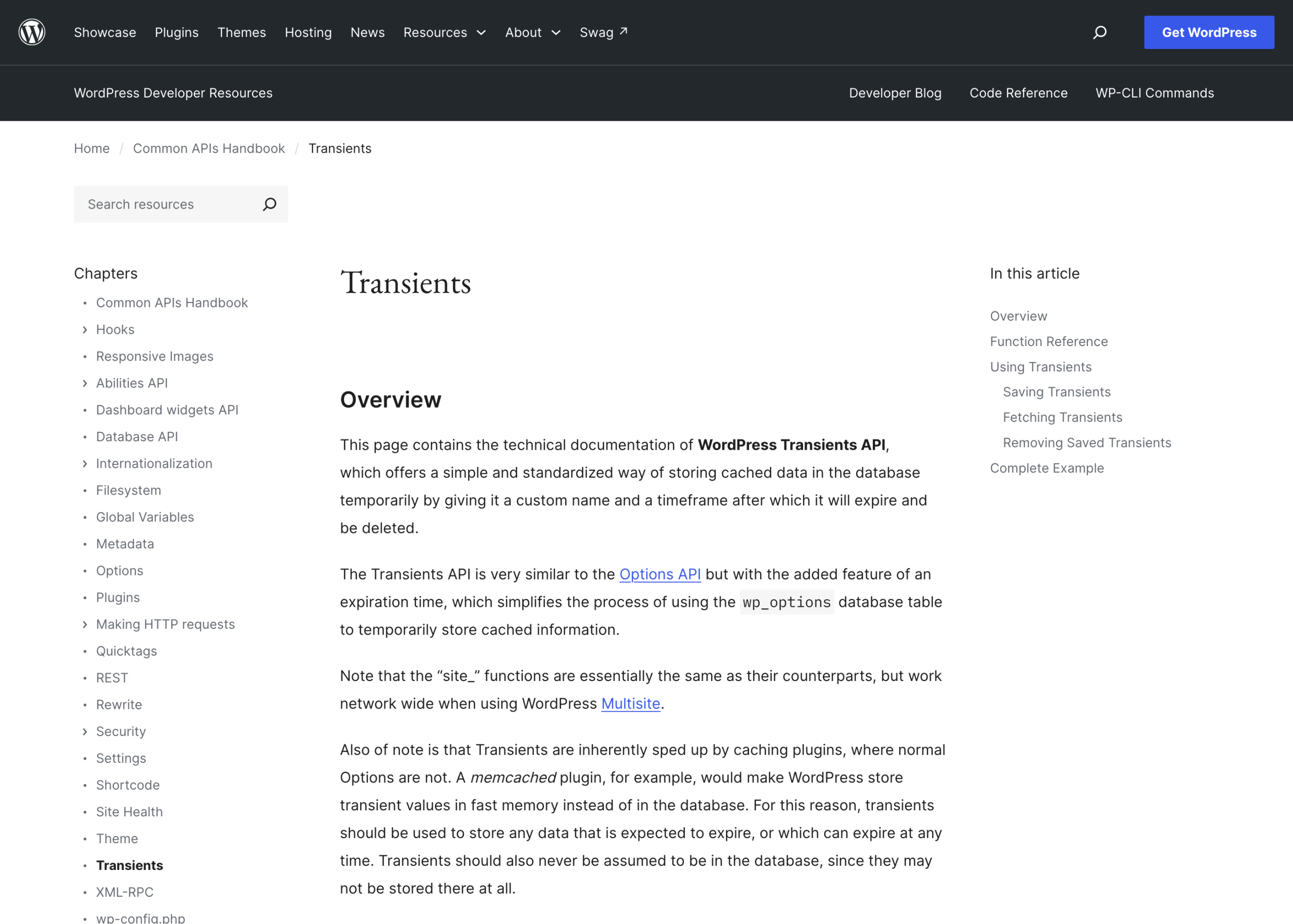
- Transients API in the Common APIs handbook
- set_transient() and get_transient() in the code reference
- wp transient in the WP-CLI command reference
- wp-includes/option.php on wordpress-develop, which holds both the transient and the option functions
- Options API: disabling autoload for large options, the 6.6 dev note