llms.txt for WordPress: What the Spec Actually Says and Whether Anything Reads It
On this page, 8 sections
curl -s https://adityaarsharma.com/llms-full.txt | wc -c returns 672228. That is my own site, checked on 2 September 2026. Six hundred and fifty-six kilobytes of Markdown, generated for machines, sitting at a URL that Google has stated in writing it does not read.

On 15 June 2026 Google added a note to its AI optimization guide saying you do not need AI text files or Markdown to appear in Google Search, including its generative AI features, because Search itself “doesn’t use them”.
The Search Central changelog entry for that day says the note went in to answer community questions and to make clear the files will not help or hurt rankings.
That is the clearest statement any large vendor has made about llms.txt, and it is a negative one.
So the honest position is this. The spec is real and well designed. WordPress plugins generate the file in one click. Nobody has published a controlled test showing the file changes whether an AI system cites you.
Everything below is what I could verify by reading the spec and running commands against a live WordPress site.
What the spec actually says
The proposal lives at llmstxt.org and was revised to v2 in August 2026. Most posts you will find describing llms.txt are describing v1, and v1 changed in ways that matter.
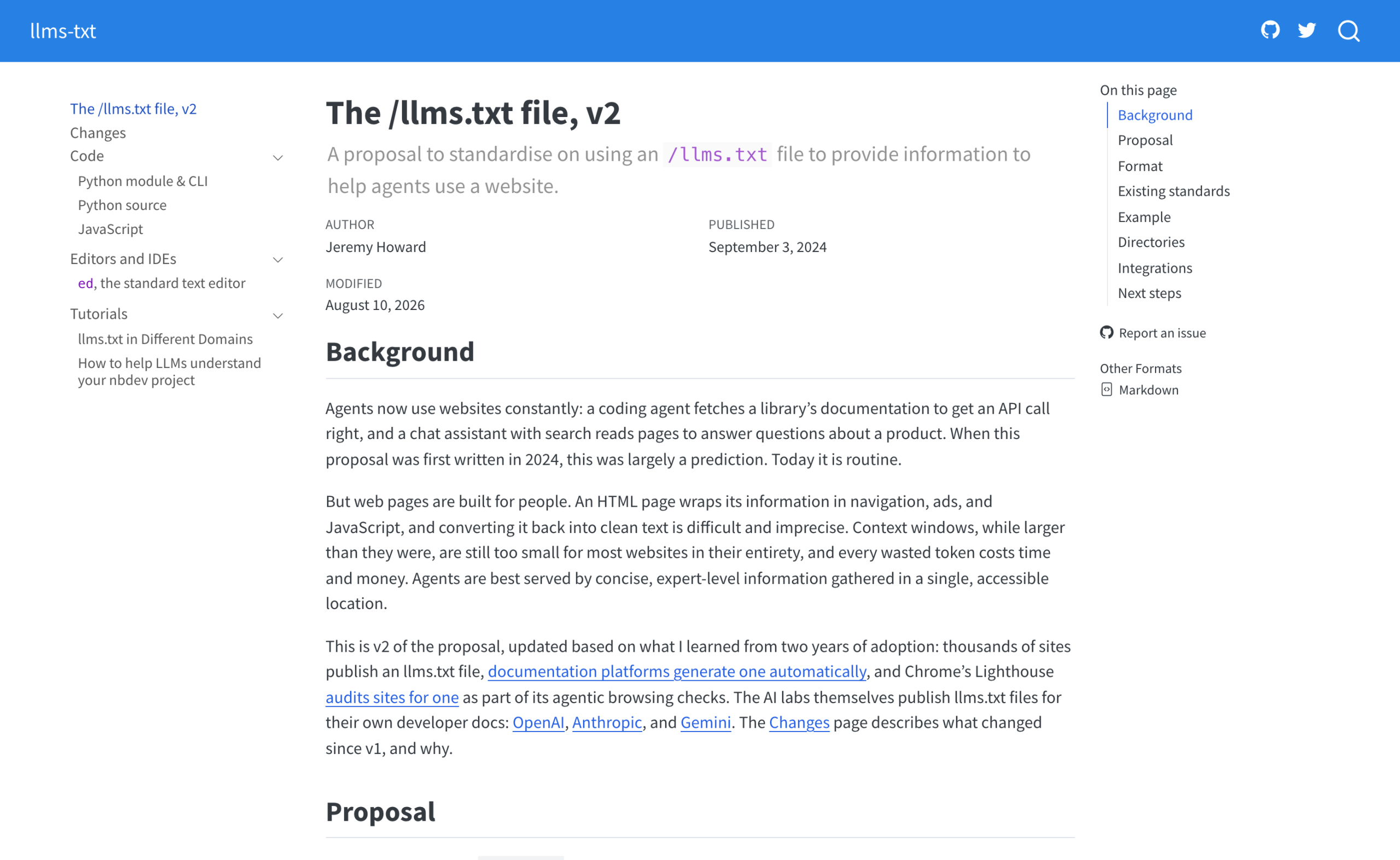
The file format itself is short. One H1 with the site or project name, and that H1 is the only required part. An optional blockquote summary.
Then zero or more H2 sections, each containing a Markdown list of links, each link optionally followed by a colon and a note.
# Title

> Optional description goes here

Optional details go here

## Section name

- [Link title](https://link_url): Optional link details

## Optional

- [Link title](https://link_url)
Four things in v2 are worth knowing because the WordPress plugin ecosystem has not caught up with them.
- The links are supposed to point at Markdown, not at your HTML pages. The spec says agents view or search the llms.txt, then follow the relevant links, and those links should point to LLM-friendly content. The file is a map. The detail lives behind the links.
- The file can sit at any path, not only the root. A file at
/docs/llms.txtcovers everything under/docs/, and where two files apply the more specific one wins. This is what lets someone who controls only a subdirectory participate. - Discovery is done with standard link relations.
rel="alternate" type="text/markdown"points at a page’s Markdown version.rel="describedby"points at the llms.txt that covers it. Both work as HTML link elements or as an HTTP Link response header, which means a CDN can add them without touching a single page. - The Optional section lost its mechanical meaning. In v1 it told the
llms_txt2ctxexpander what to skip. v2 dropped the context-expansion tooling entirely, so Optional is now just a convention for secondary links.
Two URL shapes for the Markdown version
v2 also allows two URL shapes for the Markdown version of a page: page.html.md with the extension appended, or page.md with the extension replaced. v1 only blessed the first. Publishing tools had already diverged, so the spec followed them.
What the WordPress plugins actually generate
Two plugins ship this feature to a very large share of WordPress sites. Their own documentation is the fastest way to see the gap between the spec and the implementation.
Yoast SEO
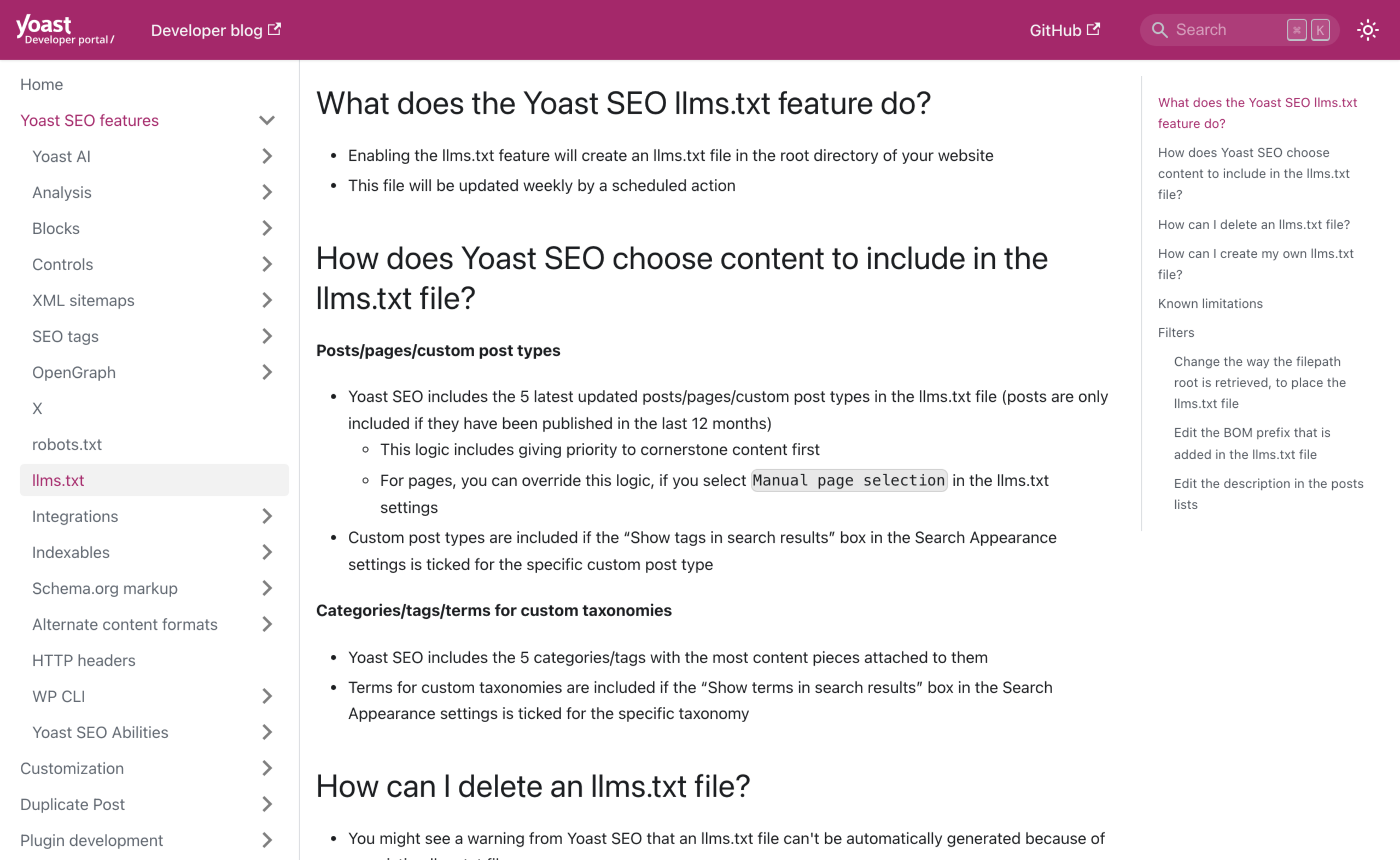
Yoast SEO. The functional specification says the feature writes a physical llms.txt to the root of the WordPress install, refreshed weekly by a scheduled action.
It includes the five most recently updated posts, pages or custom post type entries, with cornerstone content prioritised, and posts only if they were published in the last twelve months.
It also includes the five categories or tags with the most content attached.
Five posts. On a site with eight hundred published posts, the generated file describes five of them, and it links to the normal HTML permalinks, as the example in Yoast’s own docs shows.
That is a valid llms.txt under the format rules and it does not do the thing the spec is for, which is to hand an agent clean Markdown behind each link.
The file placement is worth reading closely too. Yoast uses get_home_path(), falls back to $_SERVER['DOCUMENT_ROOT'], and exposes a wpseo_llmstxt_filesystem_path filter for when neither is writable.
If you run WordPress on a read-only or containerised deploy, that is where this breaks.
Yoast also lists a known limitation: if another plugin serves llms.txt dynamically, the static file wins on the URL, so you can end up serving a file you did not think was live.
All in One SEO
All in One SEO. Its feature page generates both llms.txt and llms-full.txt, offers Markdown conversion, and lets you cap links per post type. It is the more spec-aware of the two.
The page also promises “AI Rankings & Citations” and says your content gets found and ranked faster. I could not find a test, a dataset, or a citation behind either claim on that page, read 2 September 2026.
The mechanism nobody mentions: llms-full.txt defeats the purpose
The argument for llms.txt in the spec is a context budget argument. A model reading your site cannot hold the whole site, and HTML wastes tokens on navigation and scripts, so give it a small curated map and let it fetch detail on demand.
Now measure the three files on my site, all checked 2 September 2026:
/llms.txt: 32,351 bytes, 130 lines./llms-full.txt: 672,228 bytes.- One post as Markdown,
/how-to-fix-301-errors-in-wordpress.md: 10,761 bytes.
The token arithmetic
At roughly four bytes per token, llms-full.txt is on the order of 168,000 tokens. That is a rough conversion, not a measured count, and English Markdown usually lands close to it.
Either way the file is the same size problem the spec set out to avoid, in one request. The small file, at 32 KB, is the one doing the job.
The full file is a convenience for a human running a bulk import, and it is worth being honest that this is what it is.
I checked my own implementation against the spec and it fails in two places
Here is the Link response header from a post on my site, read with curl -sD - -o /dev/null on 2 September 2026:
link: <https://adityaarsharma.com/llms.txt>; rel="llms-txt"
link: <https://adityaarsharma.com/llms-full.txt>; rel="llms-full-txt"
link: <https://adityaarsharma.com/index.md>; rel="alternate"; type="text/markdown"
link: <https://adityaarsharma.com/how-to-fix-301-errors-in-wordpress.md>; rel="alternate"; type="text/markdown"
Two problems with my own headers
Two problems. rel="llms-txt" and rel="llms-full-txt" are invented relation types. They are not in the spec and they are not registered link relations, so nothing is looking for them.
The spec asks for rel="describedby" pointing at the llms.txt file, and that header is absent. Second, the page advertises two different Markdown alternates, one for the site index and one for the page itself.
A client following rel="alternate" type="text/markdown" has no defined way to pick, so it will take whichever it reads first.
What does work
What does work, and it is worth knowing that this part is easy on WordPress:
$ curl -s -o /dev/null -w "%{http_code} %{content_type} %{size_download}\n" \
    https://adityaarsharma.com/how-to-fix-301-errors-in-wordpress.md
200 text/markdown; charset=utf-8 10761

$ curl -s -H "Accept: text/markdown" -o /dev/null -w "%{http_code} %{content_type} %{size_download}\n" \
    https://adityaarsharma.com/how-to-fix-301-errors-in-wordpress/
200 text/markdown; charset=utf-8 10761
Both the appended .md URL and content negotiation on the canonical URL return the same 10,761 bytes with the correct content type, and the body opens with a YAML front matter block carrying title, url, date, modified, author and description.
That is the half of the proposal with an obvious payoff regardless of whether any model ever reads your llms.txt, because it is a cheap, cacheable, clean representation of your content for anything that asks for it.
The adoption evidence, stated as evidence
What can actually be checked, as of 2 September 2026:
- OpenAI, Anthropic and Google publish llms.txt files for their own developer documentation.
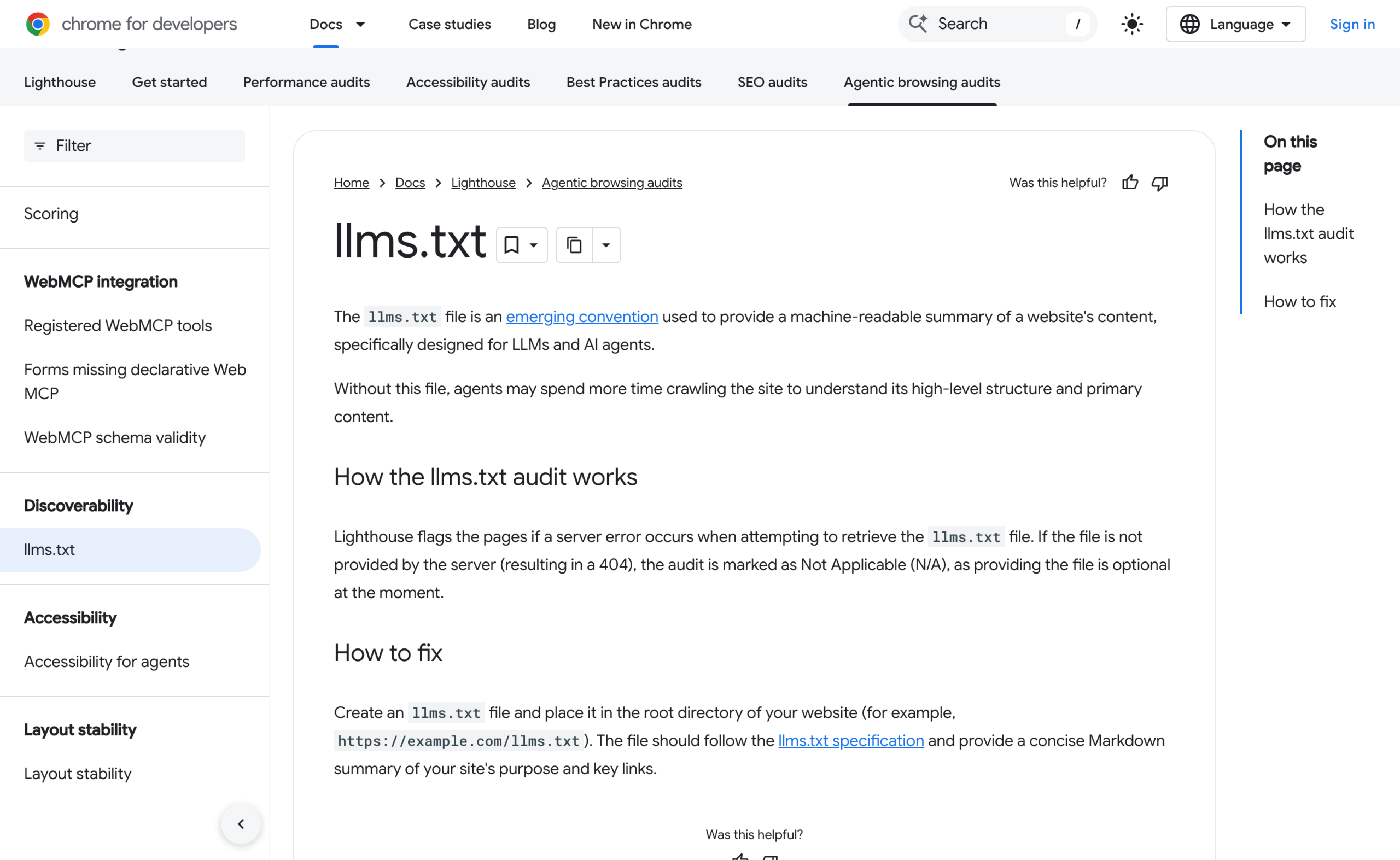
developers.openai.com/llms.txtanddocs.anthropic.com/llms.txtare both live, and the OpenAI docs pages carry a line telling you to append.mdto any page URL. Publishing one is not the same as consuming one. - Chrome’s Lighthouse has an llms.txt audit under agentic browsing, last updated 5 May 2026. Read the audit logic before you celebrate: it flags a server error when fetching the file, and marks the audit Not Applicable on a 404, because providing the file is optional. It is a diagnostic, not a ranking factor.
- The spec author states in the v2 changes page that thousands of sites publish one, documentation platforms generate them automatically, and coding agents follow them reliably. Coding agents are the strong case here. A coding agent pointed at a library’s docs is exactly the reader the format was designed for.
- Google says Search does not use it. Neither OpenAI’s nor Anthropic’s crawler documentation mentions reading llms.txt at all, and both of those pages describe their bots in detail.
What cannot be checked
What cannot be checked: whether publishing one changes how often you are cited. I have not seen a study with a control group on this, and I am not going to imply one exists.
If you find a real test, the design has to hold everything else constant, which on a live site is hard, because the same people who add llms.txt usually also add Markdown versions, clean up headings and fix their redirect chains in the same sprint.
Where this leaves a WordPress site
The cost of publishing llms.txt is close to zero and the failure modes are known, so the decision is not agonising. What I would not do is pay for it, or let it displace work that has measurable effects.
If you are running AI agents against your own WordPress install, the Markdown side of the proposal earns its keep immediately: your agent stops parsing your theme’s markup and starts reading 10 KB of clean text.
Two things to sanity check
Two things to sanity check if you turn a generator on. First, whether the file is a static write to your webroot or a dynamic route, because the static write breaks on immutable deploys and can be shadowed by a second plugin.
Second, how many URLs it actually contains. Five posts out of eight hundred is not a map of your site, it is a recent-posts widget in a text file.
The sitemap extraction method I use for auditing URL sets works fine for diffing your llms.txt against what you actually publish.
This is not the memory question
It is also worth separating this from the memory and retrieval question entirely. llms.txt is a discovery convention for a public website.
If what you want is for a model to hold your knowledge across sessions, that is a different problem with a different set of tools, and I compared the ones that exist in AI memory tools for a second brain.
And if you are wondering whether WordPress itself is going to grow first-class support for any of this, the direction of travel is in what shipped in WordPress 7.0.
Run the two curl commands above against your own domain. If Accept: text/markdown returns HTML, you have the file and not the thing the file points at, which is the configuration almost every WordPress site with llms.txt is currently in.
Fixing that is the part with a defensible reason behind it.
More on ai search and wordpress
- robots.txt for AI Crawlers: The Actual User-Agent Strings, and What Each One Honours
- Structured Data and AI Answers: What Schema Is Actually Doing for You Now
- How to Measure Whether AI Search Sends You Anything
Resources
- llmstxt.org and the v1 to v2 changes page, the actual proposal.
- Google Search Central, optimizing for generative AI features, last updated 10 July 2026. The mythbusting section is the part to read.
- Google Search Central changelog, the 15 June 2026 entry on llms.txt.
- Yoast SEO llms.txt functional specification, including the filters and the known limitations.
- Lighthouse llms.txt audit, Chrome for Developers.