WordPress Sitemaps: Core Versus Plugin, and Whether AI Crawlers Read Them
On this page, 7 sections
If you have Yoast SEO or Rank Math active, WordPress core is still generating a sitemap and you are still paying for it in code that runs on every request.
What you are not doing is serving it. Both plugins carry one line that settles the whole “which sitemap wins” question, and it is the same line in both.
// Yoast SEO 28.5, src/initializers/disable-core-sitemaps.php
add_filter( 'wp_sitemaps_enabled', '__return_false' );

// Rank Math 1.0.277.2, includes/modules/sitemap/class-redirect-core-sitemaps.php
add_filter( 'wp_sitemaps_enabled', '__return_false' );
Both then hook template_redirect, watch for a request path starting /wp-sitemap, and issue a 301 to their own index. I read both plugin sources from WordPress.org on 3 September 2026.
There is no conflict, no duplicate sitemap and no ambiguity: the plugin wins, and the core URL permanently redirects.
Which is worth knowing because the interesting question is not which one wins. It is what you lose and gain in the swap, and whether either of them is how an AI crawler finds you in the first place.
What core emits, exactly
The files core ships
Sitemaps shipped in WordPress 5.5, in August 2020. Everything lives in wp-includes/sitemaps/: a main class, an index, a registry, a renderer, an XSL stylesheet class, and three providers in wp-includes/sitemaps/providers/ for posts, taxonomies and users.
Requesting the index on a local 6.9.4 install returns an XSL stylesheet reference and three child sitemaps, nothing more:
/wp-sitemap-posts-post-1.xml/wp-sitemap-posts-page-1.xml/wp-sitemap-taxonomies-category-1.xml
An individual sitemap carries exactly two elements per URL. loc holds the permalink, and lastmod holds a timestamp like 2026-09-02T16:36:01+00:00. Nothing else.
What one URL entry actually contains
That is the whole feature. The renderer will accept changefreq and priority if a filter adds them, and it emits a _doing_it_wrong() notice for anything else, but core itself never sets them.
Google has said for years that it ignores both, so their absence costs you nothing.
The users sitemap that silently vanished
Notice what is missing from the index above: there is no users sitemap. On that install every post has post_author set to 0, because the content was created over the REST API without an author.
WP_Sitemaps_Users::get_users_query_args() queries with has_published_posts against the public post types minus pages and attachments, gets zero users back, so get_max_num_pages() returns 0 and the provider contributes nothing to the index.
That is core behaving correctly and it is also a good example of how a sitemap silently reflects a data problem you did not know you had.
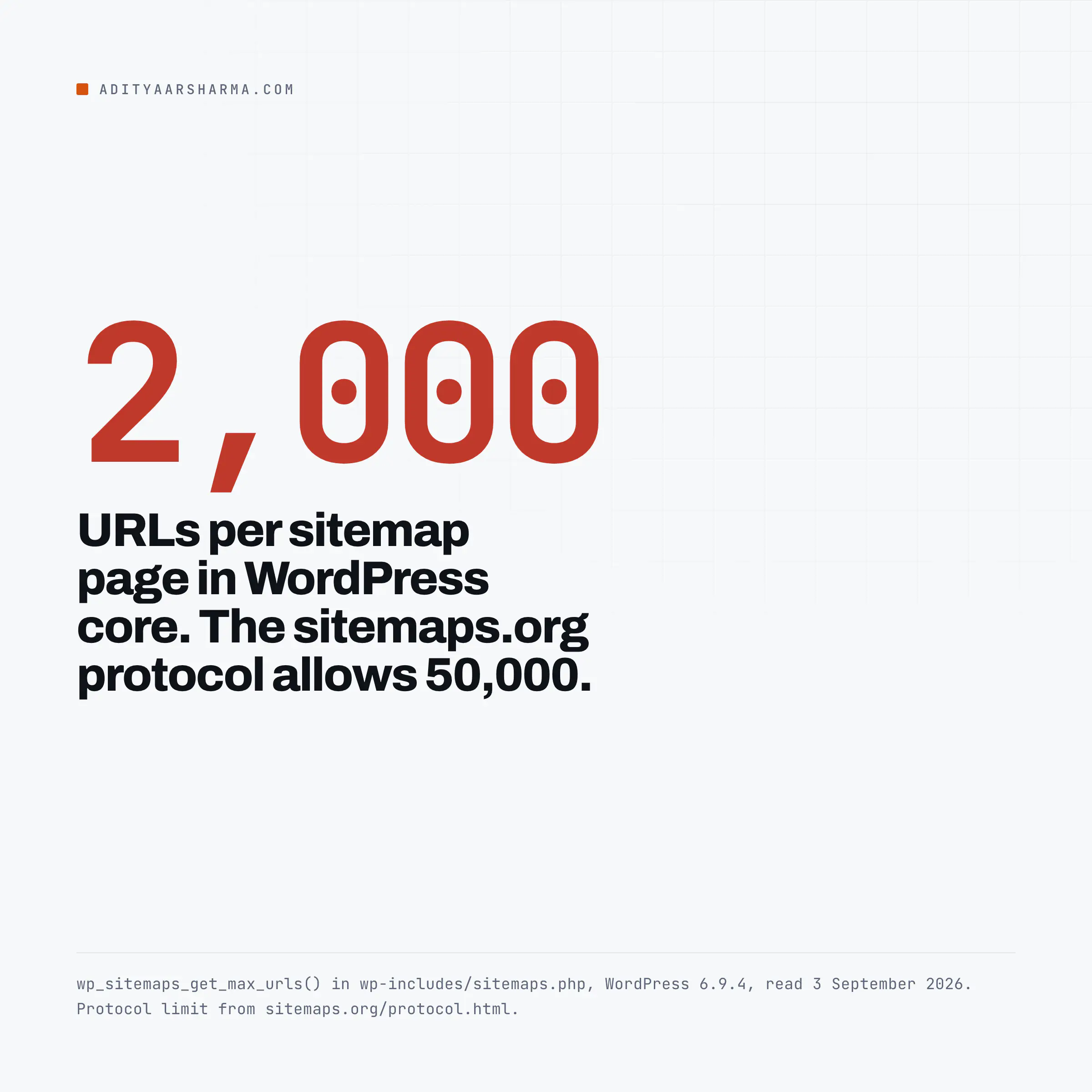
The 2,000 URL limit, and the one filter
One function, in wp-includes/sitemaps.php:
function wp_sitemaps_get_max_urls( $object_type ) {
    return apply_filters( 'wp_sitemaps_max_urls', 2000, $object_type );
}
2,000 per page, applied identically to the posts query posts_per_page, the taxonomy query number, and the user query number.
The sitemaps protocol allows 50,000 URLs and 50MB uncompressed per file, so core is running at four per cent of the ceiling.
That is deliberate: 2,000 get_permalink() calls on a cold cache is already a slow request, and 50,000 would time out on most shared hosting.
Raising the limit for one object type only
Raising it is one filter, and the $object_type argument lets you raise it for posts without touching users.
Hook wp_sitemaps_max_urls with priority 10 and two arguments, then return 5000 when 'post' === $object_type and $max otherwise.
Before you raise it, time the existing one. curl -s -o /dev/null -w "%{time_total}\n" against your largest sitemap page tells you what you are multiplying.
What an SEO plugin adds on top
The five real differences
Reading the two plugins side by side, the differences are real and they are narrower than the marketing suggests.
- Image entries. Yoast renders
image:imagechildren inside eachurlblock, using thehttp://www.google.com/schemas/sitemap-image/1.1namespace. Core emits nothing about images. This is the one genuine capability gap. - Noindex awareness. This is the big one and nobody mentions it. Core includes every published post of a public post type. It has no concept of a per-post noindex, because that is a plugin setting stored in post meta. So on a site running core sitemaps plus an SEO plugin used only for meta tags, your sitemap will happily list pages you have told Google not to index. The plugins exclude them because they own the setting.
- Page size. Yoast defaults to 1,000 entries per page through the
wpseo_sitemap_entries_per_pagefilter, half of core. - Manual exclusion. A checkbox per post type and per taxonomy, against core’s
wp_sitemaps_post_typesandwp_sitemaps_taxonomiesfilters, which are code. - News and video sitemaps, which core does not attempt at all.
The noindex gap nobody mentions
And what you give up by letting the plugin take over: nothing functional, but you inherit its caching behaviour, its regeneration schedule, and its bugs.
Core’s version is generated live from a WP_Query on every request with no cache layer of its own, which is simple and predictable and slow at scale. Pick your problem.
If your reason for wanting core sitemaps is to drop a plugin, the honest position is that the noindex gap is the thing to solve first. Either accept that your sitemap and your robots meta tag disagree, or add the exclusion in code.
The AI crawler question, answered by reading the documentation
The assumption behind “submit your sitemap so ChatGPT finds you” deserves a check rather than a repetition. I went to the vendor documentation.
OpenAI does not mention sitemaps at all
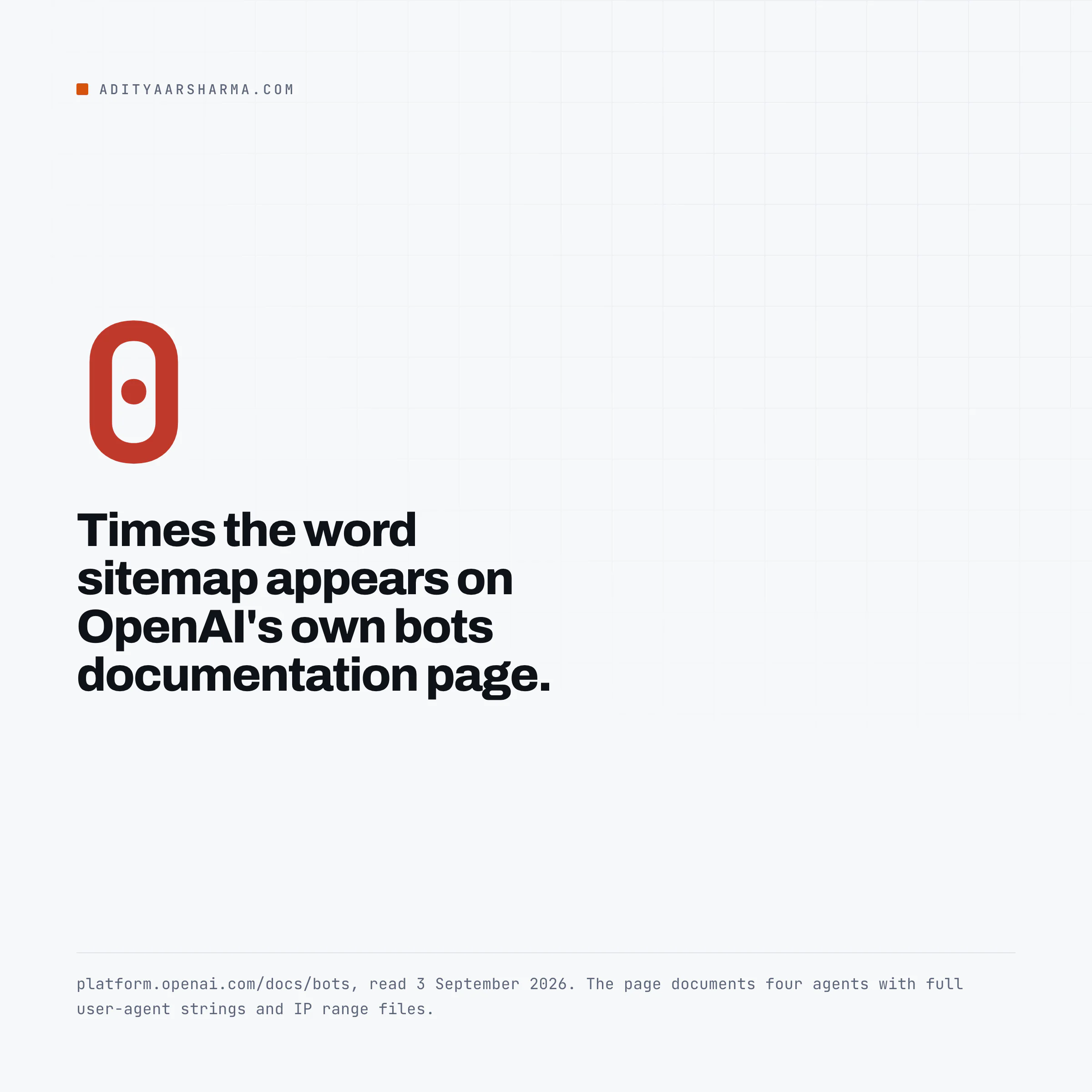
OpenAI. The bots page at platform.openai.com/docs/bots documents four agents, OAI-SearchBot, OAI-AdsBot, GPTBot and ChatGPT-User, with full user-agent strings and published IP range files for each.
Read on 3 September 2026, the word “sitemap” does not appear on that page. Not as a recommendation, not as a requirement, not at all.
What it does say is that OAI-SearchBot is the one that governs appearing in ChatGPT search results and that you should allow it in robots.txt.
Google says a small site may not need one
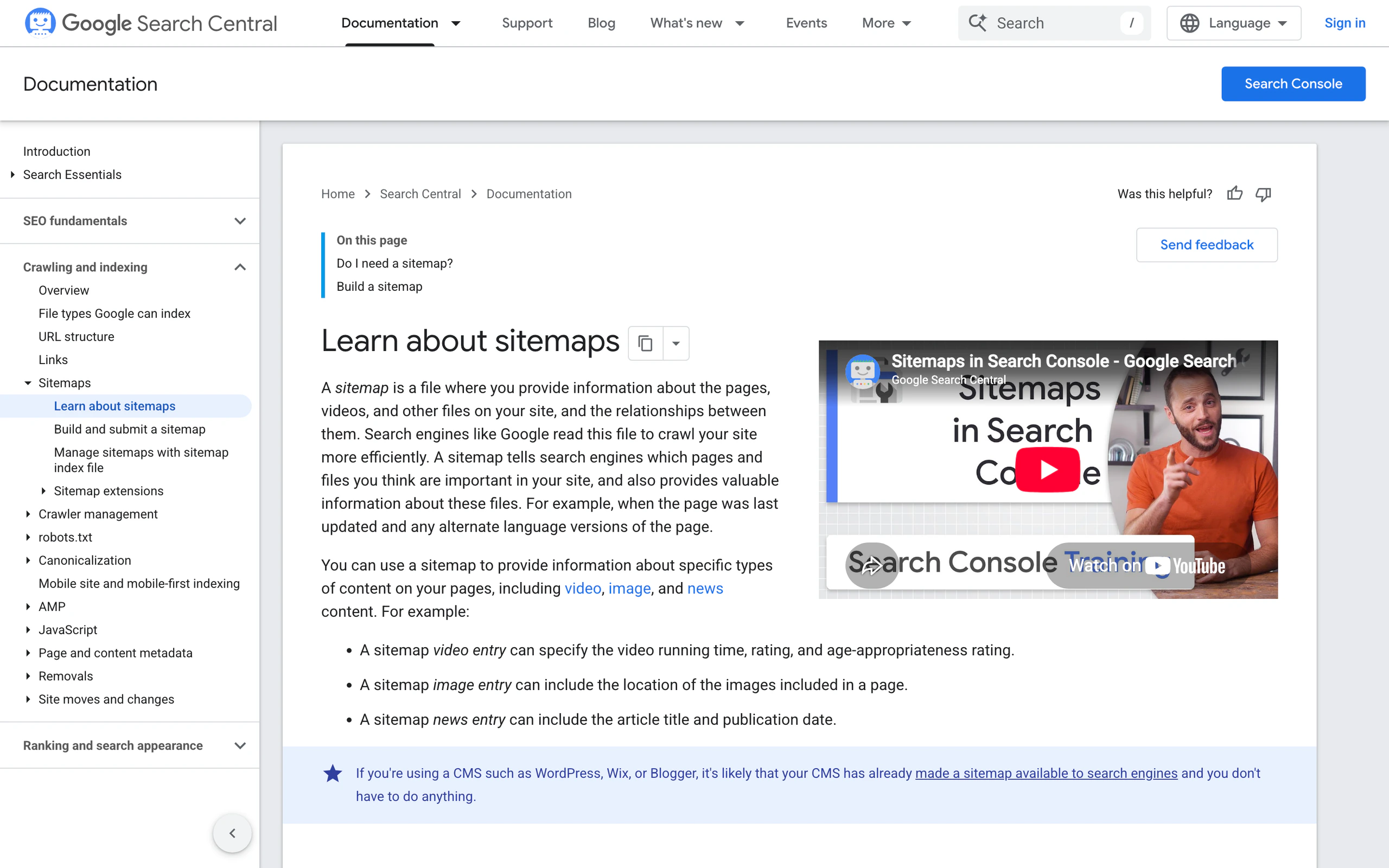
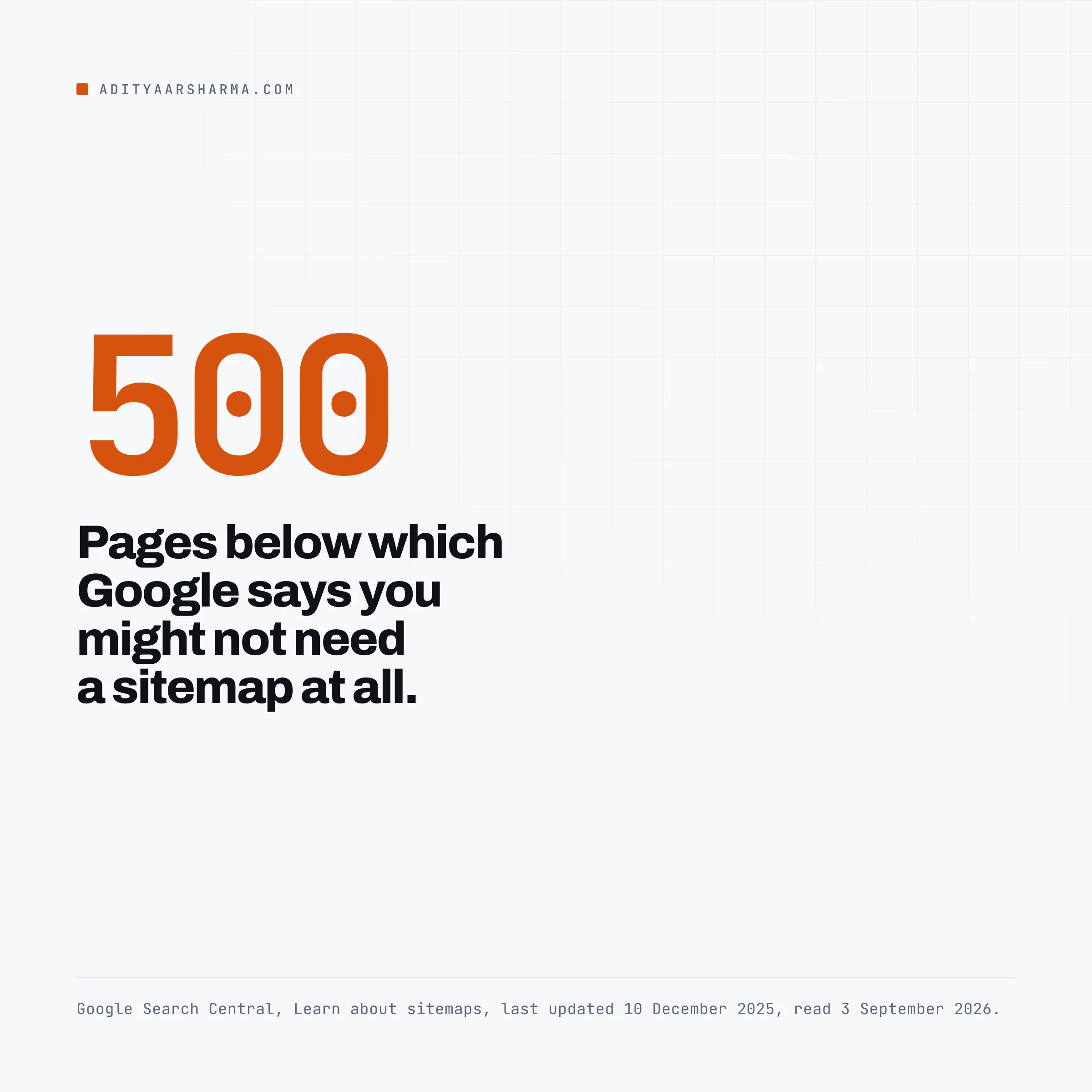
Google. The sitemap overview page, last updated 10 December 2025, is unusually direct about when you do not need one: “You might not need a sitemap if your site is small.
By small, we mean about 500 pages or fewer” and that another reason to skip one is a site whose important pages are all reachable by following links from the home page.
Google’s AI surfaces are fed by the same index as Google Search, so a sitemap helps them exactly as much as it helps Search, which on a well-linked small site is close to nothing.
The mechanism is the part worth holding on to. A sitemap is a discovery aid. It answers “what URLs exist here” faster than following links.
It says nothing about whether a page is worth citing, and every crawler that reads one still has to fetch and evaluate the page.
So the causal chain from “I submitted a sitemap” to “an AI assistant cited me” has at least three unverified links in it, and I have not seen a study that closes them.
Anyone telling you otherwise is describing a correlation.
What I would spend the effort on instead: making sure the crawler that matters can reach and parse the page.
The robots.txt piece has the actual user-agent strings and what each vendor says it honours, and the piece on measuring AI search traffic is the honest version of what you can and cannot measure afterwards.
Where a sitemap does real work for AI answers
The one place a sitemap does concrete work for AI answers is freshness signalling: lastmod is the only machine-readable statement you make about when a page changed, and core populates it from post_modified_gmt, which is accurate by construction.
That is more than most hand-maintained sitemaps manage.
Auditing your own sitemap in three commands
curl -sI https://example.com/wp-sitemap.xml | head -3The second command is the noindex check. Pull the first twenty <loc> values out of wp-sitemap-posts-post-1.xml with grep -oP, fetch each one, and grep the response for name="robots". Any page that comes back noindex while sitting in the sitemap is the disagreement.
There is a third worth running if you want the total. Pull every loc out of sitemap_index.xml, fetch each child sitemap in turn, count its <loc> lines and sum them with paste -sd+ | bc.
That gives you the real URL count across the whole index.
Reading what the three commands tell you
Command 1 answers the question this post opened with: a 301 means a plugin has taken over, a 200 means core is serving, and a 404 means blog_public is off or something has filtered wp_sitemaps_enabled without providing a replacement.
Command 3 is the noindex check, and on a site running core sitemaps with an SEO plugin it is where you find the disagreement.
If you would rather work with the list in a spreadsheet than in a terminal, the sheet that pulls a sitemap into Google Sheets does the same enumeration with a formula.
One more thing the sitemap will show you: URLs that no longer resolve where you think they do.
Every 301 in that list is a redirect the crawler has to follow before it gets your content, and the 301 errors piece covers where those come from on WordPress.
And the canonical tag on each of those pages is the other half of the same conversation, which is the canonical tag post.
Do this today
Run command 1 against your own site.
If it returns 200, core is serving your sitemap and you should immediately run command 3, because a core sitemap plus per-post noindex settings is the most common silent disagreement on a WordPress site with an SEO plugin installed for meta tags only.
Resources
- wp_sitemaps_get_max_urls(), WordPress Developer Resources
- wp_sitemaps_enabled filter, WordPress Developer Resources
- New XML sitemaps functionality in WordPress 5.5, Make WordPress Core
- Sitemaps XML protocol, sitemaps.org
- Learn about sitemaps, Google Search Central
- OpenAI bots and user agents documentation